Most lists of UI design inspiration sites stop at pretty screens. They rarely say which sites show products that actually shipped, or which features sit behind a paywall.
We’ve sorted the best UX/UI design inspiration sources by job: landing pages, app patterns, real user flows, or visual and motion ideas.
Every site and price here was checked in October 2026. Five old favourites now redirect somewhere else, and we’ll show you where.
Quick picks: the best UI design inspiration sites by job
Open the one that matches the job in front of you.
- Landing pages: Landbook, or Lapa Ninja for more boards on a free account.
- Shipped app patterns: Mobbin, with Refero as a second library.
- Real user flows: Page Flows, which records each journey on video.
- Visual direction: Dribbble for quick ideas, Behance for case studies.
- Motion and bold web design: Awwwards and Recent.
- Component ideas: Collect UI, sorted by UI element.
How we checked: In October 2026 we opened every site here and read its plans page where one exists. We didn’t test them on a live project, and our screenshots come from an earlier version of this guide, so some sites look different now. How we review software
Which sites are free? All 14 at a glance
Most are free to browse. The paid plans mostly buy the full library, flows, better search and unlimited saving.
| Site | Free? | Best for | What you get |
|---|---|---|---|
| Landbook | Free plan; Pro $9 a month or $72 a year | Landing pages | Full pages and single sections, filtered by colour and industry |
| Lapa Ninja | Free plan with ads; Pro $9 a month | Landing pages | Screenshots and videos of landing pages |
| SaaS Landing Page | Free | SaaS marketing pages | Pages sorted by type: pricing, features, FAQ |
| One Page Love | Free | Single-page sites | One-page sites by genre, plus templates |
| Siteinspire | Free | Studio and brand sites | Hand-picked sites with studio credits |
| Mobbin | Free plan; Pro $120 a year or $45 a quarter | Shipped app patterns | Real app and web screens; flows on Pro |
| Refero | Free preview; Pro $120 a year | Web and iOS references | Screens and flows; Figma plugin on Pro |
| Page Flows | No free plan; $2.95 trial, then $39 a quarter or $99 a year | User flows | Annotated recordings of real journeys |
| Dribbble | Free | Visual ideas | Designer shots, mostly concepts |
| Behance | Free; Pro US$9.99 a month | Case studies | Full projects that show the process |
| Awwwards | Free | Award-winning web design | Sites of the Day and interaction details |
| Recent | Free | Motion and web | A daily feed with motion filters |
| Collect UI | Free | Component ideas | Designer shots sorted by UI element |
| Free | Moodboards | Boards of images from across the web |
Landing page inspiration: where should you look first?
Landing page galleries crowd this list, but each of these five has its own strength: sections, video, SaaS, single pages or editorial taste.
Landbook: landing pages you can filter by section
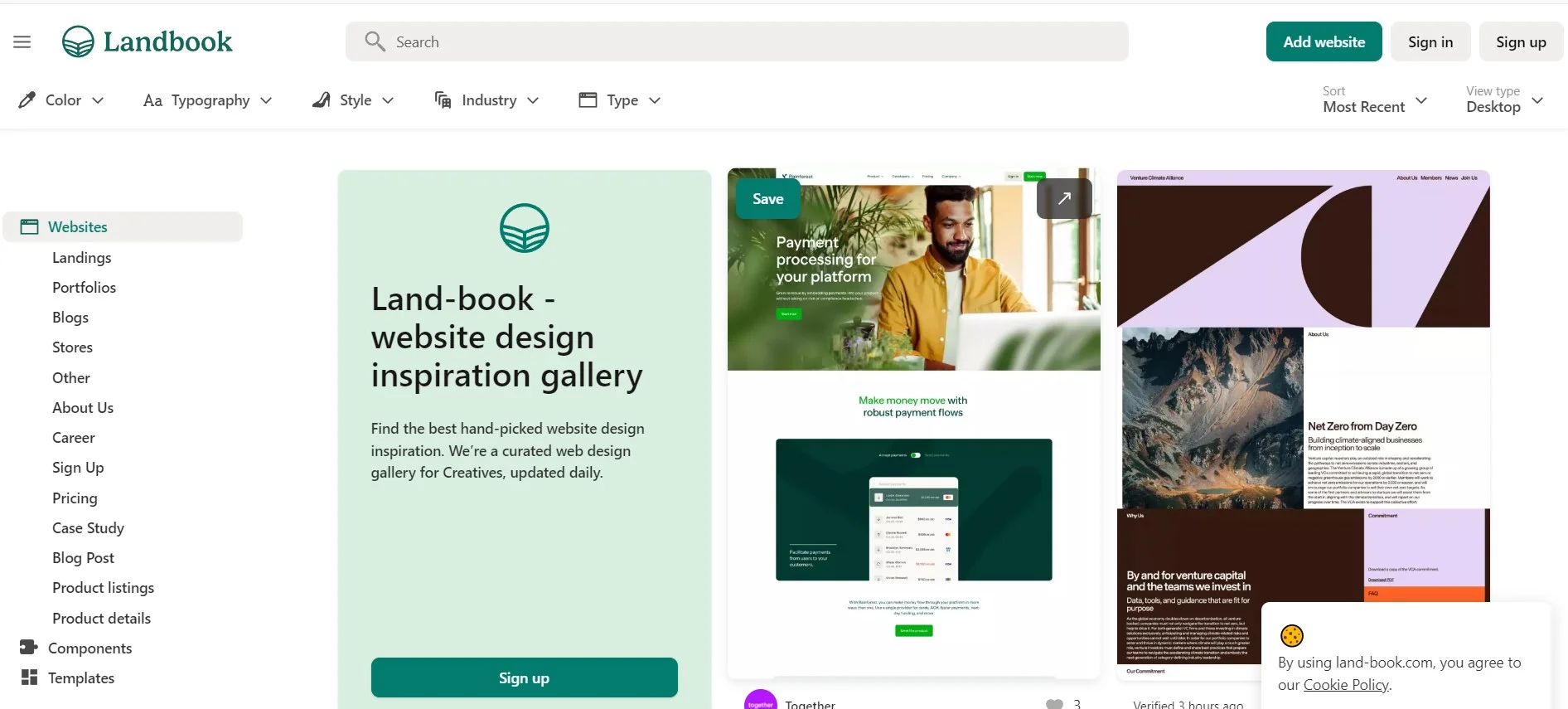
Landbook, long known as Land-book, is a hand-picked gallery of website designs, updated daily. Its standout is section search: hero, pricing or footer sections on their own, without scrolling whole pages.
- Filters for colour, style, industry and page type turn a long scroll into a shortlist.
- Categories reach past homepages to pricing, sign-up, careers and case study pages.
- Boards hold full pages or single sections, sorted by project.
Price: free, with limited sections, filters and three boards. Landbook Pro is $9 billed monthly or $72 billed yearly, adding mobile previews, old site versions and downloads.
Best for: comparing one section, like pricing tables, across many sites.
Skip it if: you design app screens, or only need a colour scheme; our colour palette sites are quicker for that.
Lapa Ninja: landing pages with screenshots and video
Lapa Ninja collects landing pages from startups, agencies and portfolios, with full-page screenshots and short videos. The videos show how a page moves, which a screenshot can’t.
- Industry categories, from AI and software to food and travel, keep examples close to your market.
- Five free boards, with up to 20 saves each.
- Webflow and Framer templates, plus a shelf of hand-picked design books.
Price: free with ads. Lapa Pro is $9 a month, cancel anytime, for unlimited boards, no ads and early access to new features.
Best for: landing page research on a free account, especially when motion matters.
Skip it if: you want section-by-section search; Landbook does that better.
SaaS Landing Page: SaaS pages sorted by page type
SaaS Landing Page, a project by Davide Pacilio, sticks to software companies. That pays off when you need ten SaaS pricing pages, not a bakery and a band.
- Separate galleries for pricing, features, about, testimonial, FAQ and contact pages.
- Tags such as B2B, dark, fintech and AI narrow it to your kind of product.
- A stack filter shows pages built in Webflow, Framer or Next.js. If Webflow tempts you, read our Webflow review.
Price: free. Paid placements are labelled as sponsored posts.
Best for: SaaS founders planning a pricing or features page before picking one of the no-code landing page builders.
Skip it if: your client doesn’t sell software; Lapa Ninja ranges wider.
One Page Love: single-page sites and templates
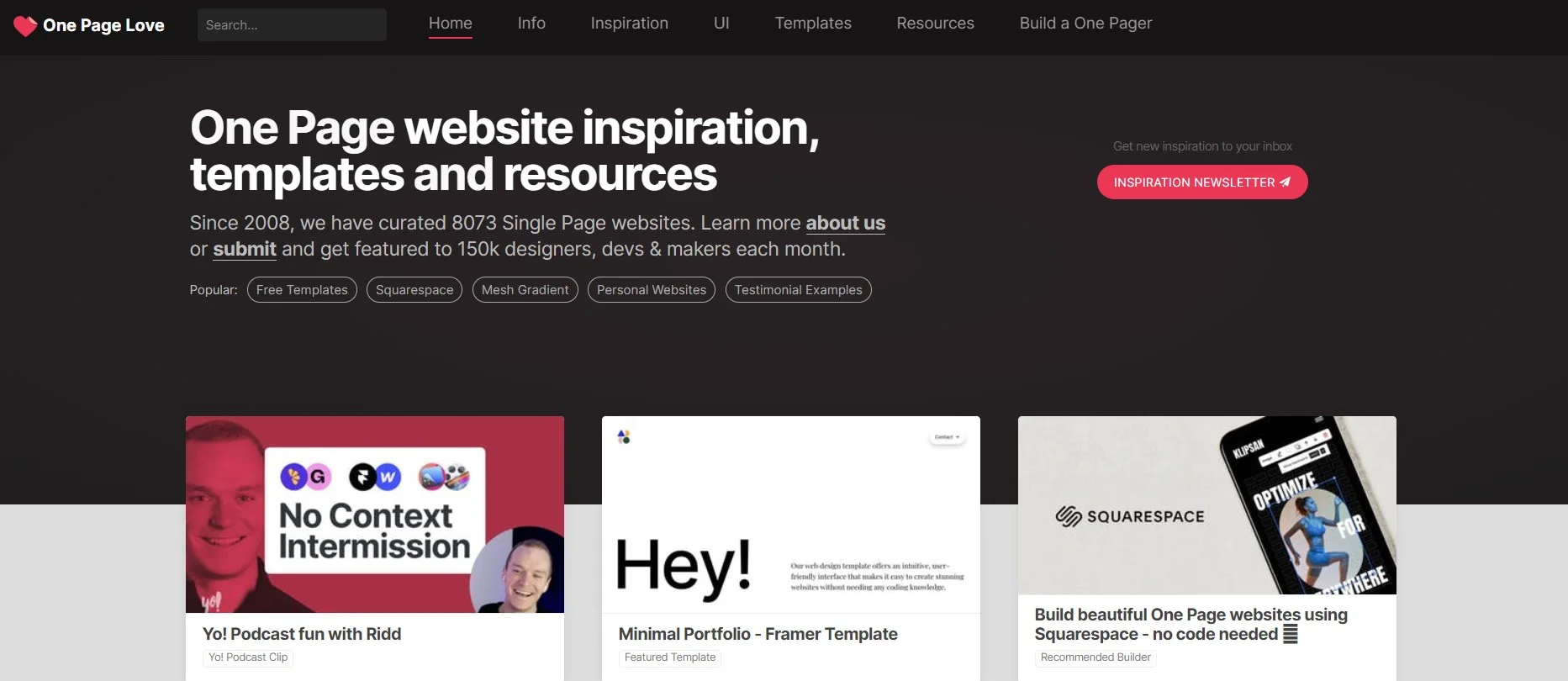
One Page Love, curated by Piet Terheyden, collects websites that fit on one scrolling page. It suits portfolios, launches and events, where every section must earn its place.
- Galleries by genre, including landing pages, portfolios, startups, apps and SaaS.
- Templates and resources for building a one-pager yourself.
- Every entry links to the live site, so you can test it on your phone.
Price: free to browse. Templates come from different makers, so check each one’s price and licence.
Best for: launches and one-page portfolios. Building without code? Our no-code website builders roundup helps you pick a tool.
Skip it if: your site needs deep navigation, like documentation or a large store.
Siteinspire: editorial and typographic sites
Siteinspire is a slower, pickier feed of studio, portfolio and brand sites. When we checked, new entries arrived every few days, and the taste leans minimal and type-led.
- Browse by style, type, subject and platform, including Minimal and Grid Layout categories.
- Each site credits the studio behind it, which helps when you’re hiring.
- A weekly email edit, if you’d rather not check the site.
Price: free to browse; sign in to save sites to collections.
Best for: brand and portfolio work where typography carries the design.
Skip it if: you need conversion patterns; SaaS Landing Page is closer.
App patterns: where can you find screens that actually shipped?
Concept shots look great until a real user taps them. These two libraries collect screens from live apps and sites.
Mobbin: shipped app screens, flows and animations
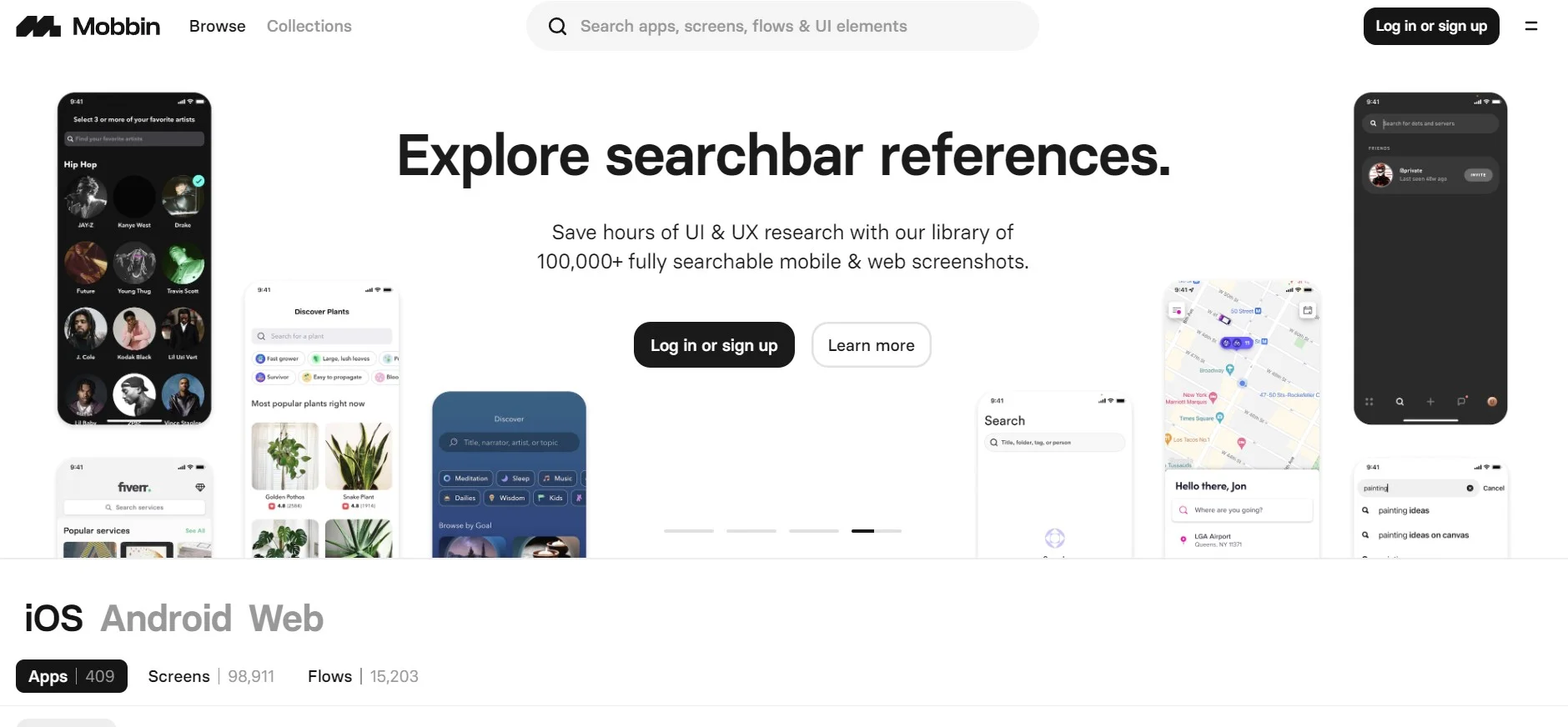
Mobbin is a searchable library of screens from real apps and websites, with new ones added every week. Open it when you need to see how ten shipped apps handle the same screen.
- Browse one product screen by screen, from sign-up to settings.
- Compare one pattern, such as a paywall or empty state, across many apps.
- Flows and animations show how screens connect and move.
Price: free, with a limited library. Mobbin Pro is $120 billed yearly or $45 billed quarterly, so paying yearly saves $60. Teams pay $16 per member a month, billed yearly.
Best for: product designers who research app patterns every week.
Skip it if: you design marketing sites; Landbook and Lapa Ninja cover those for less.
Refero: web and iOS references with a Figma plugin
Refero is Mobbin’s closest rival for web and iOS apps. Its pricing page lists 145,000+ screens from 400+ products, but the free plan shows only about 3% of them.
- User flows from sign-up to cancellation, step by step.
- Filters by pattern and element, such as empty states, payment methods or dark mode.
- A Pro-only Figma plugin drops references into your file.
Price: free preview. Pro is $120 billed annually, which Refero says saves $84 against monthly billing. There’s no time-limited trial.
Best for: a second library beside Mobbin, especially for web apps.
Skip it if: you design Android apps; Refero covers web and iOS only.
User flows: what happens between the screens?
One screen shows a step. A flow shows how many steps there are, where the app asks for a card and what happens after a mistake.
Page Flows: recorded journeys, step by step
Page Flows records real journeys through live products and annotates each step. It covers desktop web, mobile web, iOS and Android, plus product emails. The old UI Movement address now redirects here.
- Video of whole journeys, such as onboarding, checkout or deleting an account.
- Notes that point out the design choice on each screen.
- Searchable screens and UI elements, with batch downloads for research decks.
Price: no free plan; a non-refundable 3-day trial costs $2.95, then Page Flows bills $39 a quarter or $99 a year. Four quarters cost $156, so yearly saves $57. Teams start at $199 a year for three seats.
Best for: onboarding, checkout and cancellation work, where the steps between screens matter most.
Skip it if: you need only a few flows a year; Mobbin Pro and Refero Pro include flows.
Visual and motion inspiration (and the catch with portfolio sites)
Portfolio sites are where you go for mood, colour and craft. The catch: most of the work is made to win clients, so it rarely shows error states, long names or slow networks.
Use them for visual direction, then check any pattern against a shipped product in Mobbin or Refero.
Dribbble: fast visual ideas, mostly concepts
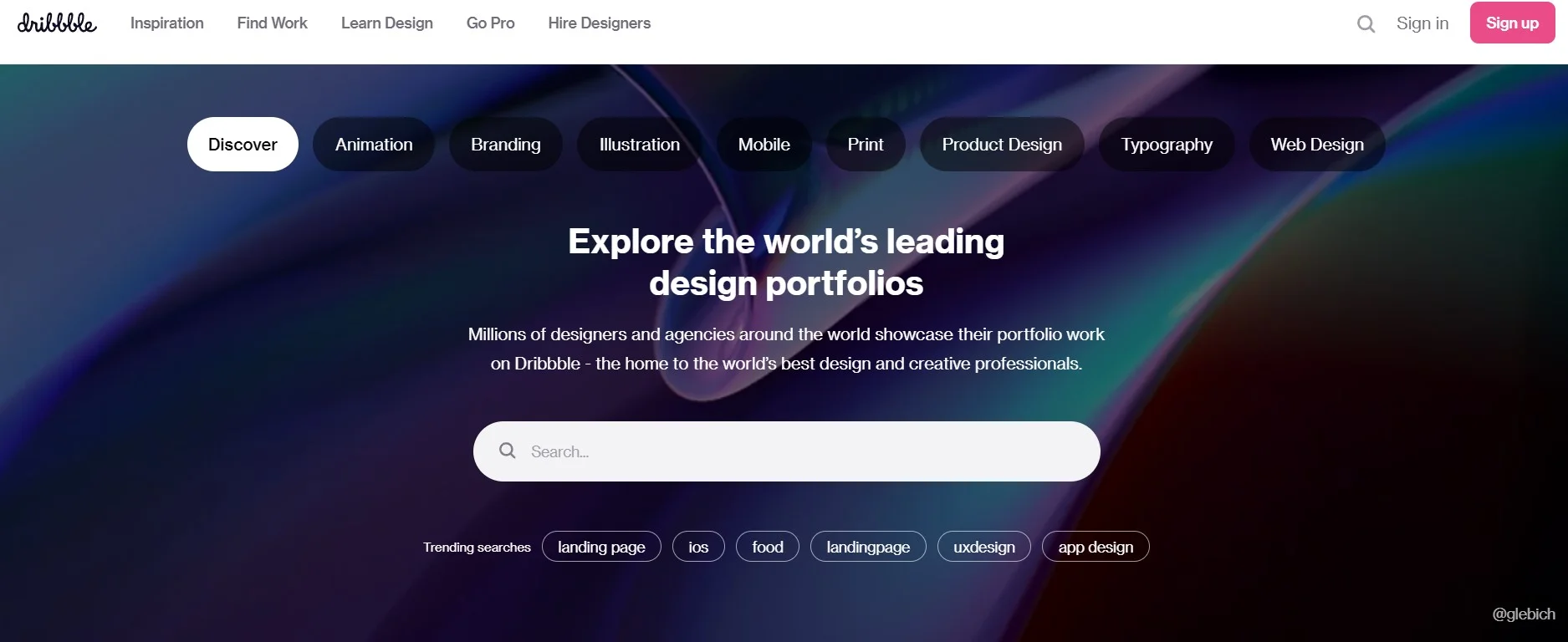
Dribbble is a fast way to see what designers are trying right now. Most shots are single frames or short clips made for a portfolio, not finished products.
- Filters for animation, mobile, product design and web design narrow the feed to your medium.
- Tag searches such as onboarding or dashboard show dozens of takes on one idea.
- Designer profiles let you find, and hire, the person behind a shot.
Price: free to browse. Dribbble’s paid Pro plans sell client leads to designers, so you don’t need one for inspiration.
Best for: visual direction, trend-spotting and ideas for small animations.
Skip it if: you need proof that a pattern works; check it in Mobbin first.
Behance: full case studies, not just the final frame
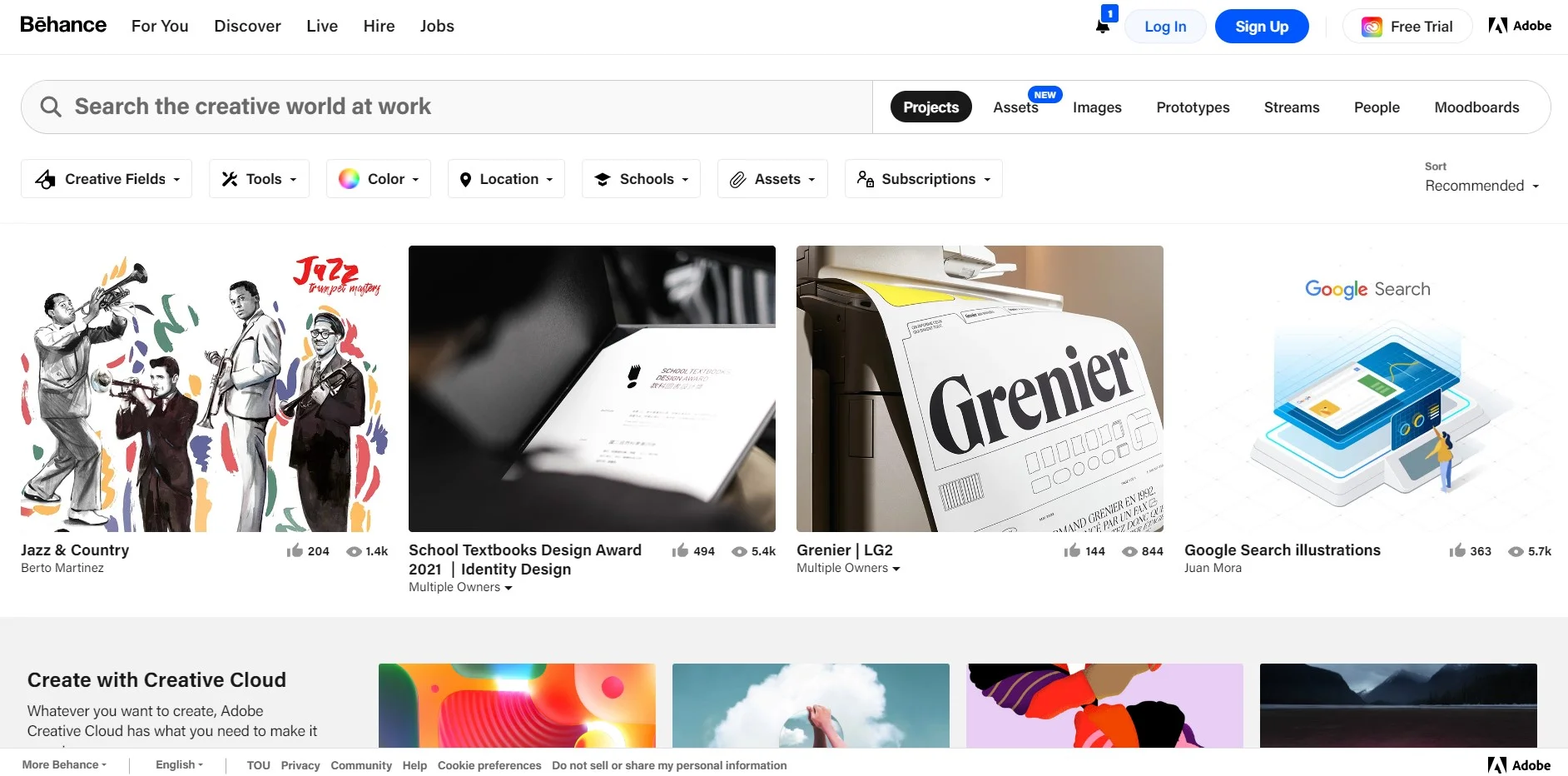
Adobe’s Behance hosts long-form projects, so a UI case study often walks from research and wireframes to final screens. That process is what Dribbble’s single frames leave out.
- Filters by creative field and tool cut the feed down to UI and UX work.
- Save projects to moodboards, one per brief.
- Case studies show how designers present work; for your own, mockup generators save hours.
Price: free to browse and save. Behance Pro is US$9.99 a month after a 7-day free trial; for inspiration, its one useful extra is search by image.
Best for: studying how designers frame a problem and present the answer.
Skip it if: you’re short on time; case studies are long, and you can’t search inside one.
Awwwards: award-winning sites and interaction details
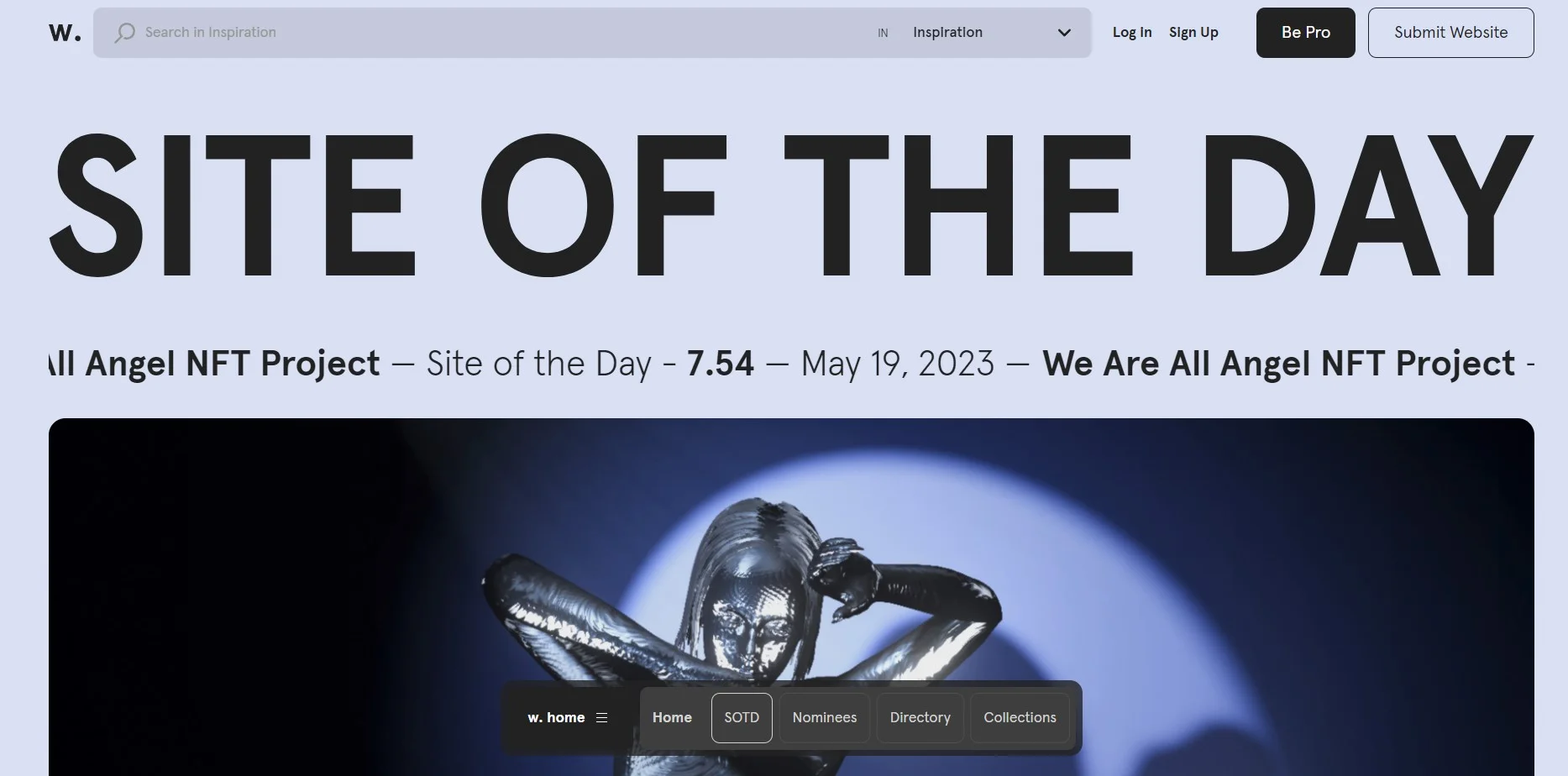
Awwwards is where studios compete for Site of the Day, scored by a jury. Winners lean experimental and motion-heavy, so treat them as a ceiling for craft, not a template.
- Sites of the Day and of the Month, each with jury scores.
- Elements, a gallery of menus, loaders, scroll effects and other interaction details.
- Member collections group sites by theme, such as pastel colour schemes.
Price: free to browse. Awwwards’ paid plans are for studios that submit and promote their own sites.
Best for: motion, scroll and interaction ideas for brand and agency sites.
Skip it if: your page has to load fast on a cheap phone.
Recent (Godly’s successor): daily picks for motion and web
Godly was a favourite for bold, animated websites, and its old address now forwards to Recent. Recent bills itself as Godly’s replacement, with a daily feed that goes beyond websites.
- Filters for web, interface, branding, motion, illustration, posters and print.
- Galleries for websites, launch videos, OG images, app screenshots and app icons.
- Every post credits its creator, so you can follow people whose work you like.
Price: free to browse; an account is optional.
Best for: motion studies, small interactions and launch videos.
Skip it if: you need app patterns with context; these are standalone pieces.
Collect UI: component ideas sorted by category
Collect UI sorts designers’ shots into a long list of categories, from buttons and toggles to onboarding and 404 pages. It’s a quick, free way to see dozens of takes on one component.
- Pages for single elements, such as date pickers, empty states and command bars.
- Motion categories, including scroll animation, loading animation and hover states.
- Each shot credits its designer and links to their profile.
Price: free; the site carries sponsor listings.
Best for: quick ideas when you’re stuck on one element.
Skip it if: you need tested patterns; many entries are designers’ own explorations.
Pinterest: moodboards, not research

Pinterest is a general visual search engine, as its outfit-ideas homepage shows, but its boards make easy moodboards for a client kickoff. Need a tidier layout? Canva has a free mood board maker, covered in our Canva review.
- Boards and sections group references by project or mood.
- Similar-pin suggestions surface related images from one starting point.
- Shared boards let a client or teammate add references.
Price: free with a Pinterest account.
Best for: early moodboards for colour, photography and overall feel.
Skip it if: you need to credit the original designer; check each pin’s source first.
Five old favourites that now redirect somewhere else
Older lists, including our earlier version, still send readers to these addresses. Here’s where each one goes now.
- UI Movement redirects to Page Flows’ homepage; its old gallery is gone.
- Uplabs redirects to Vantora, an enterprise AI company. The design gallery and marketplace no longer exist.
- Godly redirects to Recent, covered above.
- UI Sources and Design Vault both redirect to ScreensDesign, an iOS library of onboarding flows, paywalls and session recordings. Its Full Pro plan costs $299 billed annually.
Pttrns is still online and now free, but its library sits behind a sign-up. Its blog has also filled with off-topic posts, from construction staffing to Android Wi-Fi fixes. We dropped it for Mobbin and Refero, whose free plans show current apps.
How do you use inspiration without copying it?
Borrowing a pattern is how design works. Lifting someone’s pixels gets you a takedown request, or a product that feels like a knock-off.
- Save the pattern, not the page: screenshot just the pricing table or error state you need into a board for the project.
- Note why it works in one line, such as clear hierarchy or one fewer field. A screenshot without a reason is wallpaper.
- Collect five versions before you sketch. The overlap is the convention users expect; the differences are your choices.
- Rebuild it from scratch in your own type, grid and colours, in Figma or one of the Figma alternatives we’ve compared. Coding it on CSS practice sites teaches even more.
- Test it with real content: long names, real prices and slow connections break a borrowed layout fast.
Credit matters too. Dribbble’s help centre says designers keep all rights to their shots and asks you to get permission before using their work, even for personal use.
Refero’s terms of use allow references in presentations, moodboards and client design work. They ban scraping, republishing or AI training on the screens, which stay their owners’ property.
And never ship someone else’s illustrations, icons or photos. Swap them for licensed assets from royalty-free image sites.
UI design inspiration FAQs
Is Mobbin free?
Partly. Mobbin’s free plan shows a limited set of apps and sites, allows three collections and limits copying and downloads. Flows, animations and search need Pro, which costs $120 billed yearly or $45 billed quarterly. If you only check a pattern now and then, the free plan is enough.
What’s the best free alternative to Mobbin?
None of the free sites we checked matches Mobbin’s library of shipped screens. The closest free mix is Refero’s free preview for real web and iOS screens, plus Collect UI for component ideas. For your own niche, screenshot the apps you already use; a folder of screenshots is how Mobbin itself started.
Where can you study real user flows without paying?
Record them yourself. Sign up for two or three competitors, then screen-record onboarding, checkout and cancellation, noting each step and every point where you hesitate. It’s slower than a library, but it covers your exact niche. For breadth in a single sprint, the $2.95 Page Flows trial gives three days of full access.
Is it okay to recreate a Dribbble shot for a portfolio?
Treat it as a study, not a portfolio piece. Label it clearly as a recreation, credit and link the original designer, and ask before posting it publicly, since Dribbble’s policy requires permission. Hiring managers learn more from your own problem-solving, so pair any study with a redesign that solves a real problem.
Can AI design tools use these libraries?
Some can. Mobbin Pro and Refero Pro both include MCP access, so an AI agent can search the library before it generates screens. Refero names Claude Code, Codex and Figma agents among the tools that work. It says this covers designing your own products, while a customer-facing feature needs a separate business plan.
Are there student discounts on UI inspiration sites?
Yes, on the two big paid libraries. Refero gives students 40% off monthly and annual Pro, though Team and Lifetime plans don’t qualify. Mobbin offers a discount for students and educators through its education page, without listing the amount on its pricing page. Page Flows asks students with a .edu email to get in touch.
Where can you find typography inspiration for UI work?
Look at type inside real layouts rather than on specimen sheets. SaaS Landing Page lets you browse sites by font, such as Inter, Graphik or Geist Sans, and Lapa Ninja has pages for individual typefaces. Landbook’s filters include typography, and Siteinspire has a Typographic category for type-led sites.
How is a UI kit different from an inspiration site?
An inspiration site shows finished work you can study but not reuse. A UI kit is a set of ready-made components, often a Figma file, released under a licence that says how you may use it. Kits save build time, while inspiration shapes your decisions. Read a kit’s licence before using it in client work.
So which UI inspiration site should you open first?
The right UI design inspiration site depends on the job. Here’s the short version.
- Designing an app? Start with Mobbin’s free plan, because shipped screens beat concepts. Go Pro at $120 a year once you need flows and search every week.
- Building a landing page? Open Landbook or Lapa Ninja, because both are free and sort pages by section or industry.
- Working on onboarding or checkout? Pay for Page Flows, because recordings show the steps between screens. The $99 yearly plan wins if you need it for more than six months.
- Need a look and feel? Browse Dribbble, Behance and Awwwards, because they show craft and mood, then check any pattern against a shipped product.
Our pick for most readers: Mobbin, Landbook and Dribbble on free plans. That’s $0 until a project needs flows.