You need a photo for a blog post, an ad or a product page, and you’d rather not get a copyright letter next month.
These are the best websites for royalty-free images in 2026: six free sources and four paid stock sites.
Here’s the trap: royalty-free doesn’t mean rule-free. A free licence covers the photographer’s copyright, not the people, logos or artwork in the frame.
We read each site’s current licence, so you’ll know what’s banned before you download.
Quick picks by what you need the image for
Short on time? Match the job to the site, then check its rules below.
- Free photos with no credit line: Unsplash or Pexels
- Free illustrations and vectors: Pixabay
- Public-domain and museum images: Openverse
- Images for a social graphic: Canva
- Cheapest yearly plan with legal cover in our price table: Unsplash+, $84 a year at its launch price
- Ads, packaging and merch: iStock or Shutterstock, with an extended or enhanced licence
- Unlimited downloads with no yearly contract: Depositphotos, $29 a month
How we checked these sites: In October 2026 we read each site’s current licence, terms and pricing page, and confirmed all ten are still running. We didn’t run download tests, and this isn’t legal advice, so talk to a lawyer before a big campaign. How we review software
What does royalty-free actually let you do?
Royalty-free describes how you pay, not whether you pay. As iStock’s pricing FAQ explains, you license an image once, then reuse it without paying a royalty each time.
So the same label covers a $29-a-month stock plan and a free photo site. Four kinds of licence sit behind it:
- Free licence (Unsplash, Pexels, Pixabay, Canva): the photographer keeps the copyright but lets you use the image for free, under the site’s rules.
- Creative Commons (much of Openverse): free, with conditions such as credit (BY) or no commercial use (NC).
- Public domain (CC0 or expired copyright): no copyright conditions, though the CC0 deed notes it doesn’t affect trademarks, privacy or publicity rights.
- Paid royalty-free (Shutterstock, Adobe Stock, iStock, Depositphotos): a standard licence capped at around 500,000 printed copies, plus an extended one for bigger runs or products you sell.
Which licences need credit, and which allow commercial use?
A yes in the commercial column means yes within that site’s banned uses, which its section below spells out.
| Site | Licence | Credit needed? | Commercial use? | Best for |
|---|---|---|---|---|
| Unsplash | Unsplash License | No (appreciated) | Yes; no selling unedited copies | Blog and website photos |
| Pexels | Pexels License | No | Yes; no selling unedited copies | Photos plus free video |
| Pixabay | Pixabay Content License | No | Yes; brand and merch limits | Illustrations and vectors |
| StockSnap | CC0 | No | Yes | No-strings photos |
| Openverse | Varies (CC0 to CC BY-NC) | Often (CC BY) | Only with the right filter | Public-domain and museum images |
| Canva | Canva Content License | No | Yes, inside your designs | Social graphics |
| Shutterstock | Standard or Enhanced | Editorial use only | Yes; standard caps print at 500,000 | Heavy downloaders |
| Adobe Stock | Standard, Enhanced or Extended | Editorial use only | Yes; standard caps copies at 500,000 | Creative Cloud users |
| iStock | Standard or Extended | Editorial use only | Yes; standard caps print at 500,000 | Single images with legal cover |
| Depositphotos | Standard or Extended | Editorial use only | Yes; standard caps print at 500,000 | Month-to-month unlimited |
The free sites, and the fine print on each
All six cost nothing. What separates them is what each licence bans.
Unsplash: best for polished blog and website photos
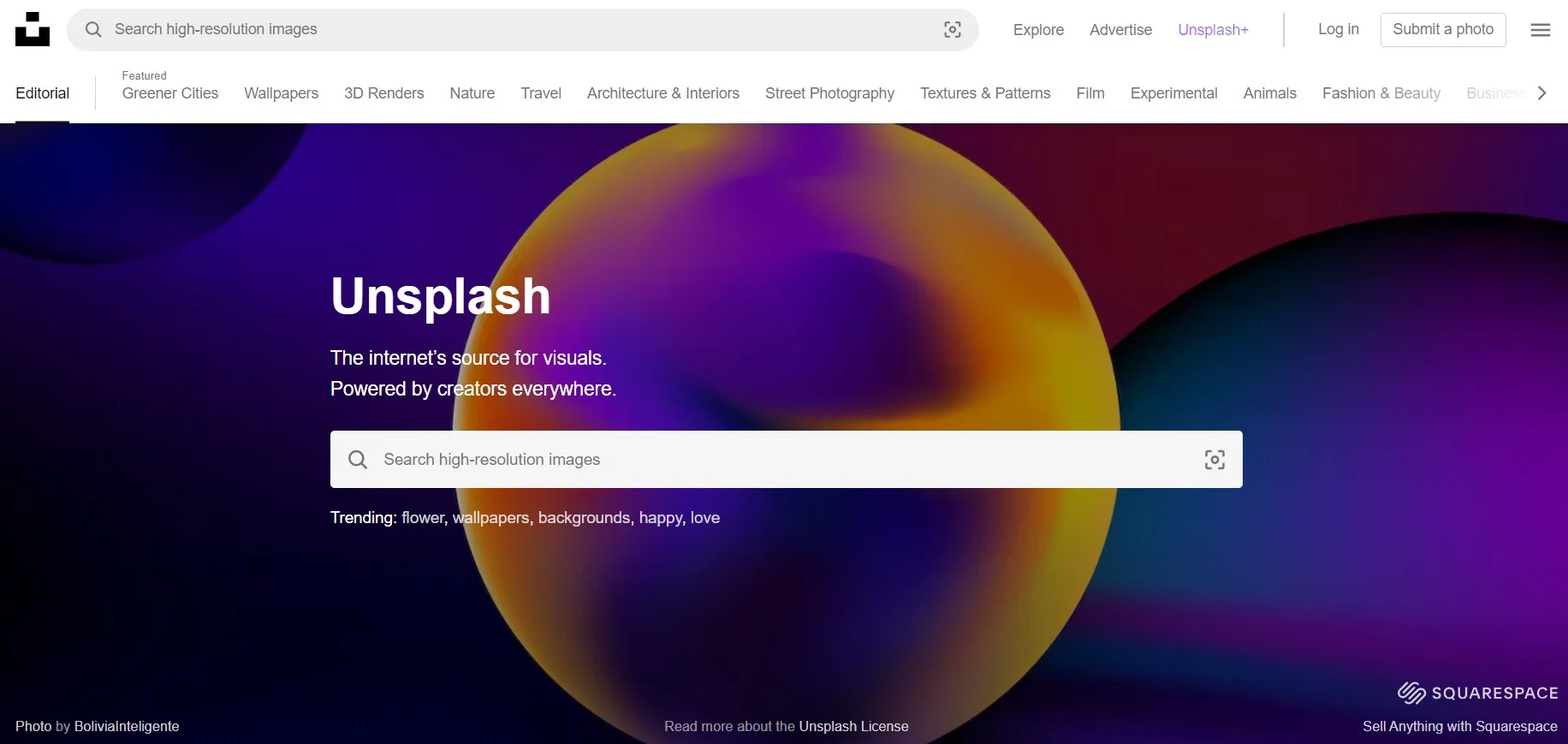
Unsplash’s licence fits in two sentences. Use any free image commercially, edit it and skip the credit, which is appreciated but not required.
- Licence: the Unsplash License, explained in Unsplash’s licence guide.
- Banned: selling images without significant changes (prints and products included), building a rival image service, and using images in AI or machine-learning datasets.
- Not covered: recognisable people, logos and artwork in a photo, which may need the owner’s permission.
- Paid tier: Unsplash+ is $7 a month billed yearly ($84) at a launch price, against a listed $20. It adds model and property releases and up to US$10,000 of cover per image.
Best for: blog headers and website photos with no credit line. Skip it if: you’re building an AI dataset or selling prints.
Pexels: best for free photos plus video clips
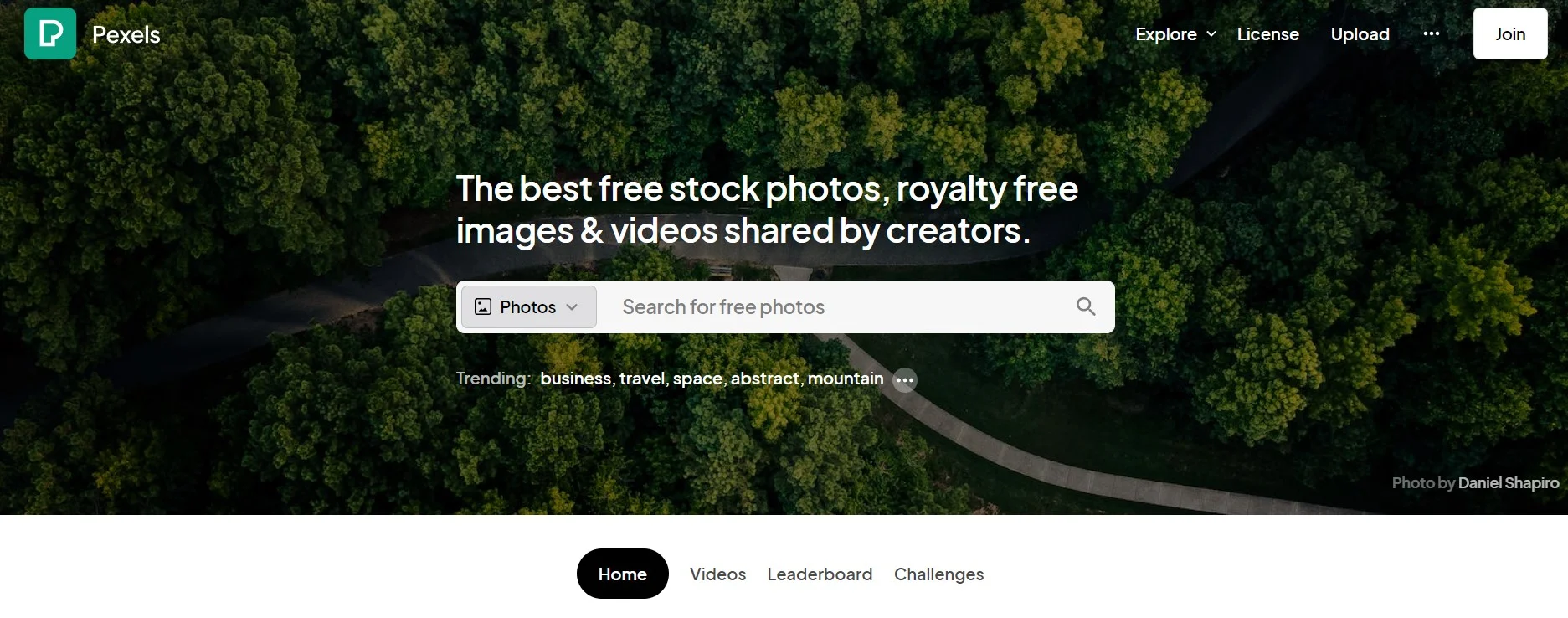
Pexels puts photos and videos under one licence, which helps if you make Reels as well as blog posts. Canva bought Pexels and Pixabay in 2019, and their terms now read almost word for word alike.
- Licence: the Pexels License. Free, no credit needed, edits allowed.
- Banned: showing identifiable people in a bad light, selling unaltered copies as prints or posters, implying endorsement, re-uploading to other stock or wallpaper sites, and trademark use.
- Fine print: a filter, colour change, crop or resize still counts as an unaltered copy, and scraping the site for machine learning is banned.
For more clip sources, see our list of royalty-free video websites.
Best for: social posts and creators who need stills and clips in one place. Skip it if: you need illustrations or vectors.
Pixabay: best for free illustrations and vectors
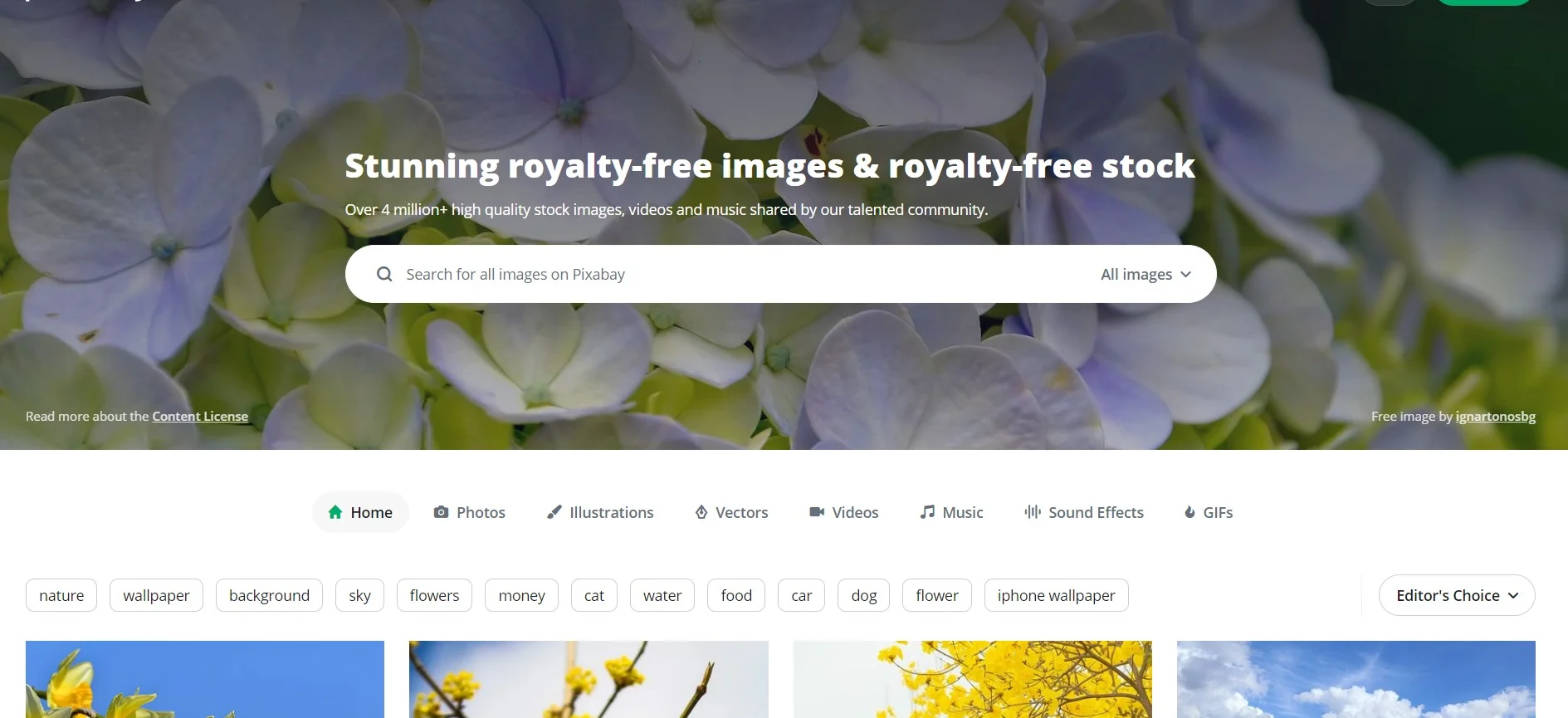
Pixabay goes beyond photos, with illustrations, vectors, video, music, sound effects and GIFs under one licence.
- Licence: the Pixabay Content License. Free, no credit needed, edits allowed.
- Banned: selling content as-is (stock sites, prints, wallpaper and merch), using images that show recognisable brands to sell goods, offensive or political uses of people, and trademark use.
- Fine print: it accepts AI-generated uploads if they’re labelled, and it doesn’t promise that any model releases exist.
Editing those vectors? See our vector graphics tools roundup, and our royalty-free music resources for the audio side.
Best for: blog graphics, presentations and simple illustrations. Skip it if: your merch design would show any logo or brand.
StockSnap: best for no-strings CC0 photos
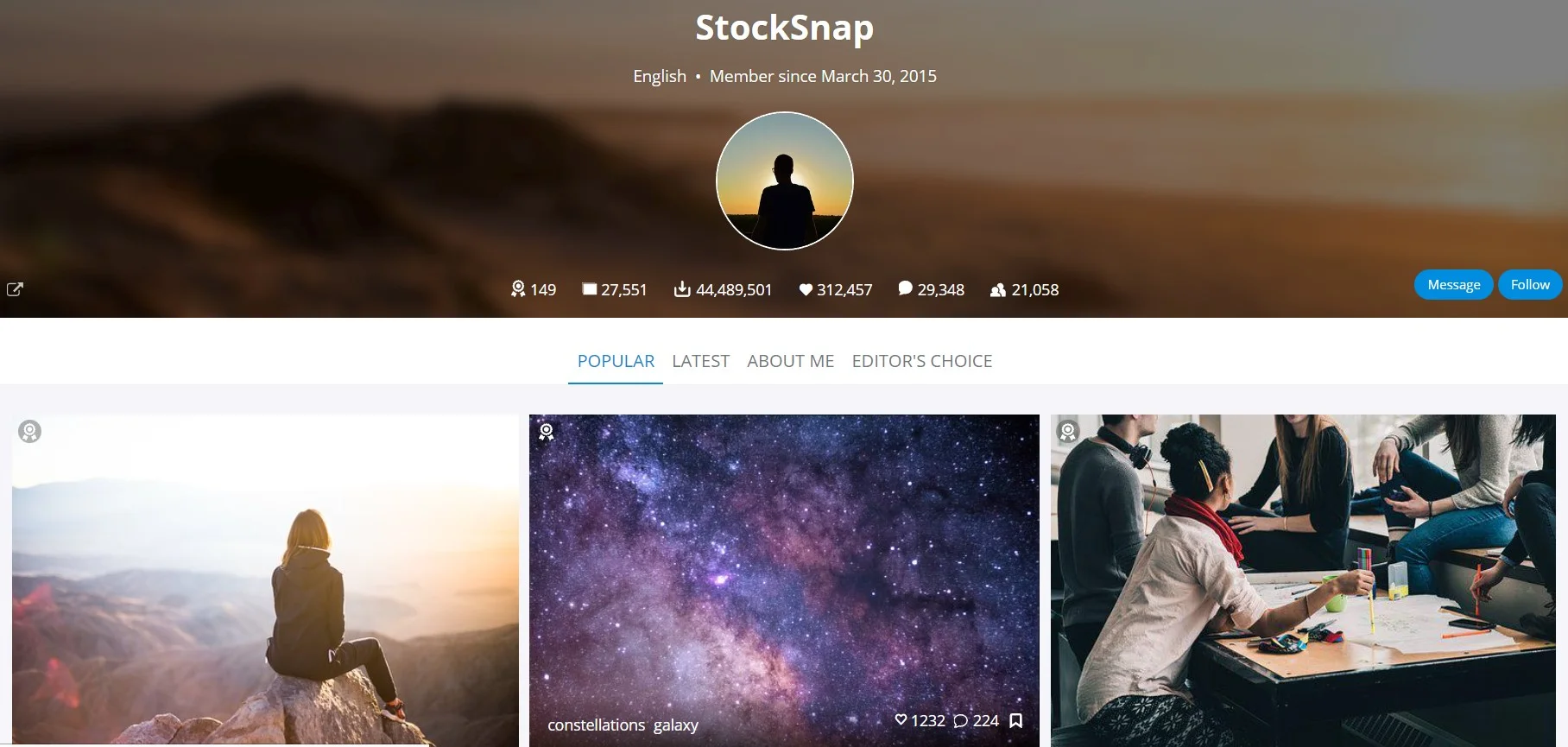
Every StockSnap photo is CC0, so there’s no site rulebook to learn. The catalogue is smaller than the big three, so niche searches come up thinner.
- Licence: CC0 on every photo, free for any use with no credit.
- Banned: implying that the photographer or anyone pictured endorses you. CC0 also comes with no warranty.
Best for: anyone who wants zero conditions on the copyright side. Skip it if: you need a deep library or legal cover.
Openverse: best for public-domain and museum images
Openverse is a search engine, not a stock site. It searches more than 800 million openly licensed images and audio files from sources such as Flickr, Wikimedia Commons, Europeana and the Smithsonian.
It replaced Creative Commons’ CC Search, and the WordPress community runs it now.
- Licence: varies per file, from CC0 and public domain to CC BY (credit required) and CC BY-NC (no commercial use).
- Stay safe: tick the Use commercially and Modify or adapt filters, then check the licence on the source page.
- The catch: Openverse says it doesn’t verify licence information or the credit text it generates.
Best for: historical, scientific and museum images that stock sites don’t carry. Skip it if: you want one licence for everything without checking each file.
Canva: best when the image goes straight into a design
Canva isn’t a stock site, but its editor carries a large library, and it owns Pexels and Pixabay. The free plan includes 4.7M+ photos, videos, graphics and audio files, and Pro adds 141M+ premium ones for US$144 a year per person, per Canva’s pricing page (checked October 2026).
- Licence: Canva’s Content License Agreement. Free content works in commercial designs, in as many designs as you like. Pro content is licensed for one design at a time.
- Banned: selling the content on its own (print-on-demand listings included), using it in a trademark or business name (fonts excepted), and any AI or machine-learning use.
- Fine print: unedited Pro content on a website or blog is capped at 480,000 pixels, about 600 by 800, unless the page is built or embedded with Canva.
- The catch: releases generally aren’t obtained for free content, and Canva makes no promises about the people or logos in it.
Pro also adds background removal and mockup templates. Compare our background remover tools and mockup generator tools, or read our Canva review before you upgrade.
Best for: social graphics, thumbnails and presentations. Skip it if: you want stand-alone image files, because Pro content can’t leave Canva as a separate file.
Some links on this page are affiliate links. If you buy through them, we may earn a commission at no extra cost to you. It never changes our scores. How we make money.
When is paying for stock photos worth it?
Paid stock buys more than nicer pictures. It buys model releases and a legal guarantee, which the free sites don’t offer.
Pay when the image goes in an ad, on packaging or on a product, or when it shows a person beside a sensitive topic.
| Site | Entry price | Billing | Legal cover |
|---|---|---|---|
| Unsplash+ | $7 a month ($84 a year) | Yearly at a launch price; renewal at that price not guaranteed | Up to $10,000 per image |
| Shutterstock | $25 a month for 10 images, or 2 images for $29 | Billed yearly ($300); packs are one-off | $10,000 (Standard), $250,000 (Enhanced) |
| Adobe Stock | $29.99 a month for 10 credits | Annual plan billed monthly; cancel fee after 14 days | Up to $10,000 per asset |
| iStock | $29 a month for 10 Basic images, or $12 for one credit | Annual plan; credits last while you sign in yearly | $10,000 (standard), $250,000 (extended) |
| Depositphotos | $29 a month for unlimited images, or 3 images for $27 | Monthly, cancel anytime; packs last a year | $5,000 cap across all claims |
Shutterstock: best for heavy downloaders on a yearly plan
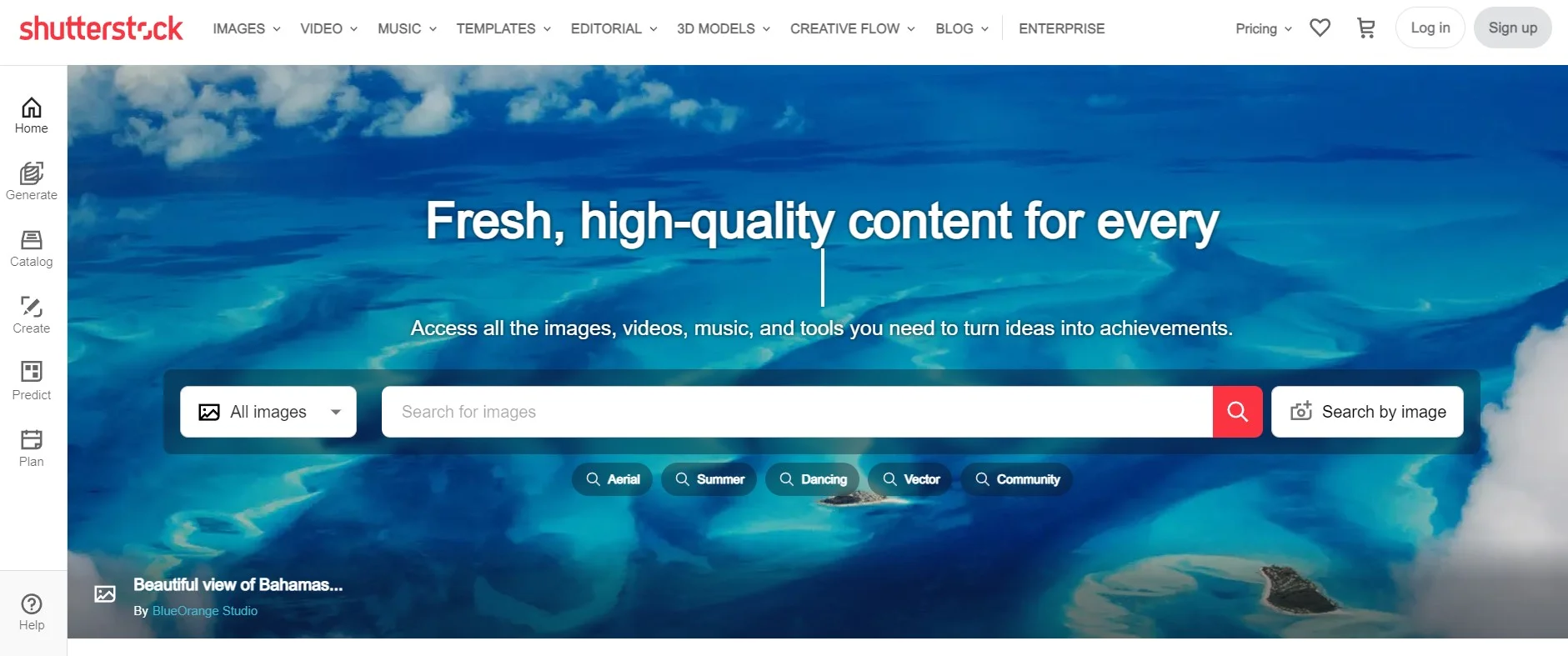
Start with Unlimited Images: $29 a month billed yearly ($348), just $4 a month more than the 10-image plan. The catch: unlimited covers a curated 83M+ images under a fair use policy, not the full library.
- Licence: the Standard licence covers web use and 500,000 printed copies; Enhanced lifts the cap and allows merch for resale.
- Banned: logos, trademarks and use as AI training data. Editorial use needs a credit line.
- Legal cover: $10,000 per Standard image, $250,000 on Enhanced.
Best for: marketers who download images every week. Skip it if: you need a few images a year, because a two-image pack for $29 makes more sense.
Adobe Stock: best for Creative Cloud users
Adobe Stock suits people who already work in Photoshop or Adobe Express. Plans start at $29.99 a month for 10 credits, on an annual plan billed monthly.
Cancel after the first 14 days and Adobe can charge up to half of what’s left on the commitment. There’s also a free collection that Adobe says is cleared for commercial use.
- Licence: the Standard licence covers 500,000 copies and unlimited web views; Extended adds merch for resale.
- Banned: registering a trademark with a stock asset, sensitive uses such as tobacco ads or implying illness, and AI training.
- Editorial-only images: no commercial use, even with an Extended licence.
- Legal cover: up to $10,000 per asset.
Stock inside Adobe Express can carry a limited licence that only works in the app. Our Adobe Express guide explains that editor.
Best for: designers who already pay for Creative Cloud. Skip it if: you might cancel within the year.
iStock: best for buying one image at a time
iStock, part of Getty Images, sells single credits for $12, and one credit buys one Basic image. Subscriptions start at $29 a month for 10 Basic images on an annual plan.
- Licence: the standard licence covers 500,000 printed copies; an extended licence (18 more credits) adds unlimited prints, products for resale and multiple users.
- Banned: logos, trademarks and any AI or machine-learning use, including uploads to third-party AI tools.
- Sensitive topics: next to an unflattering subject, such as a sexually transmitted disease, add a note like “Stock photo. Posed by model.”
- Legal cover: $10,000 per image, or $250,000 with an extended licence.
- The catch: annual plans can’t be cancelled early, and refunds only happen where local law requires them.
Best for: small businesses that need a handful of images with legal cover. Skip it if: you want a free trial first.
Depositphotos: best for month-to-month unlimited downloads
Depositphotos, part of Vistaprint, charges $29 a month for unlimited downloads from 190M+ images, billed monthly with no annual contract. That’s Shutterstock’s unlimited price without the yearly commitment.
- Licence: the Standard licence covers 500,000 printed copies and unlimited online use; Extended adds products for resale.
- You keep: lifelong rights to images you’ve downloaded, even after the plan ends.
- Legal cover: it warrants its files don’t infringe, but caps total liability at $5,000.
- The catch: a responsible-usage policy can pause unusually heavy downloading for review.
Best for: freelancers whose image needs come in bursts. Skip it if: you need big legal cover for a national campaign.
How to use free images without a legal headache
Most problems don’t come from the photographer’s copyright. They come from what’s in the photo, or from how you use it.
The catch: a free licence only covers the photographer’s copyright. Unsplash says it can’t guarantee model releases, Canva says releases generally aren’t obtained for its free content, and CC0 doesn’t touch privacy, publicity or trademark rights.
Recognisable people. For ads, or anything near health, politics or dating, use a released image from a paid site or Unsplash+. Unsplash also suggests messaging the photographer to ask about a release.
Logos and trademarks. Pexels, Pixabay, Canva, Shutterstock, Adobe Stock and iStock all ban using their images in a logo, trademark or business name. Even where it isn’t banned, the licence isn’t exclusive, so anyone can use the same picture. Use one of these online logo design tools instead.
Products you sell. Unsplash, Pexels, Pixabay and Canva ban selling unedited copies as prints or merch, and paid sites want an extended licence once the image is the product. The FAQ below explains what counts as edited enough.
AI training and AI images. Unsplash, Shutterstock, Adobe Stock, iStock and Canva ban using their images for AI or machine-learning training, and Pexels and Pixabay ban scraping for it. In the US, the Copyright Office says purely AI-generated material isn’t protected by copyright, so you can’t stop rivals reusing an AI image you publish.
Sponsored results. Pexels and Pixabay show sponsored iStock photos, StockSnap shows Shutterstock ones, and Unsplash mixes in Unsplash+ images. None of those are free, so check the label before you download.
Keep a record. Save the image page link, the creator’s name and the download date. If a licence changes or a stolen photo slips through, that’s your paper trail.
Royalty-free images FAQs
Do I have to credit the photographer when I use a free image?
Not on Unsplash, Pexels, Pixabay or StockSnap, though a line such as Photo by Name on Unsplash is appreciated. Creative Commons BY images found through Openverse do need credit to the creator and a note of the licence. Paid sites ask for a credit line only in editorial use, such as news or commentary.
Where can I find copyright-free images?
Truly copyright-free images are in the public domain, either because copyright has expired or because the owner waived it with CC0. Openverse’s licence filters find them, and WordPress.org’s Photo Directory publishes every photo under CC0. Most free stock sites differ: their photos are copyrighted and shared under a free licence with rules.
Can I use free stock photos on T-shirts or mugs I sell?
Only once you’ve made something new. Pexels and Pixabay say a filter, colour change, crop or resize still counts as the original, while combining the photo with text, illustrations and other media can create a new work. Pixabay also bans merch showing recognisable brands, and Unsplash bans selling prints without significant changes.
Can I use free stock images on Instagram, Facebook or YouTube?
Yes. Pexels’ licence names Facebook, Instagram and YouTube as places to share its photos, and Unsplash, Pixabay and Canva’s free content also allow social use. The usual limits still apply: don’t show identifiable people in a bad light, and don’t suggest that a person or brand in the photo endorses you.
What happens if a free image I used turns out to be stolen?
You carry the risk. Unsplash, Pexels and Pixabay give no legal guarantee, so the real rights holder can still ask you to remove the image or pay. Take it down quickly and keep your download records. Paid licences differ: iStock and Shutterstock back each standard image with up to $10,000 of cover.
Do free stock sites contain AI-generated images?
Some do. Pixabay accepts AI-generated uploads as long as the uploader labels them, while Pexels and iStock say they don’t accept them. Pexels adds that it can’t guarantee every file is human-made. If an AI image shows a real-looking person or product, treat it like any photo without a release.
What’s the difference between royalty-free and rights-managed images?
A royalty-free licence lets you reuse an image across projects after one payment, within limits such as 500,000 printed copies on a standard licence. A rights-managed licence is priced for one specific use, like a set period, region or print run, and new uses cost extra. Every site in this list uses royalty-free licensing.
Can I keep using stock images after my subscription ends?
It depends on the site. Depositphotos says you keep lifelong rights to images you downloaded, whatever happens to your plan. Adobe Stock’s Unlimited plan is stricter: after it ends, you can’t start using a downloaded asset in a new project. Read the plan terms before you cancel, because iStock says cancelling ends your rights.
Can I use pictures from Google Images if I credit the source?
Not safely. A credit isn’t permission, and most images Google shows are copyrighted. In Google Images, open Tools, then Usage rights, to filter for Creative Commons or commercial licences. Then open the source page and confirm the licence there, which is what Google itself recommends.
Which royalty-free image site should you use?
For most royalty-free images, start free and pay only when the use carries real risk.
- Use Unsplash or Pexels for everyday photos on posts, pages and social, because both are free with no credit required.
- Use Pixabay if you also need illustrations, vectors or music, because one licence covers them all.
- Use Openverse for public-domain or museum images, but check each file’s licence at the source.
- Pay for Unsplash+, iStock or Shutterstock when the image goes in an ad, on packaging or on a product, because you’re buying releases and legal cover, not pixels.
Our pick for most readers: Pexels or Unsplash day to day, plus a few $12 iStock credits for the one image that needs legal cover.