You’ve finished a CSS tutorial. Now you need reps: real CSS, typed by you, checked by something other than your eyes.
These are the websites to practice CSS we’d point a learner to in 2026. They’re sorted by what you need next: CSS exercises, layout games, challenges and real projects.
We checked what each one has you practice, what’s free and what the upgrades cost. Every site is free to start.
The trap is practicing the wrong thing for your level, and one popular pick quietly rewards habits you’d never ship.
Quick picks by what you need to practice
- Brand new to CSS: W3Schools drills, then the free course at freeCodeCamp
- Flexbox or Grid won’t click: Flexbox Froggy, then Grid Garden
- You want the why, not just the how: MDN’s CSS module
- A small daily habit: CSSBattle’s daily target
- Portfolio pieces from real designs: Frontend Mentor
How we picked these sites: We didn’t run a hands-on test for this update. We checked each site’s own pages for what you practice there, what’s free and what the upgrades cost. We also looked at which sites learners recommend on Reddit’s r/webdev and r/css.
Everything was checked in October 2026, and prices are in US dollars. We dropped two sites from the old list: Codewell’s domain now shows a parked page, and Codewars doesn’t support CSS. How we review software
The 9 CSS practice sites side by side
| Site | Free? | Best for | Skill level |
|---|---|---|---|
| W3Schools | Yes. Plans from $2.99/mo billed yearly; CSS exam $95 one-time | Quick syntax drills | Beginner |
| freeCodeCamp | Yes, certification included | A guided course with projects | Beginner to intermediate |
| MDN Learn web development | Yes | Understanding why CSS works | Beginner to intermediate |
| Flexbox Froggy | Yes. Optional Codepip Pro from $4/mo billed yearly | Flexbox alignment | Beginner |
| Grid Garden | Yes. Same optional Codepip Pro | CSS Grid placement | Beginner |
| CSS Diner | Yes | Selectors | Beginner |
| CSSBattle | Yes. Plus $7/mo or $59/yr | Daily challenges and code golf | Intermediate to advanced |
| CodePen | Yes, public Pens only. Pro from $8/mo billed yearly | A sandbox and weekly prompts | All levels |
| Frontend Mentor | Yes, free challenges. Pro $15/mo or $120/yr | Portfolio projects from real designs | Beginner to advanced |
First CSS exercises: where should a beginner start?
Know what a selector is but freeze in front of an empty stylesheet? Start here. These three hold your hand at first, then slowly let go.
W3Schools: bite-size drills for day-one beginners
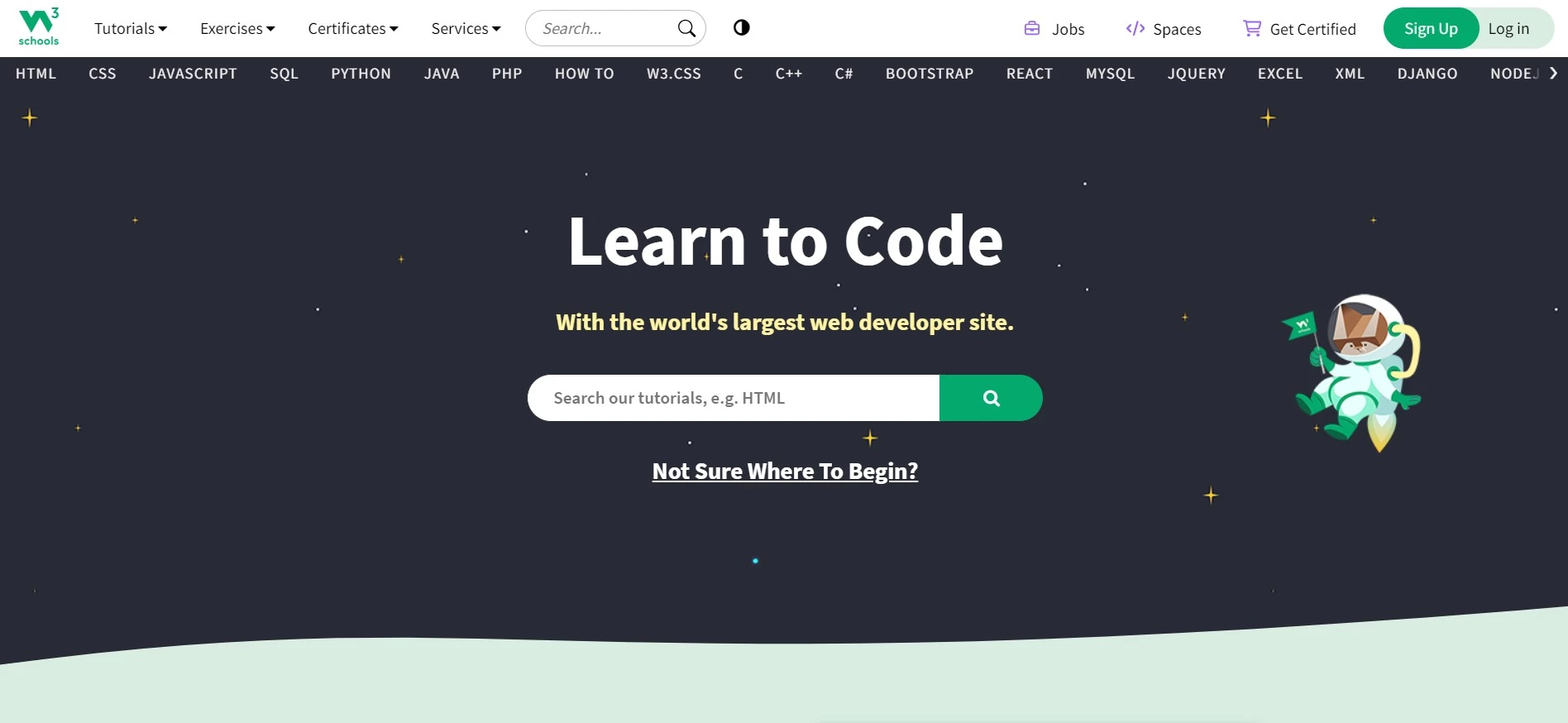
W3Schools pairs its CSS tutorial with a quiz-style practice section. Its CSS exercises page lists 151 short exercise sets, from syntax to media queries, each with a few multiple-choice or fill-in-the-blank questions.
Our take: it’s good for checking you remember a property and weak at teaching you to build anything.
- Recall drills that make property names and values stick, with a Show Answer button when you’re stuck
- Small code challenges by topic, such as styling elements with type, class and ID selectors in a browser editor
- A Try it Yourself editor on tutorial pages, so you can change a value and see the result at once
Price: Free, and you only need an account to track progress. The Hero plan costs $2.99 a month billed yearly ($4.99 month to month) and adds ad-free pages, assessments and website hosting. The CSS certification exam is a separate $95 one-time purchase with three attempts.
- Best for: Absolute beginners who want quick wins between tutorial chapters
- Skip it if: You can already style a card from scratch, because fill-in-the-blank won’t stretch you
freeCodeCamp: a free course that ends in real projects
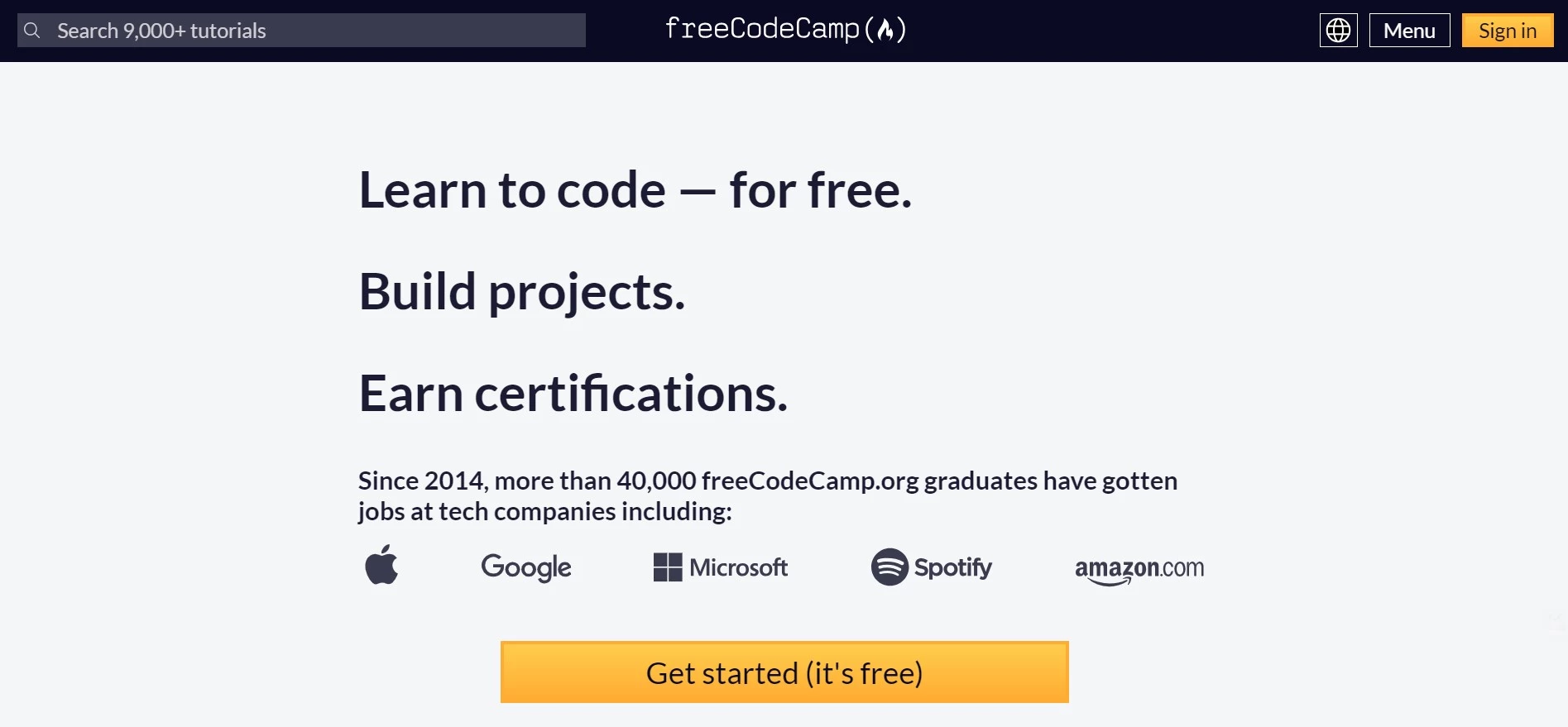
freeCodeCamp’s Responsive Web Design certification is a full course built around writing code, with 1,234 steps in its CSS section alone. Its browser editor checks your code as you go, and the later labs take the step-by-step instructions away.
- Guided workshops, like a cafe menu, a Rothko painting and a CSS piano, built one checked step at a time
- Labs with less hand-holding, such as a pricing-plans layout and a newspaper-style grid
- Five certification projects, including a survey form, a technical documentation page and a product landing page
Price: Free, including the certification. A free account saves your progress, and the final exam runs in freeCodeCamp’s free desktop exam app.
- Best for: Beginners who want a set path and a certificate that costs nothing
- Skip it if: You hate step-by-step instructions, because the early workshops break everything into tiny steps
MDN Learn web development: practice that explains the why
MDN is Mozilla’s web documentation, and its CSS styling basics module mixes lessons with hands-on tests. It reads more like a textbook than a game. Go there when your CSS works and you can’t explain why.
- Test your skills tasks on the box model, selectors, the cascade, sizing and units, each with starter code and a target result
- Play buttons that open each task in an online editor, plus a hidden solution to check yourself against
- Three bigger challenges, such as fixing the styles on a half-finished blog page
Price: Free, with no account needed.
- Best for: Beginners and intermediates who want to understand the cascade and specificity, not just pass the exercise
- Skip it if: You want quick, gamified wins, because MDN asks you to read before you type
Games that make Flexbox, Grid and selectors click
Layout is where a lot of learners stall. These free browser games each drill one topic, level after level, until the properties stick.
Flexbox Froggy: the classic Flexbox game
Flexbox Froggy has you write Flexbox rules to guide frogs onto lily pads across 24 levels. It’s made by Codepip, works in a phone browser and has harder modes that hide the hints.
Here’s the catch: it never touches flex-grow, flex-basis or gap, so build a real component once you finish.
- Alignment and direction with justify-content, align-items, flex-direction and align-self
- Wrapping and ordering with flex-wrap, flex-flow, order and align-content
- An expert mode with no directions and random levels, so you can’t coast on memory
Price: Free. Codepip’s optional Pro plan adds more games, including an endless Flexbox Froggy Pro. It costs $6 a month, $4 a month billed yearly or $99 once.
- Best for: Beginners who still guess between justify-content and align-items
- Skip it if: You already build flex layouts without looking anything up
Grid Garden: CSS Grid in 28 levels
Grid Garden is the Grid game from the same maker: you water carrots and poison weeds by placing grid items, across 28 levels. Like Froggy, it works on a phone.
It stops short of named template areas, minmax() and auto-fit, the tools behind many responsive grids, so treat it as a first step.
- Placing items by grid line with grid-column, grid-row and the span keyword
- Sizing tracks with grid-template-columns, repeat() and fr units
- Combining both with grid-area and the grid-template shorthand
Price: Free, with the same optional Codepip Pro plan.
- Best for: Beginners who can use Flexbox but still avoid Grid
- Skip it if: You already write grid-template-areas layouts comfortably
CSS Diner: selectors, one plate at a time
CSS Diner has you type selectors to pick plates, bento boxes, apples and pickles off a table, across 32 levels. It’s free and open source, though its code hasn’t changed since 2023 and the layout is built for a desktop screen.
- Type, class, ID and descendant selectors, then child and sibling combinators
- Pseudo-classes such as :first-child, :nth-child, :only-of-type, :empty and :not()
- Attribute selectors, including starts-with, ends-with and wildcard matches
Price: Free, with no account.
- Best for: Beginners who copy selectors from tutorials without knowing why they match
- Skip it if: You’re practicing on a phone, since the layout doesn’t adapt to small screens
Challenges: how do you get faster and more creative?
Once the basics stick, you need problems without step-by-step instructions. These two sites hand you a target or a prompt and leave the solution to you.
CSSBattle: daily targets and code golf
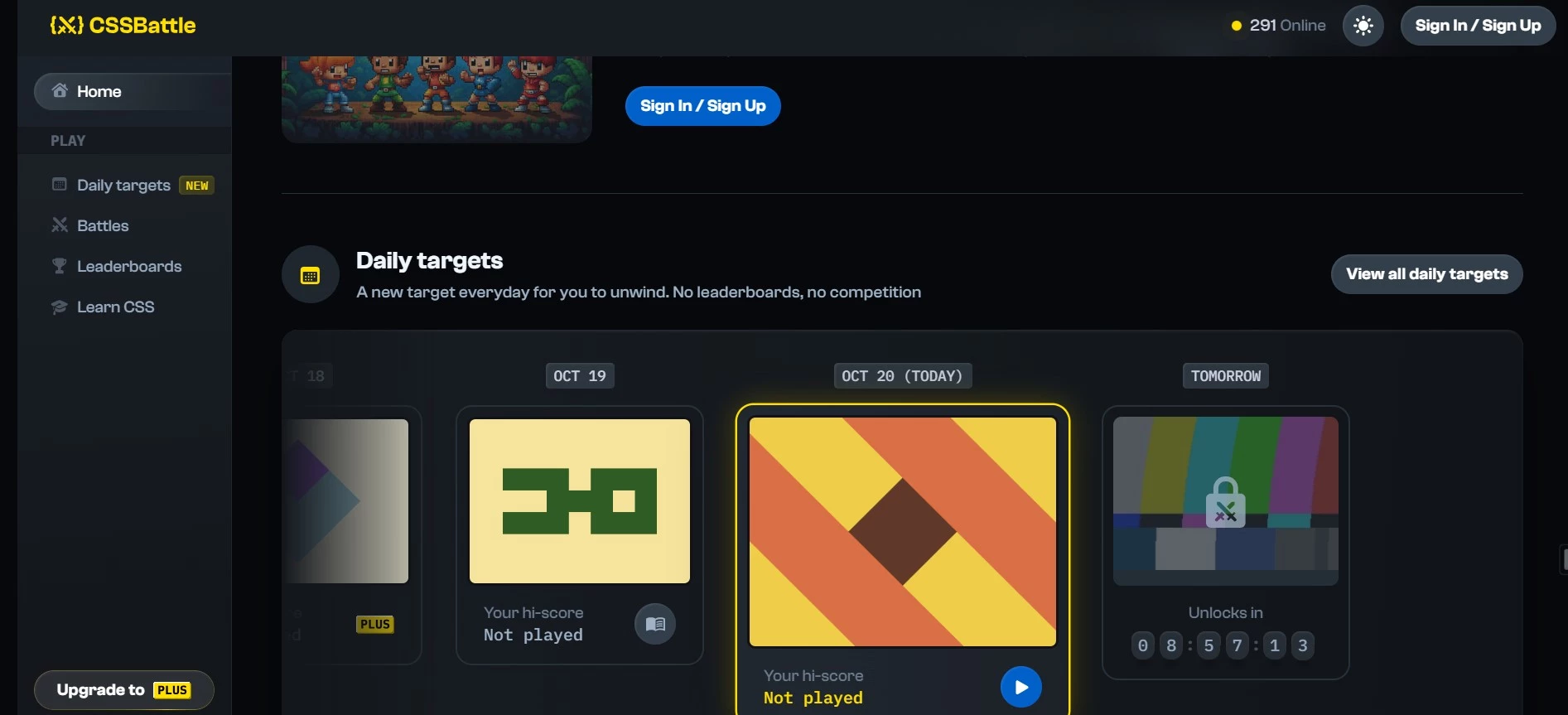
CSSBattle shows you a target image and asks you to recreate it in HTML and CSS with as few characters as possible. Your score rises the closer you match the image and the shorter your code gets. JavaScript, SVG and images aren’t allowed.
The catch: code golf rewards tricks you’d never put in a real stylesheet, like cryptic shorthand and hard-coded offsets. Even CSSBattle’s own Learn courses say they’re meant to teach CSS, not code golf.
- A new daily target at 00:00 UTC, with no leaderboard pressure
- Battles with leaderboards, plus private one-on-one Versus matches against friends
- Positioning, gradients, clip-path and pseudo-elements, matched to the target image
Price: Free to play, with an account needed to submit scores. Plus ($7 a month or $59 a year, refundable within 7 days) adds past daily targets, editor plugins and unlimited submission history. The separate Learn courses are one-time purchases from $7.
- Best for: Intermediate learners who want a daily habit and enjoy competing
- Skip it if: You learn by studying other people’s answers, since most top solutions stay hidden
CodePen: a free sandbox with weekly prompts
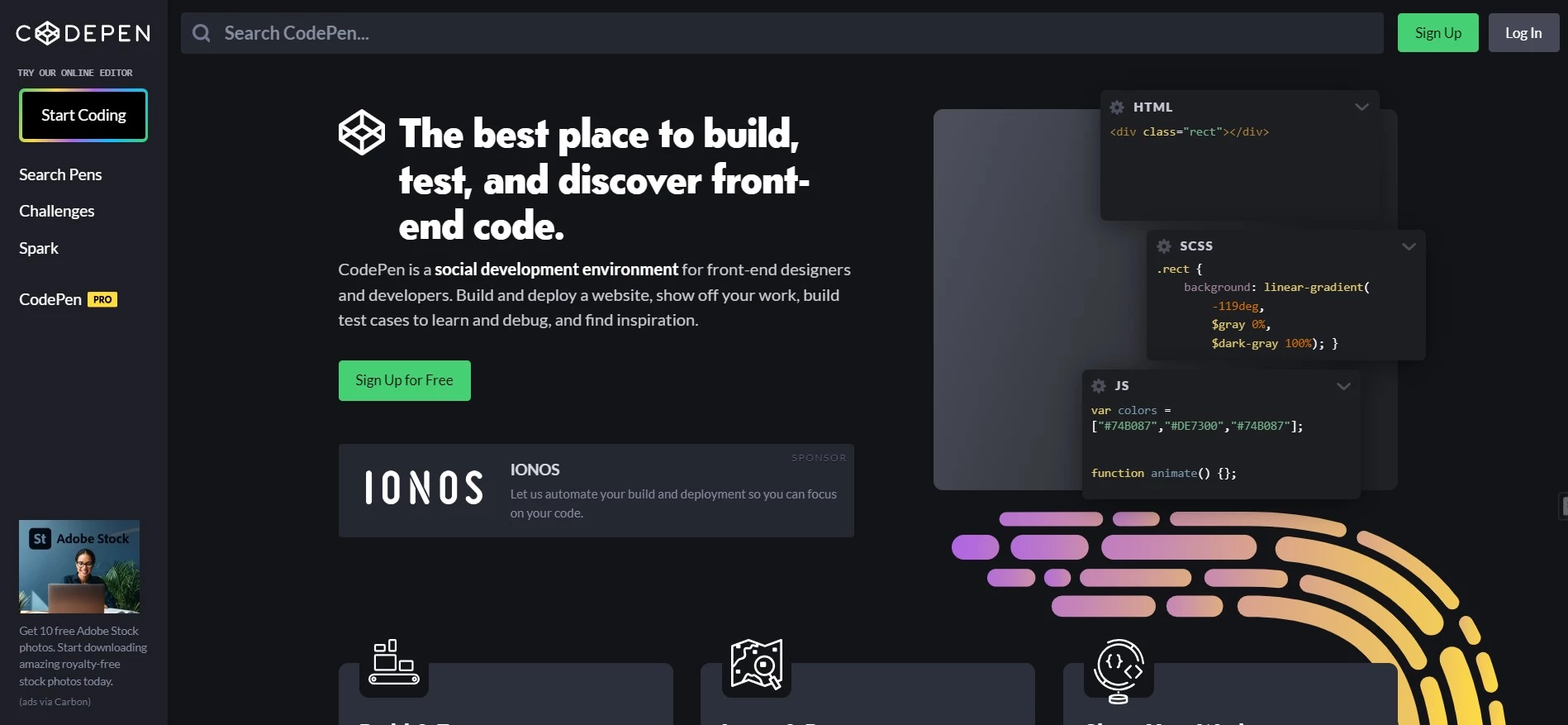
CodePen is a browser editor with a live preview. It’s a quick place to test a CSS idea before it goes anywhere near a project. Its CodePen Challenges run on a monthly theme, with a new prompt and starter template every Monday.
Not every month is CSS-heavy, though. As of October 2026 the theme is built around JavaScript tests, while earlier themes covered layouts and new CSS features.
- HTML, CSS and JS panels with an instant preview and no setup
- Weekly prompts with a starter Pen and ideas to build on
- Other people’s public Pens to fork and take apart
Price: Free for unlimited public Pens with up to three files each. Pro starts at $8 a month billed yearly ($96), and CodePen’s own savings figure puts month-to-month billing at $12. On the free plan, everything you make is public.
- Best for: Learners at any level who want to test ideas fast and join a low-pressure weekly challenge
- Skip it if: You need structure, because CodePen won’t tell you what to learn next
Real projects: when should you start building full pages?
This is the step many learners put off, and the one that makes CSS stick. You get a design, you build it, and you find out exactly what you don’t know yet.
Frontend Mentor: portfolio projects from real designs
Frontend Mentor gives you professional designs to rebuild, from a QR code card to full landing pages. Challenges come in five levels, from Newbie to Guru. You code on your own machine, publish the result and submit the live link for community feedback.
Here’s the catch: the workflow is real too. You’ll need Git, a GitHub account and a free host such as GitHub Pages, Netlify or Vercel before your first submission.
- Free challenges with desktop and mobile designs as JPEGs, plus assets, a style guide and a README
- Free+ challenges that add the Figma file, so you can practice the designer-to-developer handoff
- One free AI code review a month, plus feedback from other members
Measuring spacing from a JPEG is fiddly. Frontend Mentor’s own guide suggests importing it into a free Figma account. If you’d rather skip Figma, our Figma alternatives roundup covers other design tools.
Price: Free challenges cost nothing. Pro is $15 a month with caps of five Figma files and two premium challenges, or $120 a year ($10 a month) with no caps. Regional discounts apply automatically, and there’s a 14-day fair-use refund.
- Best for: Learners at any level who want to build full pages and start a portfolio
- Skip it if: You haven’t touched Git yet, so learn that first or stay on CodePen a little longer
How do you keep practicing when the exercises run out?
Rebuild what you see. Pick a page you like, open your browser’s DevTools (right-click, then Inspect) and recreate one section from scratch before you compare.
Short on ideas? Our list of UX/UI design inspiration sites is full of layouts worth rebuilding. Pull a color scheme from our color palette sites roundup and placeholder photos from our royalty-free image sites list.
Then add constraints: mobile first, no framework, and the same layout built once with Flexbox and once with Grid. Keep recreations of real sites as private practice, since the design belongs to someone else.
Where does CSS practice pay off?
Many website tools still come back to CSS. In Webflow, flexbox and grid are display settings you apply to elements such as divs and containers. Your Froggy and Grid Garden skills carry straight over. Our Webflow review covers the rest of the builder.
On WordPress, Elementor puts a custom CSS field on its Pro Advanced plans and up, and our Elementor review explains those plans. AI builders write the code for you, too. Lovable generates a React and Tailwind CSS front end, but you still need CSS to fix what it gets wrong.
Only need a website, not the skill? Skip the practice and pick one of the no-code website builders we’ve compared.
CSS practice FAQs
Do you need to know HTML before practicing CSS?
Yes, but only the basics. CSS styles HTML elements, so selectors only make sense once you know what a div, a class and a heading are. MDN lists HTML familiarity as a prerequisite for its CSS module, and CSSBattle says a little HTML is enough to start playing.
Should you learn Flexbox or Grid first?
Start with Flexbox. It lays items out in one direction, a row or a column, which covers navigation bars, cards and button groups. Grid controls rows and columns at once, so it suits whole-page layouts. Learn both soon, because real pages usually mix them: Grid for the page, Flexbox inside each section.
Can you practice CSS on a phone?
Partly. Flexbox Froggy and Grid Garden adapt to phone screens, and W3Schools has a free Adventure app for iOS and Android with bite-size CSS lessons. CSS Diner, CSSBattle and Frontend Mentor work far better on a laptop, and the freeCodeCamp certification exam needs its desktop app.
Does Codewars have CSS challenges?
No. Codewars is built around programming katas, and its list of supported languages covers JavaScript, Python and dozens more, but not CSS or HTML. That’s why we removed it from this list. For short, kata-style CSS problems, try the CSSBattle daily targets or the W3Schools code challenges instead.
Is W3Schools enough to learn CSS?
It’s enough for syntax, not for layout. W3Schools itself warns that its examples might be simplified to improve reading and learning, so pair it with MDN for the full picture. Then build real pages, because fill-in-the-blank answers won’t show you how properties interact on a messy layout.
Are CSS certificates worth paying for?
Rarely, for CSS on its own. A certificate shows you finished a course, while a live project shows you can build. The freeCodeCamp Responsive Web Design certification is free, and W3Schools charges $95 for its CSS exam. If money is tight, take the free one and put the time into projects.
Should you learn Tailwind or plain CSS first?
Plain CSS first. Tailwind’s utility classes are shortcuts for ordinary CSS properties, so they make more sense once you know what those properties do. Frontend Mentor gives the same advice about frameworks in general: master vanilla CSS first, because frameworks hide the cascade, specificity and the box model.
Which CSS practice site should you start with?
None of these websites to practice CSS covers every stage on its own, so use them in order.
In your first month, pair W3Schools drills with Flexbox Froggy and Grid Garden, because quick wins keep you coming back. If you’d rather follow one path, freeCodeCamp takes you from drills to a free certificate.
Once layouts stop scaring you, add CSSBattle’s daily target and CodePen’s weekly prompts, because a small daily habit beats a weekend binge.
When you can build a card without help, move to Frontend Mentor, because finished pages are what clients and employers look at.
Our pick for most readers: freeCodeCamp’s CSS section for structure, then one Frontend Mentor project a week.