


The best no-code website builders for most people start with Wix: a free plan, a drag-and-drop editor, and paid plans from $17 a month billed yearly. Want it cheaper? WordPress.com Personal is $4 a month on a yearly plan.
The catch is the bill after the first year. Promo prices, free domains and money-back windows all end, and moving a finished site to another builder usually means rebuilding the design.
We read the pricing page of all eight builders below on 11 November 2026 and noted the monthly price, the yearly price and the renewal price where the vendor shows one.
One of them costs $1.99 a month today and $10.99 a month at renewal, so read the small print first.
The best no-code website builders at a glance
- Best overall: Wix. Free plan, 2,000+ templates and an AI draft from a prompt. Light is $17/month billed yearly.
- Cheapest real website: WordPress.com. Personal is $4/month billed yearly and now lets you install plugins.
- Best for designers: Framer, from $10/month billed yearly, or Webflow if you need a serious CMS.
- Best for portfolios and small brands: Squarespace. No free plan, but a 14-day trial with no card.
- Best for online stores: Shopify. Basic is $29/month billed yearly after a $1-a-month intro offer.
- Lowest entry price: Hostinger Website Builder. $1.99/month on a 48-month Black Friday deal, renewing at $10.99.
- Simplest free option: Weebly. Still live, with a free plan and Personal at $13/month billed yearly.
How we picked: We opened each builder’s official pricing page on 11 November 2026 (IST) and recorded plans, prices, free plans, trials and renewals.
We didn’t build a fresh test site on each one for this update, so this is a research-based comparison. The screenshots are from our 2023 version of this guide and are labeled as such.
We removed the old “Wix ADI” section because Wix now drafts sites from a prompt. We left out GoDaddy and Duda because their current pricing didn’t load for us. How we review software
Some links on this page are affiliate links. If you buy through them, we may earn a commission at no extra cost to you. It never changes our picks. How we make money.
How do the no-code website builders compare on price?
Most builders quote a monthly price that only applies if you pay for a year (or more) up front. The table shows both where the vendor lists both.
| Builder | Free plan | Paid from | Best for |
|---|---|---|---|
| Wix | Yes, Wix branding | $17/mo billed yearly (Light) | Most small business sites |
| WordPress.com | Yes, with ads and 1 GB | $4/mo yearly or $9 monthly (Personal) | Blogs, content sites, plugins |
| Squarespace | No, 14-day trial | $19/mo yearly or $25 monthly (Basic) | Portfolios, creatives |
| Framer | Yes, Framer domain | $10/mo billed yearly (Basic) | Designers, startup sites |
| Webflow | Yes, 2 static pages | $15/mo billed yearly (Basic, no CMS) | Custom design plus CMS |
| Shopify | No, 3-day trial | $29/mo yearly or $39 monthly (Basic) | Online stores |
| Hostinger | No, 30-day refund | $1.99/mo for 48 months, renews $10.99/mo | Lowest upfront cost |
| Weebly | Yes | $13/mo yearly or $16 monthly (Personal) | Very simple sites |
The 8 best no-code website builders, one by one
Wix: the safest pick for most small sites
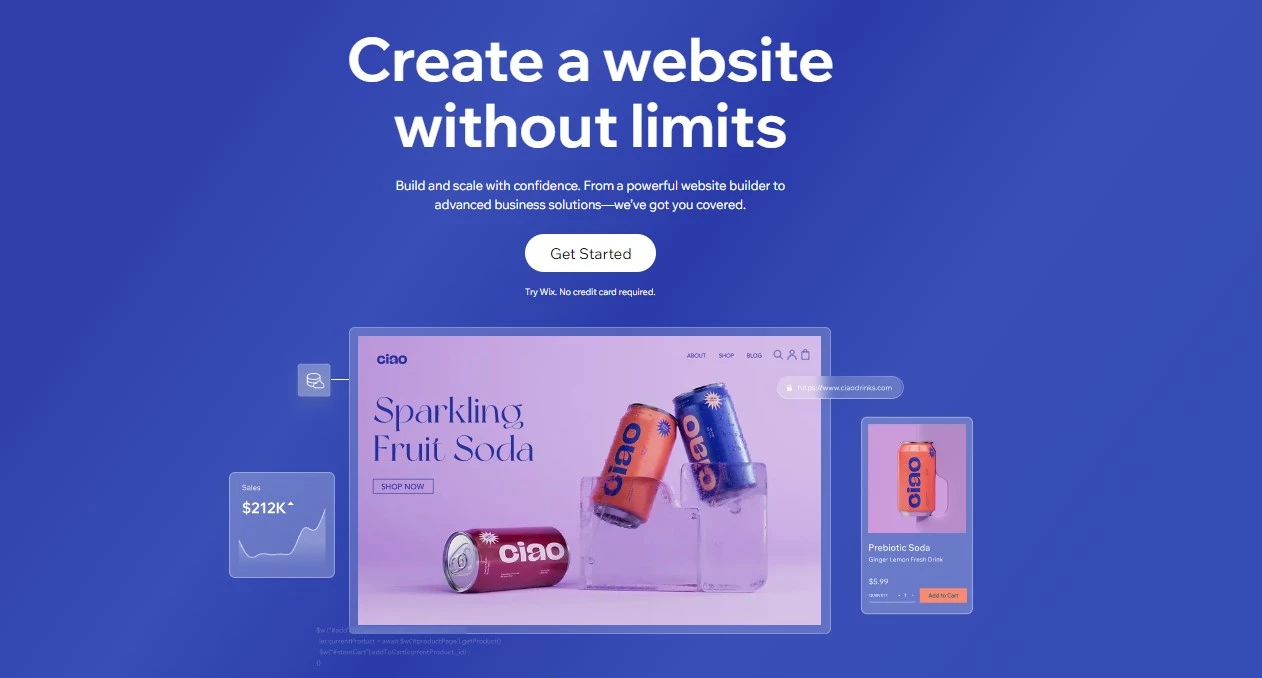
Wix is the builder we’d hand to a friend who just wants a site this weekend. You can start from a template or a prompt, then drag anything anywhere on the page.
Price: free plan with Wix branding; Light $17/month, Core $29/month, Business Elite $159/month, all billed yearly on Wix’s plans page. Paid plans include a free domain voucher for year one and a 14-day money-back window.
Best for: service businesses, local shops and anyone who wants bookings or a small store in the same dashboard. Not ideal for: people who may switch platforms later, because you’d rebuild the design elsewhere.
The catch: Light doesn’t take payments. You need Core or higher to sell. Our full Wix review covers the editor in more detail.
WordPress.com: the cheapest plan with real growth room
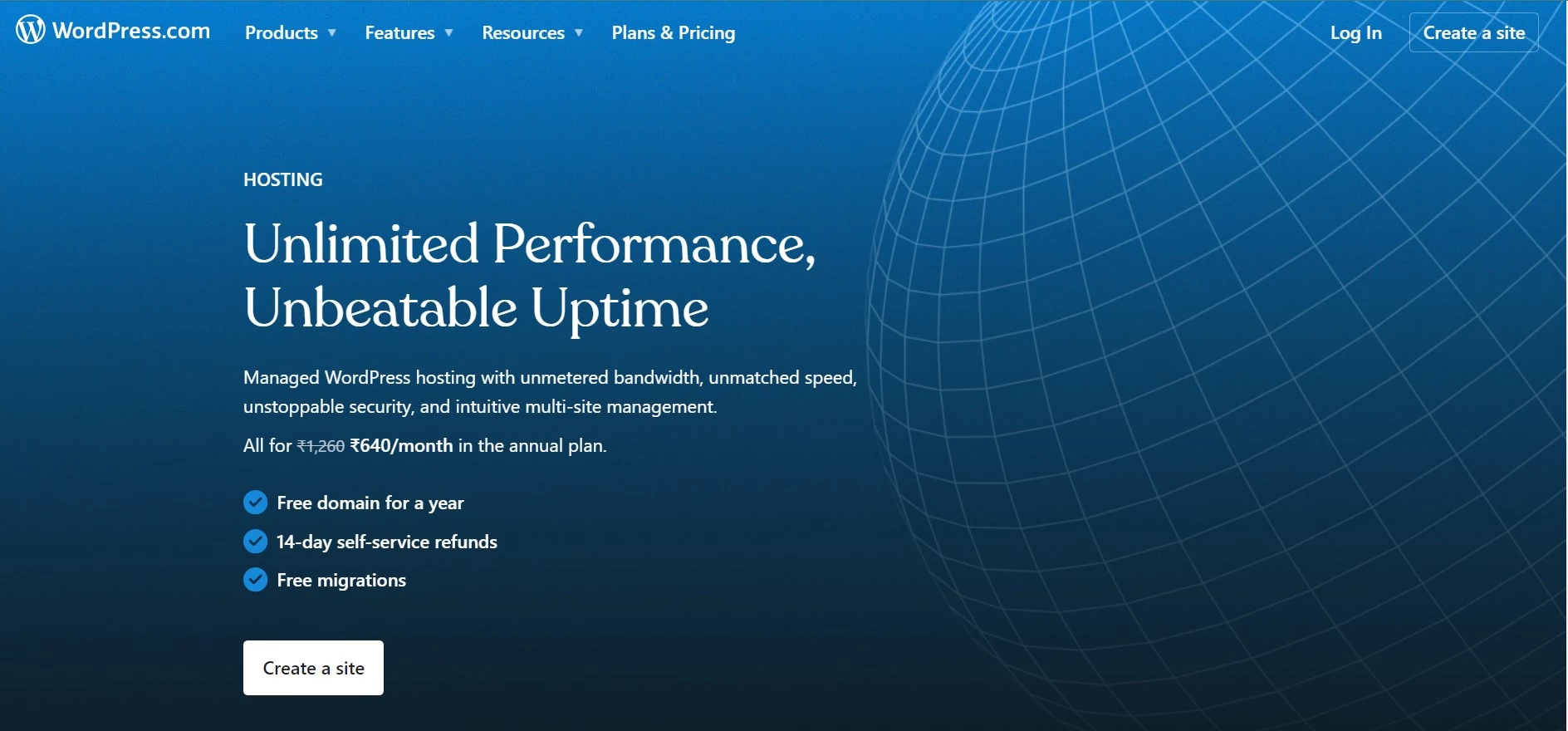
WordPress.com is hosted WordPress: no server to manage, but the same block editor and themes as the open-source version. That makes it the most portable option on this list.
Price: free plan with WordPress.com ads and 1 GB of storage. Personal is $4/month billed yearly or $9 monthly; Business is $25/month yearly. The WordPress.com pricing FAQ says every paid plan can now install plugins.
Best for: bloggers, publishers and anyone who expects to add SEO or membership plugins later. Not ideal for: pure drag-and-drop fans, because block editing feels less free-form than Wix.
The catch: the free plan shows ads to your visitors. If you’d rather self-host, pair a host with a theme from our SaaS WordPress themes roundup and a page builder like Elementor.
Squarespace: the best-looking templates out of the box
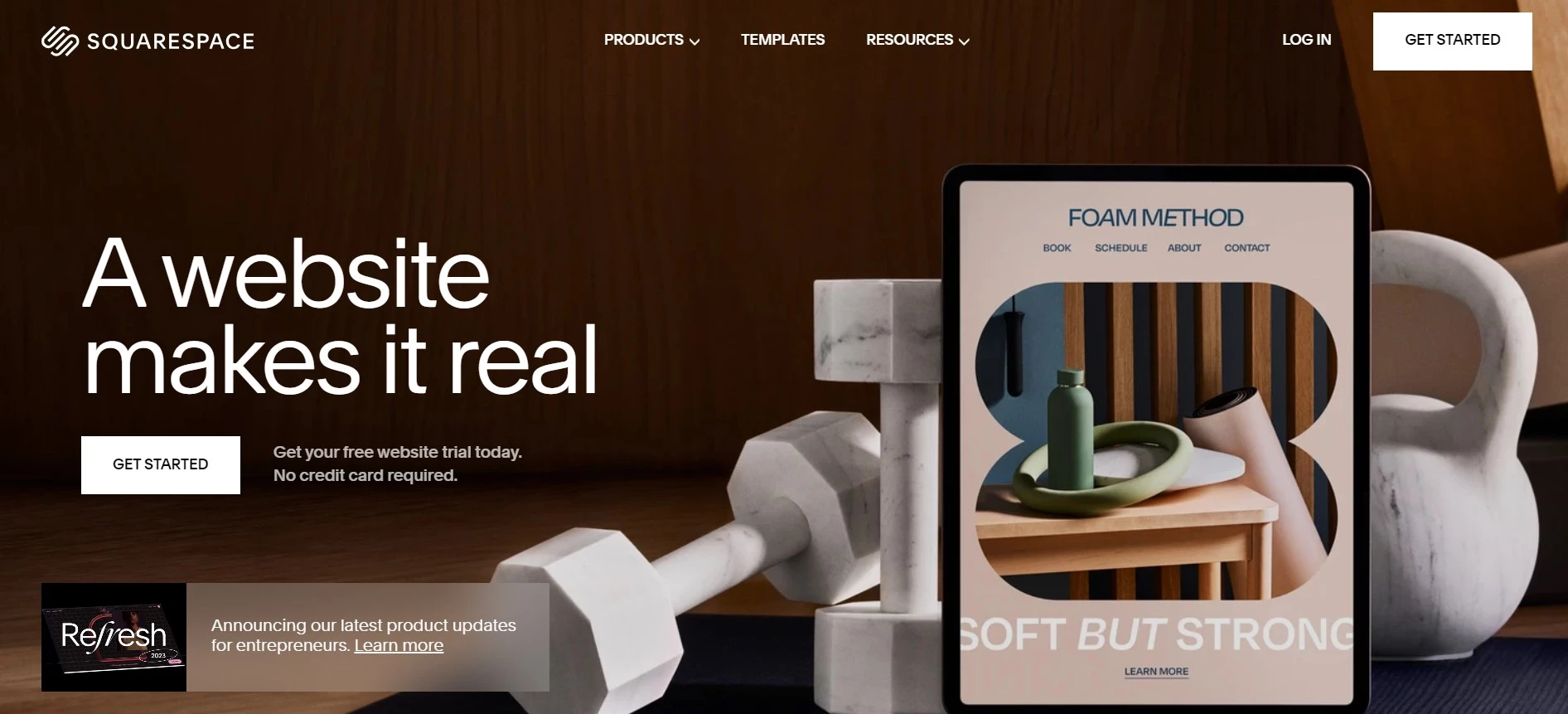
Squarespace has fewer templates than Wix, but they’re more polished, and its Fluid Engine editor lets you drag blocks around a grid layout.
Price: no free plan. Basic is $19/month on an annual plan or $25 monthly, Core $29 or $39, per Squarespace pricing. Every site starts with a 14-day trial and no card.
Best for: photographers, designers, restaurants and personal brands. Not ideal for: tight budgets, or stores on Basic, which adds a 2% online store transaction fee. Core drops that to 0%.
Framer: the fastest way for designers to ship a site
Framer feels like a design tool that publishes. If you already work in Figma, the canvas, components and breakpoints will feel familiar.
Price: free plan on a Framer subdomain with 1 GB of bandwidth. Basic is $10/month and Pro $30/month on yearly billing, per Framer’s pricing page. Extra editors cost $20/month each.
Best for: designers, startups and portfolio sites with lots of motion. Not ideal for: large content sites, since Basic caps you at 30 pages and two CMS collections. See where it sits among design tools in our Figma alternatives guide.
Webflow: the most control without writing code
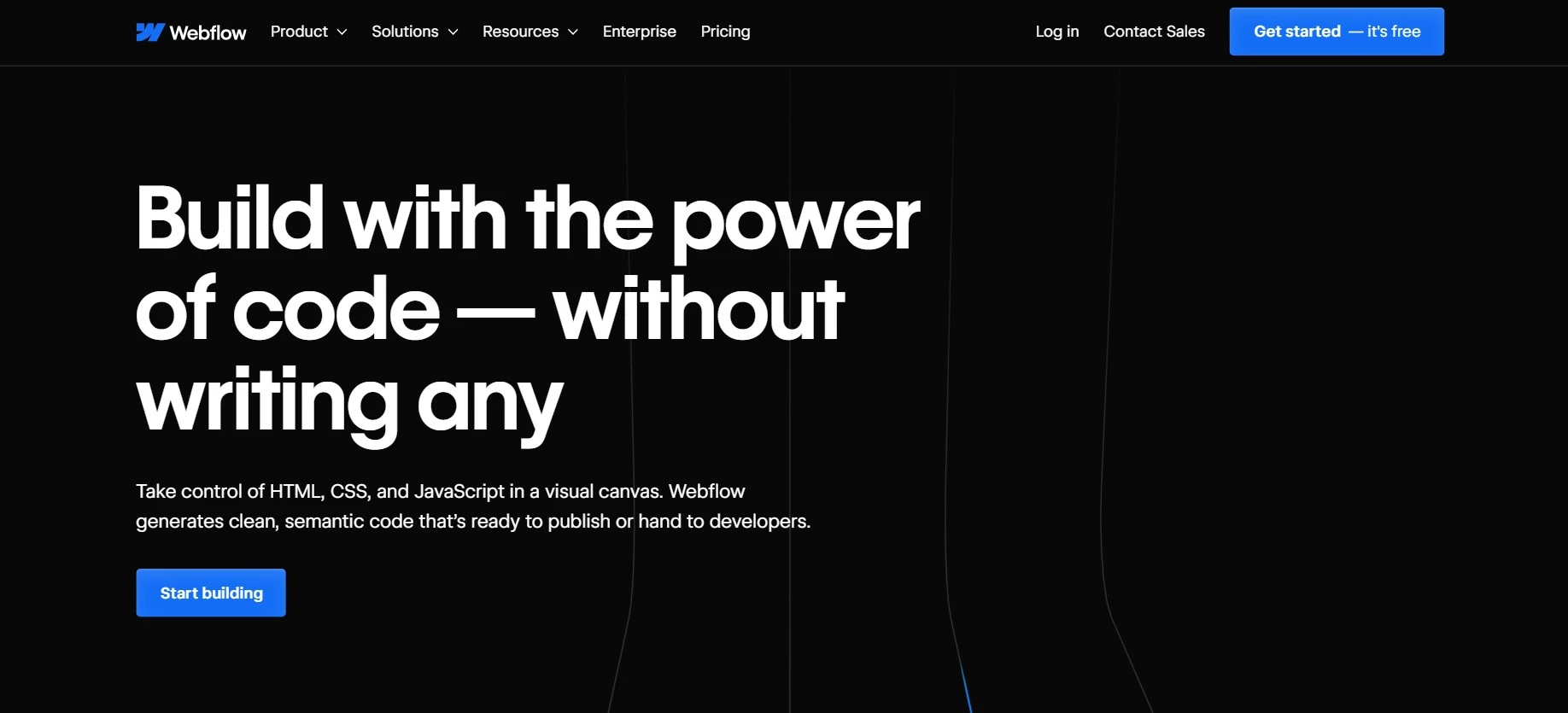
Webflow gives you a visual canvas that maps directly to HTML and CSS: boxes, classes, flexbox, grids. You never type code, but you do need to think like a front-end developer.
Price: Starter is free with a webflow.io address and two static pages. Basic is $15/month billed yearly, without a CMS.
The new Premium site plan adds the CMS for $25/month yearly, and ecommerce starts at $29/month, per Webflow pricing.
Best for: designers and agencies building custom marketing sites with blogs or collections. Not ideal for: beginners who want a site today. Read our Webflow review before you commit.
Shopify: the builder to use if selling is the point
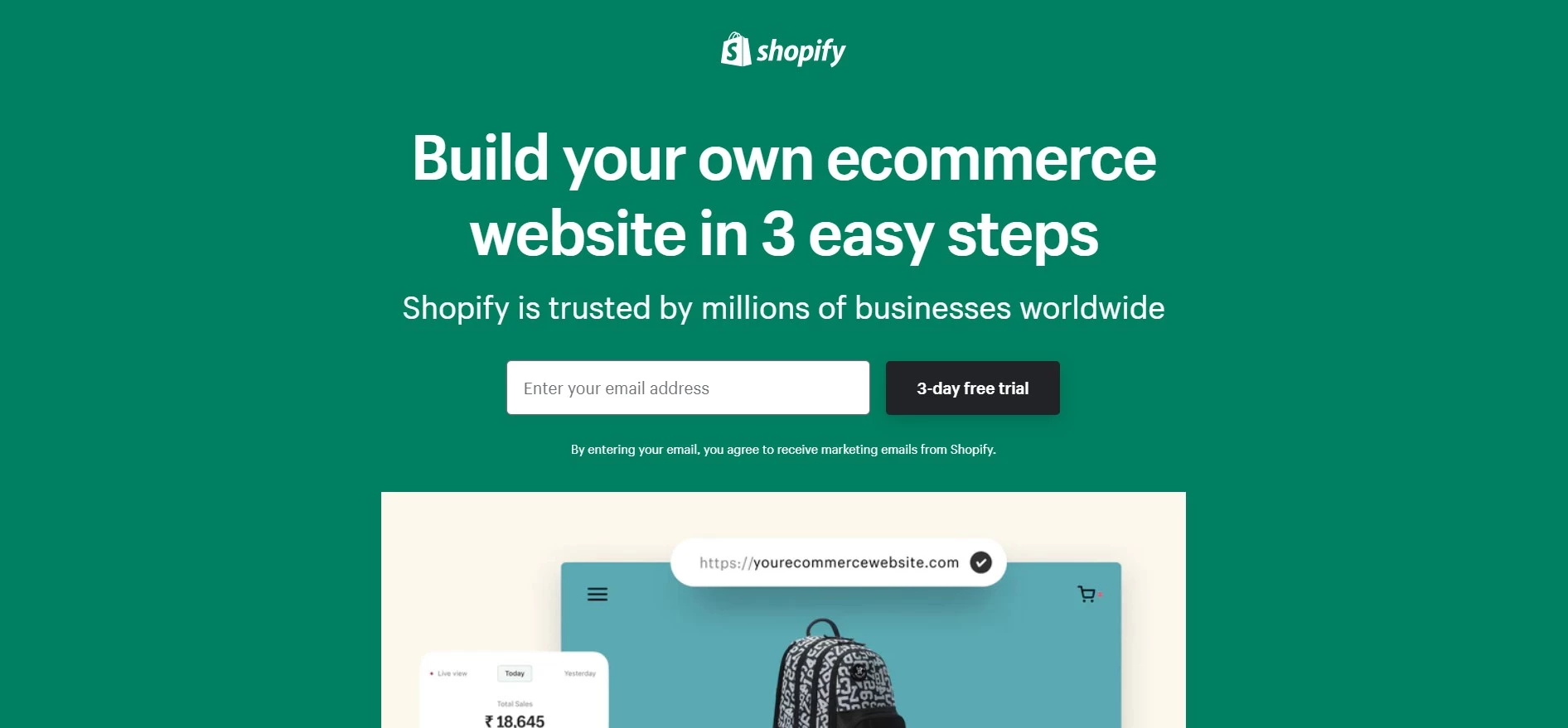
Shopify is a store first and a website second. Products, checkout, shipping labels, taxes and point of sale are all built in, and the theme editor handles the pages around them.
Price: a 3-day free trial, then $1/month for three months on most plans. After that Basic is $29/month billed yearly or $39 monthly, per Shopify pricing.
Best for: anyone whose site exists to sell products. Not ideal for: content sites or portfolios. The catch: using a payment provider other than Shopify Payments adds a 2% fee on Basic.
Hostinger Website Builder: the lowest price on day one
Hostinger bundles a drag-and-drop builder, AI tools, hosting and email into one cheap plan. It’s a good fit for a simple portfolio, resume or small business site.
Price: on Hostinger’s builder page, Premium is $1.99/month as a Black Friday deal, paid as $95.52 for 48 months, then renewing at $10.99/month. There’s a 30-day money-back guarantee.
Best for: people who want to pay once and forget about it for four years. Not ideal for: anyone who wants monthly billing or a large app marketplace. More in our Hostinger review and on Hostinger’s site.
Weebly: still the simplest free builder
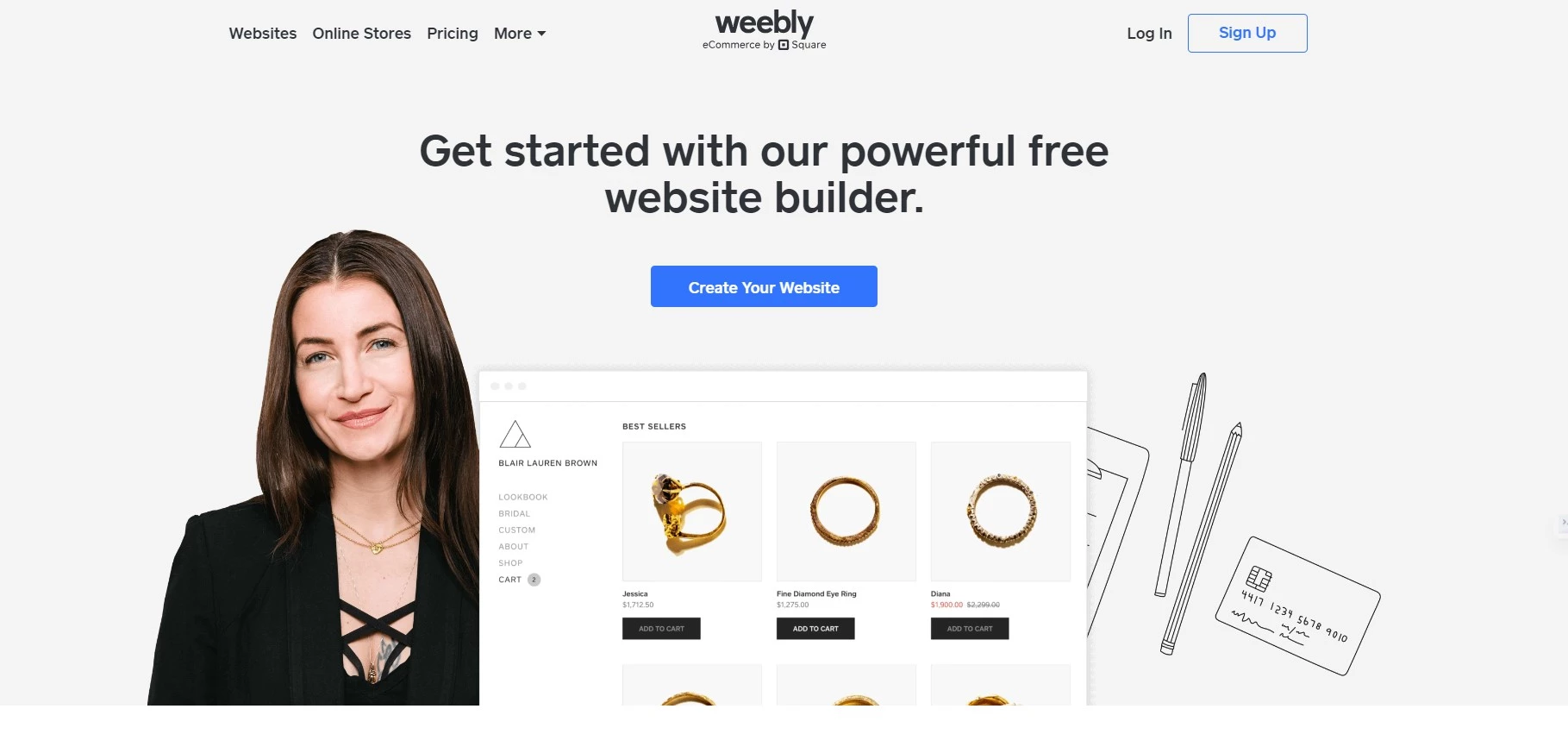
Weebly, now owned by Square, keeps things basic: drag in text, images, forms and a store, and publish. There are fewer templates and integrations than on Wix or Squarespace.
Price: free plan; Personal is $13/month billed annually or $16 monthly, Professional $15 or $20, per Weebly pricing.
Best for: a club, a teacher or a hobby site that just needs to exist. Not ideal for: a business site you plan to grow, where Wix or WordPress.com give you more room.
What do most website builder lists get wrong?
They quote the cheapest number without the term. “$1.99 a month” here means paying $95.52 up front for 48 months, and “$17 a month” means paying a year in advance.
Monthly billing is often a third higher, and more than double on WordPress.com.
They also skip renewals and transaction fees. Check what the plan costs in year two, and whether the store plan takes a cut of each sale on top of card fees.
How do you choose the right no-code website builder?
- Will you sell products? Shopify for a real store; Wix Core or Squarespace Core for a few products next to your pages.
- Is the site mostly content? WordPress.com, so you can add plugins and move to self-hosted WordPress later. Our guide to WordPress SEO plugins helps with the next step.
- Do you care about custom design and animation? Framer if you think in Figma, Webflow if you need CMS collections.
- What will you pay in year two? Compare renewal prices, not launch prices. Our WordPress Black Friday deals list tracks renewals for hosting deals.
- Could you outgrow it? If yes, pick the builder whose content you can export, which today means WordPress.
Website builder or landing page builder: which do you need?
A website builder gives you a full site: several pages, navigation, a blog, maybe a store. A landing page builder makes single pages for ads and campaigns, with A/B testing and lead forms built in.
If you need a whole site, stay on this list. If you need campaign pages for an existing site, see our no-code landing page builders comparison instead.
No-code website builder FAQs
Is there a completely free no-code website builder?
Yes, but every free plan has limits. Wix, WordPress.com, Weebly, Framer and Webflow all have free plans on their own subdomain. Wix adds its branding and WordPress.com shows ads. Squarespace and Shopify only offer trials, 14 days and 3 days.
Which no-code website builder is the cheapest?
WordPress.com Personal is the cheapest standard plan at $4 a month billed yearly. Hostinger’s builder is $1.99 a month right now, but only on a 48-month Black Friday deal, and it renews at $10.99 a month. Prices checked 11 November 2026.
Can I move my site from one builder to another later?
Usually not cleanly. Text and blog posts can often be exported, but designs stay with the builder, so expect to rebuild layouts. WordPress.com says its import tool handles sites from Wix, Squarespace and GoDaddy, which makes WordPress the easiest place to land.
Is Webflow really no-code?
You don’t write code in Webflow, but you do work with code concepts like classes, flexbox and grids. Designers who know CSS learn it fast. Complete beginners usually find Wix, Squarespace or Framer quicker to pick up.
Do I need separate hosting with a no-code website builder?
No. Wix, Squarespace, WordPress.com, Webflow, Framer, Shopify, Hostinger and Weebly all host your site for you. You only need separate hosting if you choose self-hosted WordPress from WordPress.org instead of WordPress.com.
Can I use my own domain on a free plan?
Not on the builders we checked. Free plans use a subdomain such as yoursite.wixsite.com. Wix, Squarespace and WordPress.com include a free domain for the first year on annual paid plans, after which it renews at the normal rate.
Wix or Squarespace: which is better for beginners?
Wix is easier for most beginners because it has a free plan and lets you place elements anywhere. Squarespace suits people who want a polished look with fewer decisions. Squarespace Basic costs $19 a month yearly versus $17 for Wix Light.
Are AI website builders worth using?
They are worth trying for a first draft. Wix and WordPress.com can draft a site from a prompt or chat, Framer has AI agents, and Squarespace and Hostinger include AI tools. You will still rewrite the copy, so treat the AI draft as a starting layout.
Which no-code website builder should you pick?
For most small businesses, Wix is the easiest no-code website builder to start with and grow on. If you mainly publish content, WordPress.com at $4 a month gives you plugins and an exit route.
Designers should try Framer or Webflow, and anyone selling products should go straight to Shopify. Check the renewal price before you pay for more than a year.

[…] need a website, not the skill? Skip the practice and pick one of the no-code website builders we’ve […]
[…] sells online programs and digital downloads alongside a full website (see our Wix review and our no-code website builders roundup). Or run WordPress with a course plugin on your own hosting, with more upkeep; our […]
[…] will never touch code libraries. If you later hand work to developers who live in WordPress, our no-code website builders guide covers the next […]
[…] Wix is an easy-to-use landing page maker where you can create your website without knowing how to code. It has a simple drag-and-drop feature, meaning you can add and arrange different parts of your site just by moving them around. Need a full multi-page site instead? See our no-code website builders comparison. […]
[…] from scratch? Check whether you need WordPress at all. Our no-code website builders compared and no-code landing page builders cover the simpler […]