


The best project management software for IT companies is Jira for most software teams: it is free for up to 10 users, and Atlassian lists the Standard plan at $8.48 per user a month.
The catch is what happens as you grow. Most of these tools bill per seat, some sell seats only in bundles, and a few headline prices are temporary discounts.
We went through the pricing pages and plan limits of 9 tools, checked November 2026. This is a research-based comparison, not a hands-on test.
One tool on this list charges the same flat fee whether you have 16 people or 500.
The best project management tools for IT teams at a glance
- Best overall for software teams: Jira. Free for 10 users, with Scrum and Kanban boards, backlogs and roadmaps.
- Best for fast product and engineering teams: Linear. Unlimited members on the free plan, paid seats from $10 a month billed yearly.
- Best all-in-one workspace: ClickUp. Tasks, docs, sprints and chat in one app, with a free plan and no card needed.
- Best flat price for agencies: Basecamp. Pro Unlimited costs $199 a month billed annually for unlimited users.
- Cheapest simple boards: Trello. Free for up to 10 collaborators; Standard is $5 per user a month billed annually.
- Best for IT ops and service teams outside engineering: monday.com and Asana.
How we picked: We opened each tool’s own pricing page on 11 November 2026 and noted the free plan, the cheapest paid seat on annual and monthly billing, seat rules and refund terms. Prices are in USD before tax.
The screenshots are homepages captured for the 2023 version of this post, so the sites look different today. We added Linear, which many software teams now pick over Jira. How we review software
Some links on this page are affiliate links. If you buy through them, we may earn a commission at no extra cost to you. It never changes our scores. How we make money.
How does project management software for IT companies compare on price?
Here is the cheapest paid plan for each tool, per user per month unless noted. Basecamp is the odd one out: it charges per account, not per person.
| Tool | Free plan | Paid from (per user/month) | Best for |
|---|---|---|---|
| Jira | Yes, up to 10 users | $8.48 (Standard) | Dev teams running sprints |
| Linear | Yes, unlimited members, 250 issues | $10 (annual) | Product and engineering teams |
| ClickUp | Yes, 60 MB storage | $9 (Core, regular $12 annual) | Teams that want one app |
| Basecamp | Yes, 1 project, 3 users | $29 a month flat (Freelancer) | Agencies and client work |
| Asana | Yes, 2 users | $10.99 (annual), $13.49 monthly | Cross-team IT projects |
| monday.com | Yes, 2 seats | $9 (annual), 3-seat minimum | IT ops and service teams |
| Trello | Yes, 10 collaborators | $5 (annual), $6 monthly | Small teams and simple boards |
| Zoho Projects | Yes, 5 users, 3 projects | Regional pricing | Companies already on Zoho |
| Smartsheet | No | $9 (annual), $12 monthly | PMOs used to spreadsheets |
A 15-person team pays $99 a month on Basecamp Pro Plus. The same team on Asana Starter pays about $165 a month on annual billing (15 seats at $10.99).
Which tools are built for software development teams?
These three handle sprints, backlogs and issue tracking out of the box. Pick one of them if your developers will live in the tool every day.
Jira: the default choice for agile dev teams
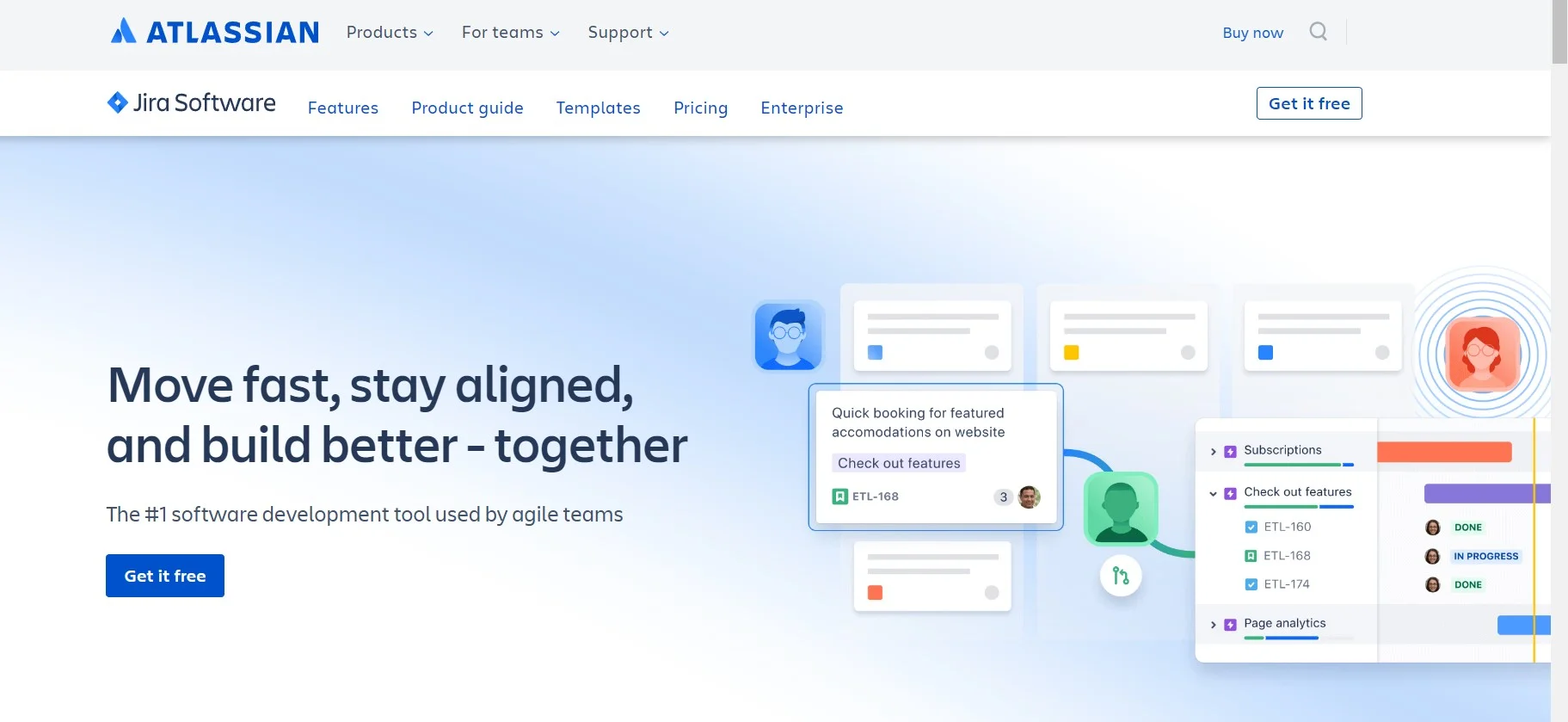
Jira gives you Scrum and Kanban boards, backlogs, roadmaps, custom workflows, reports and automation. Its pricing page says the free plan covers up to 10 users.
Price: Standard is listed at $8.48 per user a month and Premium at $15.56. Standard includes 250 GB of storage and 400 automation steps per user a month. Enterprise is quoted by sales.
Best for: software teams of up to 10 that want proper sprint tooling for free. Not ideal for: non-technical teams, who often find Jira’s workflows and fields heavy for simple task lists.
The catch: the 11th user moves the whole site onto a paid plan. Advanced roadmaps and unlimited storage start on Premium.
Linear: the fastest-moving option for product and engineering
Linear is an issue tracker built for software teams: issues, projects, cycles, initiatives, triage, and API and webhook access on every plan, per Linear’s pricing page.
Price: free for unlimited members, 2 teams and 250 issues. Basic is $10 per user a month billed yearly, with 5 teams and unlimited issues. Business is $16 and adds unlimited teams, private teams, guests and Insights.
Best for: startups and product teams that want a quick, opinionated tracker. Not ideal for: IT service firms that need client-facing portals, budgets or timesheets.
The catch: 250 issues fill up fast on a real codebase, so plan on Basic within a few months. Dashboards and SAML are Enterprise-only.
ClickUp: the all-in-one workspace for teams that hate tool sprawl
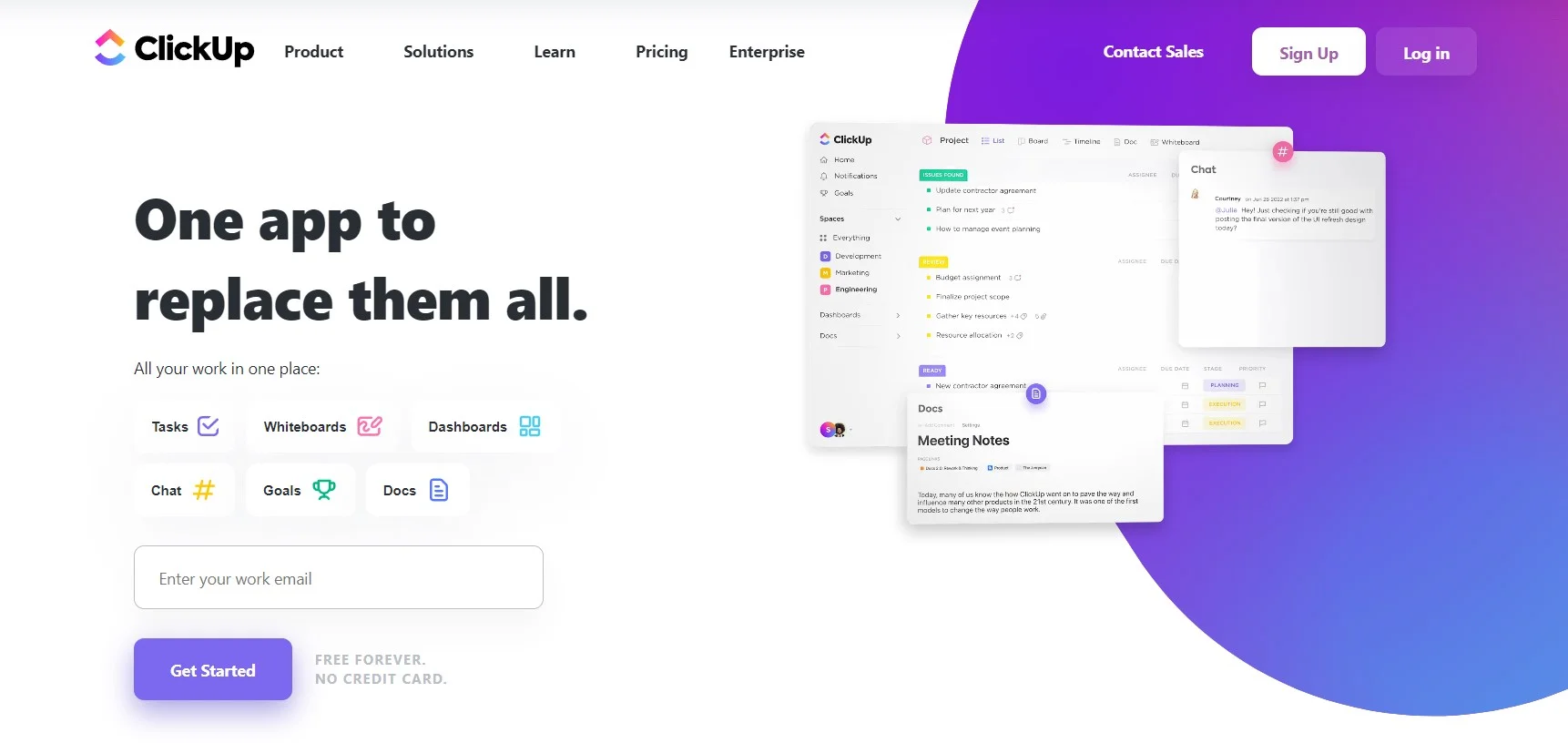
ClickUp puts tasks, docs, whiteboards, chat, goals and sprints in one app. Its pricing page includes Sprints on every plan and a Jira integration even on Free.
Price: Free Forever needs no card but caps storage at 60 MB. When we checked, Core showed $9 per user a month against a regular $12 billed yearly, and Business $17 against a regular $25.
Best for: mixed teams of developers, designers and marketers who want one workspace. Not ideal for: teams that want a simple tool, because ClickUp’s menus and settings take time to learn.
The catch: you must upgrade the whole workspace, not just a few people. The page doesn’t say how long the lower price lasts, so budget for the regular rate.
Which tools suit IT services firms and agencies?
If you deliver projects to clients, you need clear timelines, file sharing and an easy way to bring outsiders in. These three are better at that than at sprints.
Basecamp: flat pricing for teams that keep adding people
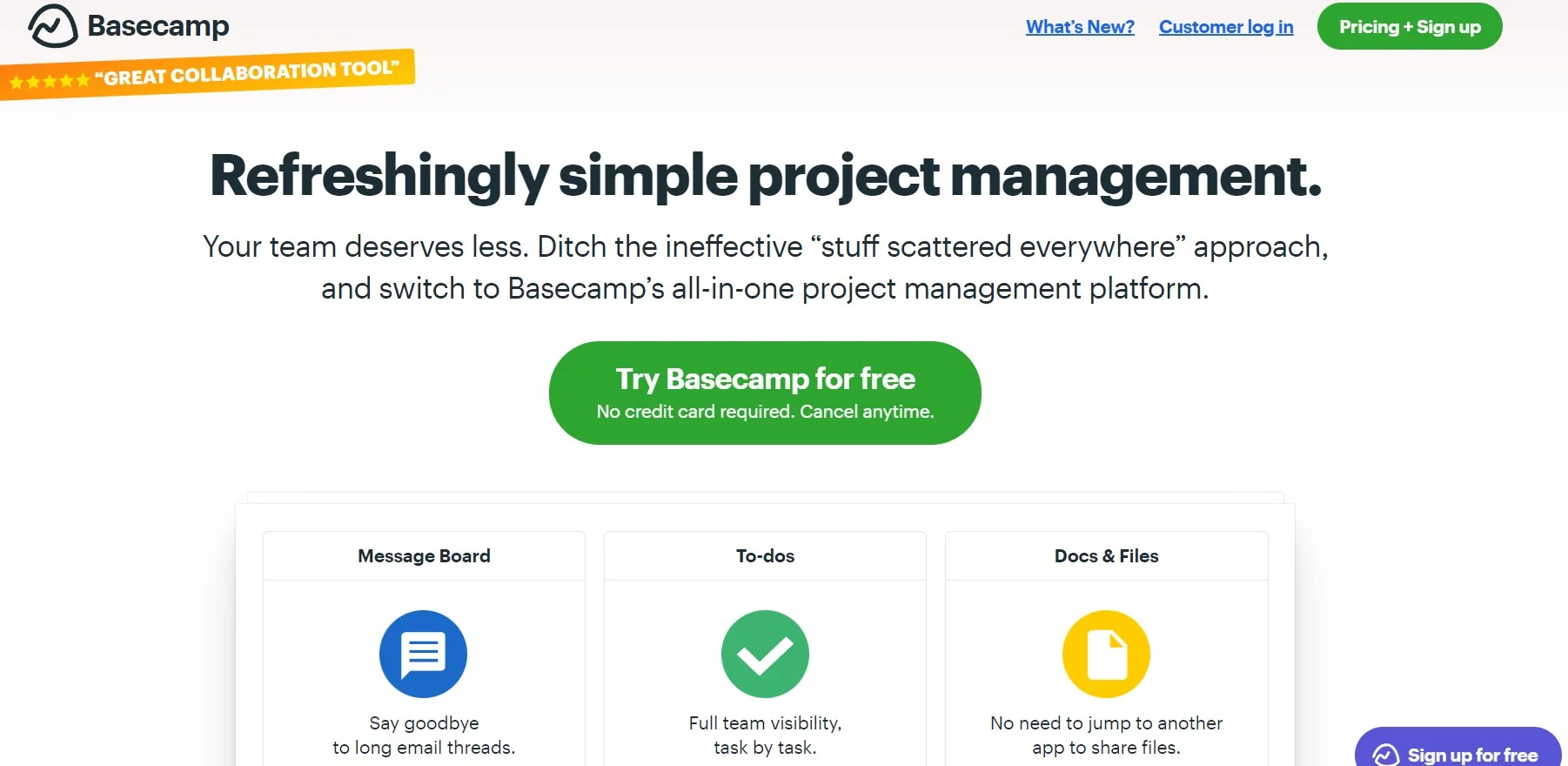
Basecamp combines message boards, to-dos, a Kanban-style card table, chat, scheduling and docs in each project. The Basecamp pricing page lists flat monthly packages with no per-user fees.
Price: Freelancer is $29 a month (3 projects, 5 users), Pro $79 (8 projects, 10 users) and Pro Plus $99 (12 projects, 15 users). Pro Unlimited is $199 a month billed annually or $329 monthly, with unlimited users.
Best for: agencies and IT services firms that invite clients and contractors. Not ideal for: dev teams that need backlogs, story points or detailed reports.
The catch: every person counts toward the cap, including clients, and time tracking starts on Pro Plus. The free plan allows just 1 project.
Asana: best for IT projects that cross departments
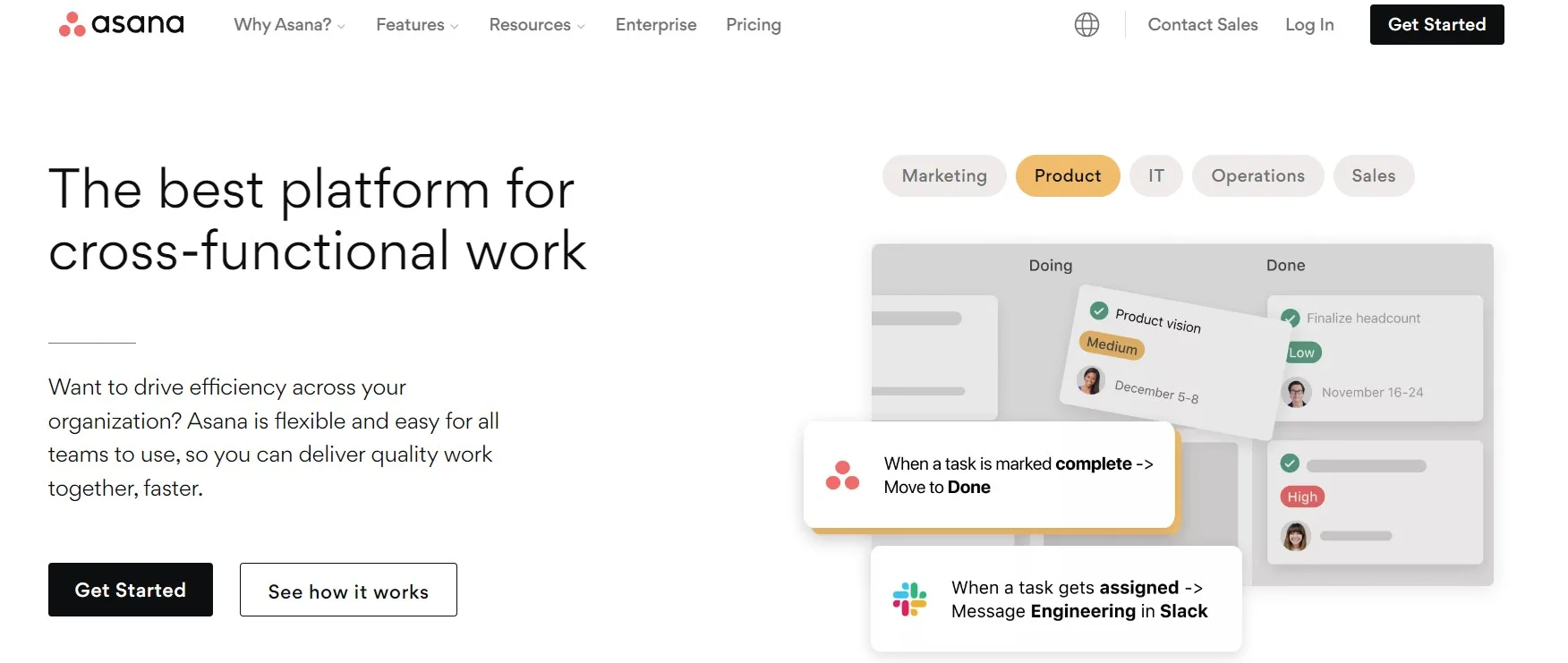
Asana handles lists, boards, timelines and Gantt charts, with forms, dependencies and unlimited rules from Starter. Asana’s pricing page lists a two-way Jira Cloud sync on Advanced and above.
Price: Personal is free for 2 users. Starter is $10.99 per user a month billed annually or $13.49 monthly. Advanced, with portfolios, goals, time tracking and approvals, is $24.99 annually or $30.49 monthly.
Best for: IT teams that run rollouts with HR, finance or marketing. Not ideal for: pure dev teams, who will miss native sprint tools.
The catch: Asana says it doesn’t offer refunds, and seats are sold in steps (in fives up to 30 users). A 12-person team pays for 15.
monday.com: best for IT operations and request tracking
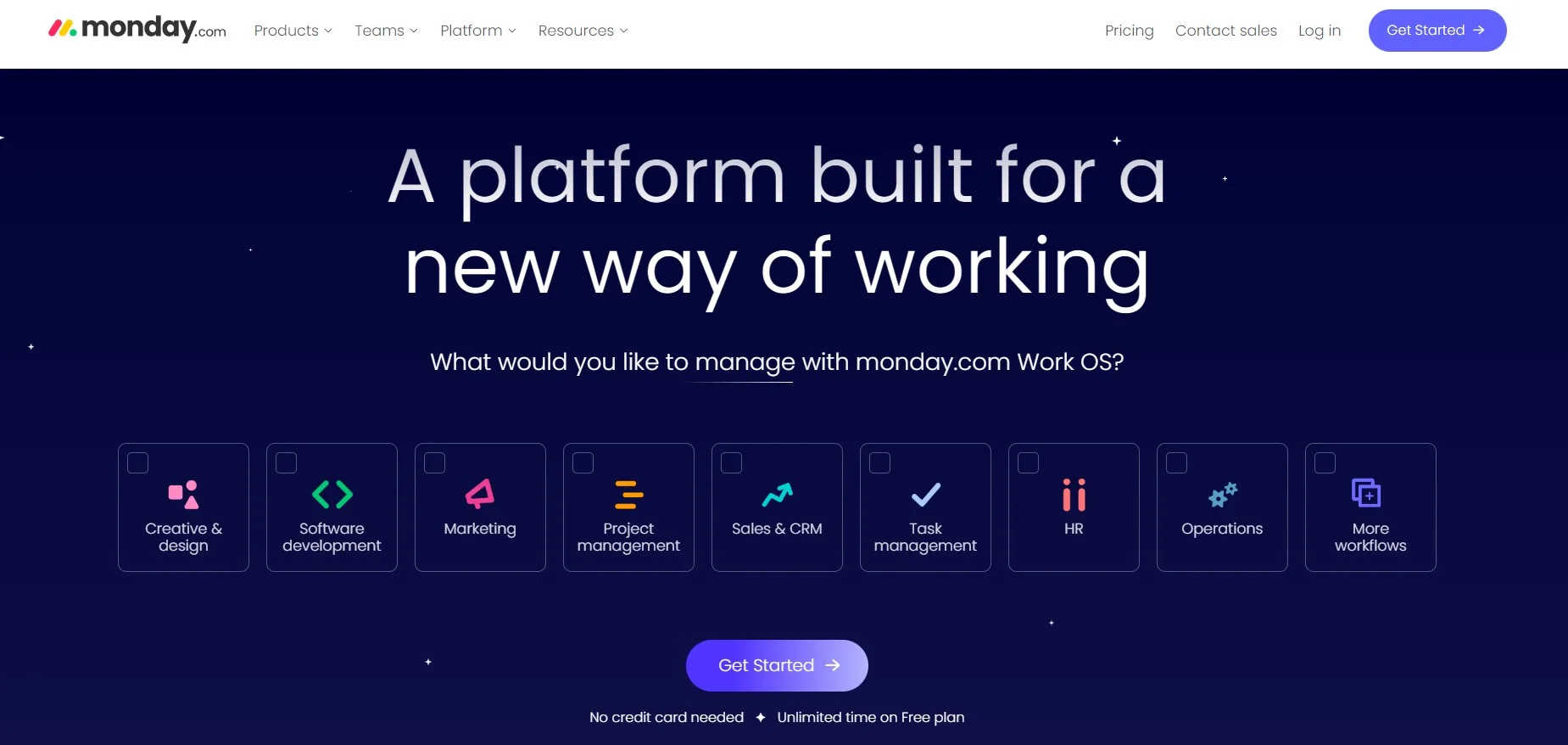
monday.com builds boards for almost any workflow, from IT requests to onboarding. Its pricing page offers a free plan for up to 2 seats and a 14-day trial of Pro.
Price: Basic is $9 per seat a month and Standard $12, both billed annually. Standard adds timeline and Gantt views, calendar view and 250 automation actions a month. Yearly billing saves 18%.
Best for: IT ops and service teams that want visual boards with little setup. Not ideal for: developers; monday sells a separate monday dev product for sprints.
The catch: plans start at 3 seats, and the price depends on your billing country. Refunds only apply to yearly plans cancelled within 30 days.
Which options fit a tight budget or a spreadsheet habit?
Trello: cheapest way to get a team on shared boards
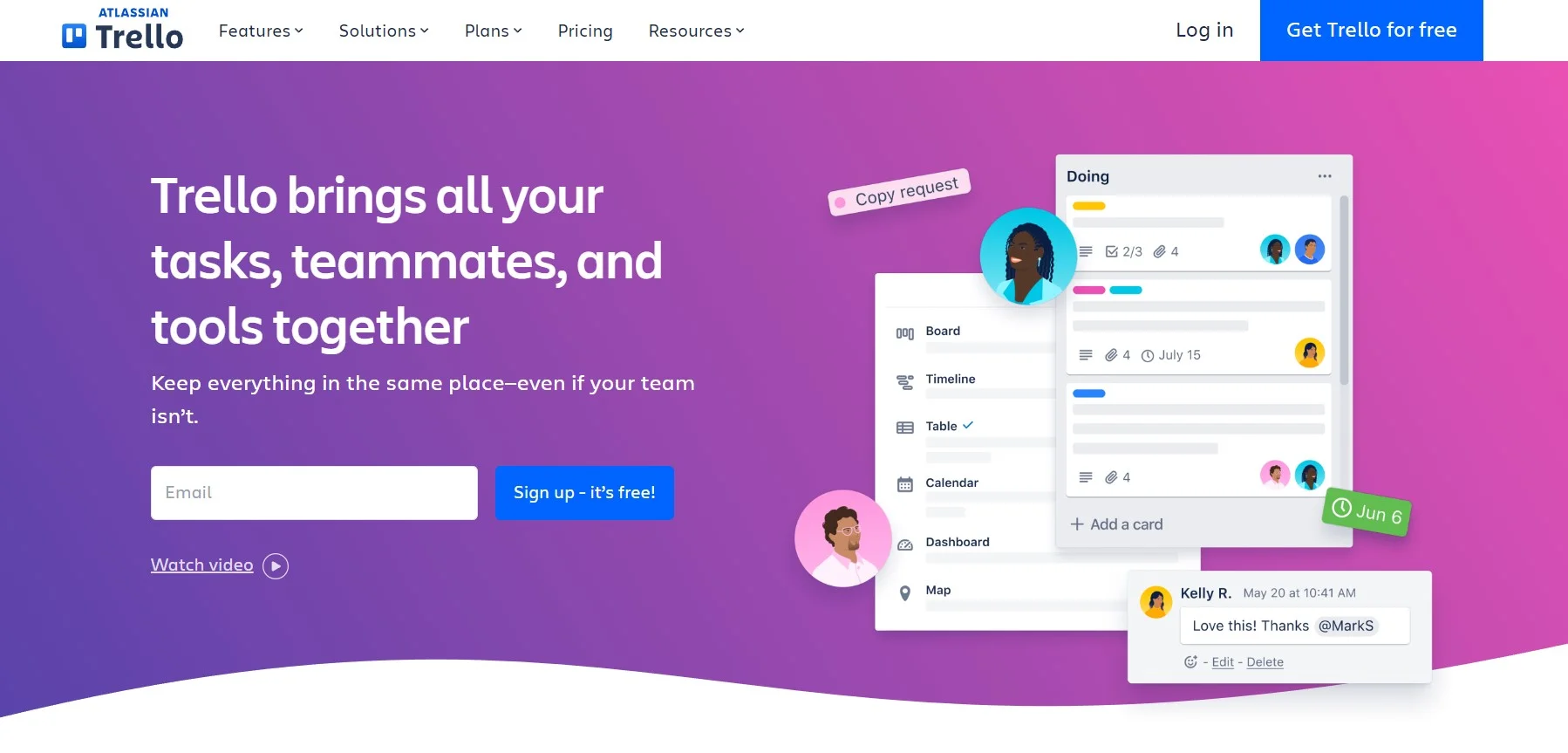
Trello is boards, lists and cards, with built-in automation and Power-Ups. Its pricing page makes the free plan free for up to 10 collaborators per Workspace, with 10 boards.
Price: Standard is $5 per user a month billed annually ($6 monthly) with unlimited boards. Premium adds timeline, calendar, table and dashboard views for $10 annually ($12.50 monthly).
Best for: small teams that want a shared Kanban board this afternoon. Not ideal for: sprint planning at scale, where Jira from the same company does more.
The catch: timeline and dashboard views are Premium-only, and the free plan stops at 10 boards.
Zoho Projects: best value if your company already runs on Zoho
Zoho Projects covers tasks, Gantt charts, issue tracking, timesheets and budgets. The Zoho Projects pricing page offers a free plan for up to 5 users and 3 projects, plus a 15-day trial with no card.
Price: Zoho sets prices by region, and the page redirected us to a regional version, so we haven’t quoted a figure. Check the price for your country, and note that yearly billing saves over 15%.
Best for: teams already using Zoho CRM, Books or Desk. Not ideal for: anyone who needs GitHub, GitLab or Bitbucket links on the free plan; those start on paid plans.
The catch: critical path, baselines and custom fields sit in the higher paid plans, not the entry one.
Smartsheet: best for PMOs that think in spreadsheets
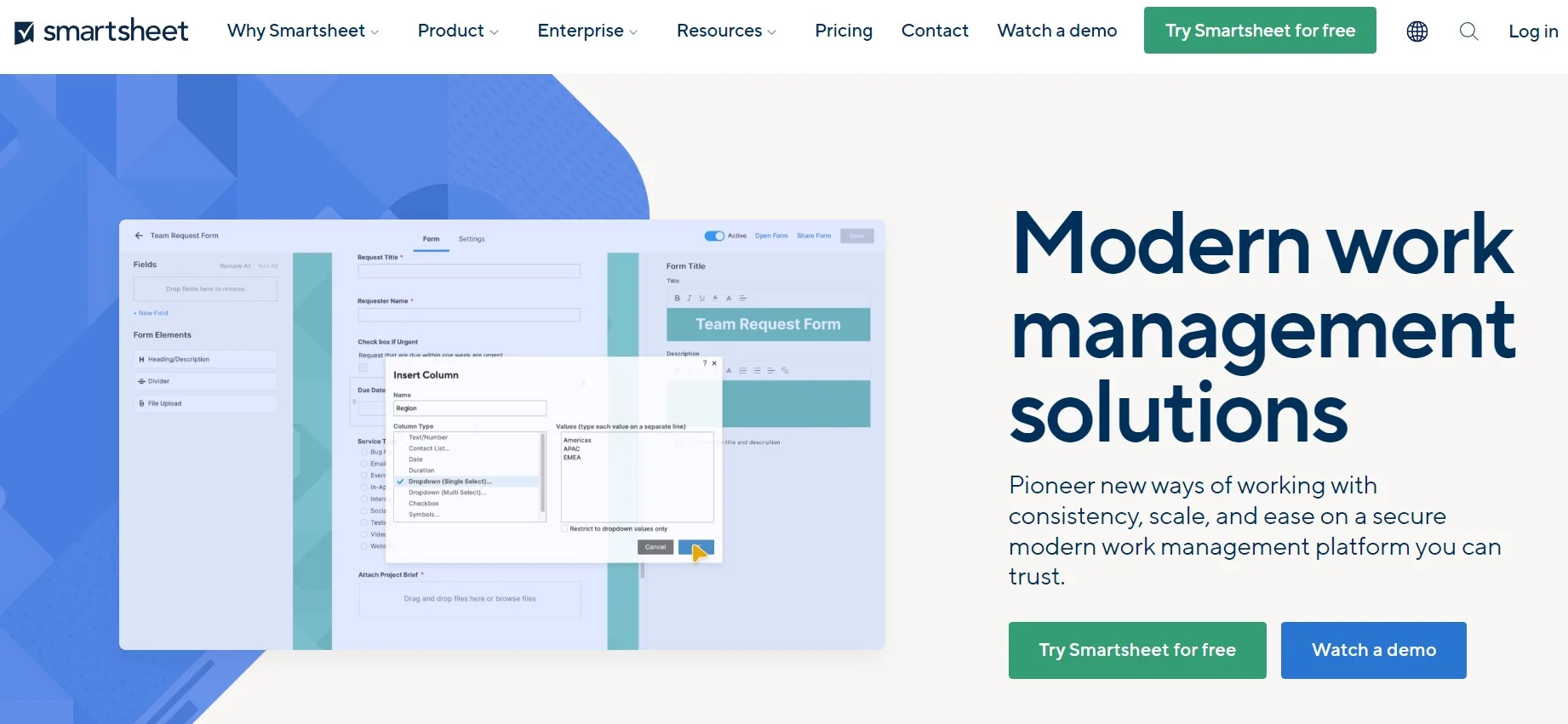
Smartsheet looks like a spreadsheet but adds Gantt, board and calendar views, formulas across sheets, dependencies and dashboards, per Smartsheet’s pricing page.
Price: Pro is $9 per member a month billed yearly or $12 monthly, for up to 10 members. Business is $19 yearly or $24 monthly, with a 3-member minimum, timeline view and workload tracking.
Best for: project offices that report to leadership and already plan in Excel. Not ideal for: dev teams, since there is no native backlog or sprint board.
The catch: there is no free plan, and Pro is only sold to new customers. Jira sync needs the Connectors add-on.
What do most project management lists get wrong?
Before you trust a “from $X” price: most headline prices are annual rates, and some are temporary. ClickUp’s $9 Core price sat next to a regular price of $12 when we checked.
Seat rules change the bill more than the sticker price. monday.com starts at 3 seats, Smartsheet Business needs 3 members, and Asana sells seats in fives above 5 users.
Refund terms vary too. ClickUp offers a 30-day refund, monday.com refunds yearly plans cancelled within 30 days, and Asana says it gives no refunds at all.
Fair to the simple tools: a 6-person IT team rarely needs portfolios or resource planning. Trello or Basecamp often gets everyone using the tool, which matters more than features nobody opens.
How do you choose project management software for an IT team?
- Who uses it every day? Developers want Jira or Linear. Mixed teams do better in ClickUp, Asana or monday.com.
- How fast will the team grow? Per-seat tools get pricey past 20 people. Basecamp Pro Unlimited stays at one price for any headcount.
- Do you bill clients by the hour? Only some plans track time. Our roundup of the best time tracking apps covers trackers that plug into Jira, Asana and ClickUp.
- Where do specs and docs live? If your wiki is in Notion, our Notion review explains how far its own task boards go. Our Craft Docs review covers a lighter option for specs.
Need to show a client a timeline? Office Timeline makes timeline visuals for client presentations; our Office Timeline review covers the details. For architecture and network diagrams, see our EdrawMax review.
For sprint retros on a whiteboard, read our Boardmix review. To record onboarding guides for new hires, see our Guidde review.
IT teams also share a lot of server and client logins. Keep them out of task comments with a password manager like the one in our 1Password review.
We left a few tools out of this update. WorkZappy is a smaller project management app; read our WorkZappy review if you want a budget alternative. For more head-to-head pages, browse our software comparisons.
Project management software FAQs
What is the best project management software for IT companies?
Jira is the best choice for most IT companies with in-house developers. It is free for up to 10 users and has Scrum and Kanban boards, backlogs and roadmaps. Agencies that invite clients often do better with Basecamp, and mixed teams with ClickUp or Asana.
Is Jira free for small teams?
Yes. Jira’s free plan is free forever for up to 10 users and includes boards, backlogs and basic automation. Once you add an 11th user, the site needs a paid plan. Atlassian lists Standard at $8.48 per user a month.
Should a software team pick Jira or Linear?
Pick Jira if you need deep workflow customization, many integrations or other Atlassian tools. Pick Linear if you want a fast, opinionated tracker with less setup. Linear’s free plan allows unlimited members but only 250 issues; paid seats start at $10 billed yearly.
Which project management tool is cheapest for a growing team?
For small teams, Trello Standard at $5 per user a month billed annually is the cheapest paid option here. For large teams, Basecamp Pro Unlimited costs $199 a month billed annually for unlimited users, which beats any per-seat tool past about 20 people.
Is Basecamp priced per user?
No. Basecamp charges a flat monthly price per account. Pro Plus is $99 a month for up to 15 users, and Pro Unlimited is $199 a month billed annually, or $329 monthly, with unlimited users. Clients and contractors count toward the user limits on lower packages.
Do project management tools offer refunds?
It depends on the vendor. ClickUp offers a full refund within 30 days. monday.com refunds yearly plans cancelled within 30 days of purchase. Asana says it does not give refunds, so test on the free plan or a trial before you pay for a year.
Which tools connect to Jira if only part of my team uses it?
ClickUp includes a Jira integration on every plan, including Free. Asana offers a two-way Jira Cloud sync on Advanced and above. Smartsheet can sync with Jira through its paid Connectors add-on. Trello and Jira both come from Atlassian and share Atlassian Guard for SSO.
Do I need a credit card to try these tools?
Not for most of them. ClickUp Free, monday.com Free and the Basecamp free trial need no card, and Basecamp won’t auto-charge you. Zoho Projects also offers a 15-day trial with no card. Check each sign-up page before you enter payment details.
Which project management software should you pick?
Start with Jira if your company builds software. It is free for 10 users and grows with you, and Linear is the lighter pick for fast product teams.
Choose Basecamp if you run client projects and keep adding people, ClickUp if you want one app for everything, and Trello if you just need shared boards for $5 a seat.



[…] you need deeper planning than Paymo’s Gantt view, our guide to project management software for IT teams covers tools built for that […]