
The best time tracking apps for most people start free: Clockify covers up to 5 users with unlimited tracking, and its paid seats start at $3.99 a month on annual billing.
The catch is the bill that comes later. Most of these tools charge per seat, the owner counts as a seat, and monthly billing can cost up to 50% more than paying yearly.
We went through the pricing pages, free-plan limits and trial terms of 10 apps, checked November 2026. This is a research-based comparison, not a hands-on test.
One free plan here has no user cap at all, and one popular “time tracker” from older lists is no longer a time tracker.
The best time tracking apps at a glance
- Best free plan for small teams: Clockify. Free for up to 5 users with unlimited tracking, timesheets and a Pomodoro timer.
- Best free plan with no user cap: TimeCamp. Unlimited users and projects on the free plan; paid plans from $3.99 per user.
- Best for freelancers who invoice: Harvest. The free plan includes invoicing and expenses for 1 seat and 2 projects.
- Best for privacy-first teams: Toggl Track. No screenshots or keystroke logging, by design.
- Cheapest tracker with screenshots: WebWork. Screenshots and activity levels from $3.99 per user on the Pro plan.
- Best for remote teams with hourly contractors: Hubstaff. Activity levels and timesheets from $4.99 a seat, plus a 30-day money-back guarantee.
How we picked: We opened each app’s own pricing page and FAQ on 4 November 2026. We noted the free plan, trial length, price per seat on annual and monthly billing, and refund rules. Prices are in USD before tax.
The screenshots below are from the 2023 version of this post, so some homepages have changed.
We dropped Workvivo from the earlier list: it is now an employee communication and intranet platform built on Zoom, not a time tracker. We added Toggl Track, which most readers compare against Clockify. How we review software
Some links on this page are affiliate links. If you buy through them, we may earn a commission at no extra cost to you. It never changes our scores. How we make money.
How do the time tracking apps compare on price?
Here is the cheapest paid seat for each app, per user per month. The gap between annual and monthly billing is the number to watch.
| App | Free plan | Paid from (per user/month) | Best for |
|---|---|---|---|
| Clockify | Yes, up to 5 users | $3.99 (annual), $4.99 monthly | Small teams starting free |
| Toggl Track | Yes, up to 3 users | $9 (annual), $12 monthly | Agencies that avoid monitoring |
| Harvest | Yes, 1 seat and 2 projects | $9 (annual), $11 monthly | Freelancers who invoice |
| TimeCamp | Yes, unlimited users | $3.99 (annual), $5.49 monthly | Bigger teams on a budget |
| Everhour | Yes, up to 5 seats | $8.50 (annual), 5-seat minimum | Teams on Asana, Jira or ClickUp |
| Paymo | Yes, 1 user and 2 projects | $5.90 for 3 months, then $9.90 (Solo) | Freelancers who also need tasks |
| WebWork | No, 14-day trial | $3.99 (annual), $4.99 monthly | Low-cost proof of work |
| Hubstaff | No, 14-day trial | $4.99 (annual, Starter) | Remote teams that run payroll |
| Time Doctor | No, 14-day trial | $6.67 (annual), $8 monthly | Managers who want detailed reports |
| DeskTime | No, 14-day trial | $6.42 (annual, Pro) | Automatic tracking on office PCs |
A five-person agency pays about $329 a year on Clockify Standard ($5.49 a seat, annual) and $540 on Toggl Track Starter ($9 a seat, annual). That difference buys a lot of coffee, so check which features you actually need first.
Which time trackers have a free plan worth using?
Six of the ten apps have a free plan. They differ most on how many people you can add and whether invoicing is included.
Clockify: the most generous free plan for a small team
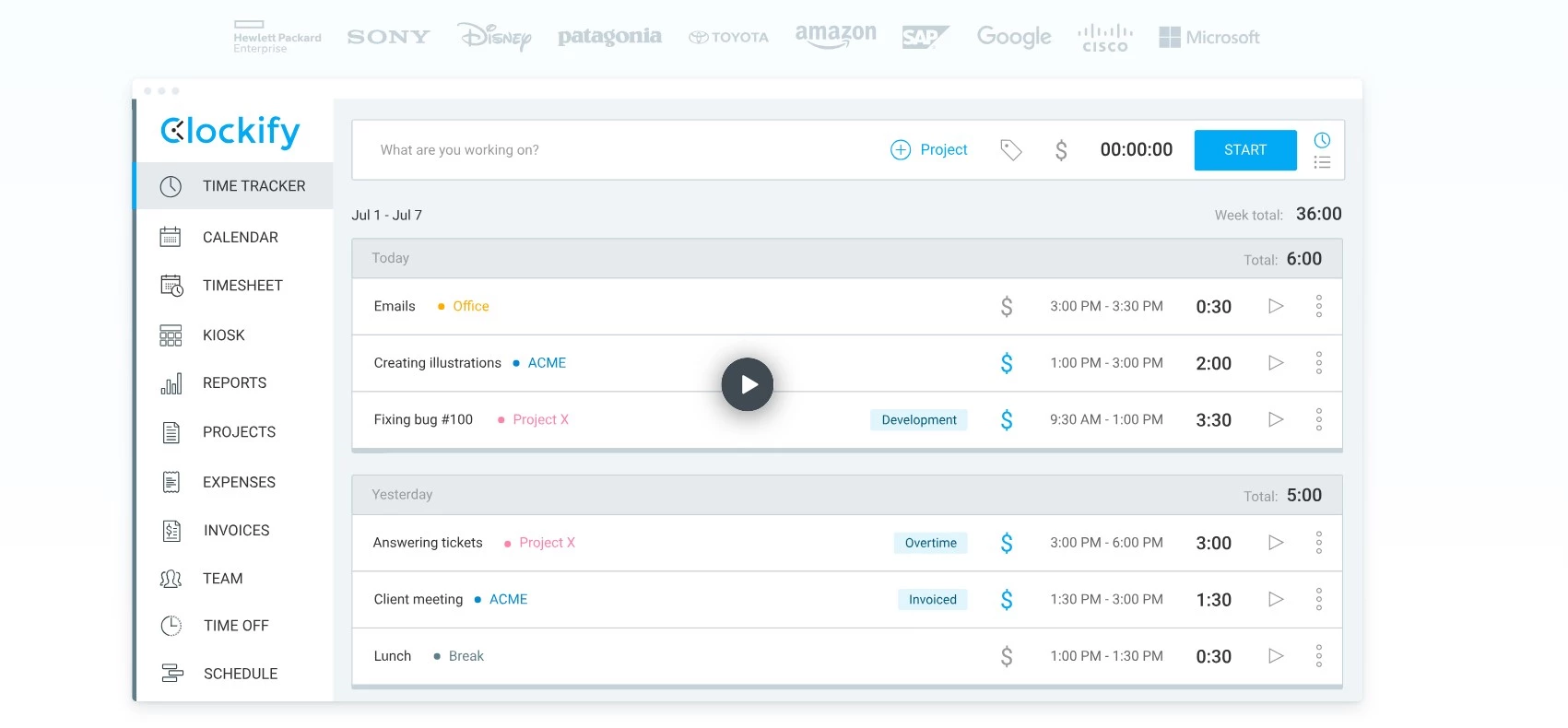
Clockify gives you unlimited tracking, timesheets, a calendar view, an auto tracker and idle detection on the free plan, for up to 5 users (you plus 4 invites, per Clockify’s pricing FAQ).
Price: Basic is $3.99 per seat a month billed annually ($4.99 monthly). Standard, which adds invoicing, time off and approvals, is $5.49 annual or $6.99 monthly. Pro is $7.99 and Enterprise $11.99, both on annual billing.
Best for: freelancers and teams of up to five who want a free tracker that won’t nag them to upgrade. Not ideal for: anyone who wants to test paid features slowly. The Pro trial lasts only 7 days.
The catch: Clockify doesn’t offer refunds, so start the trial before you pay. If you cancel, you drop back to the free plan and keep your data.
Toggl Track: best for teams that refuse screenshots
Toggl Track is the one most people compare with Clockify. Its pricing page FAQ says it doesn’t take screenshots or record keystrokes, browsing history or location, which makes it easier to roll out to a team.
Price: free for up to 3 users. Starter is $9 per user a month on annual billing or $12 monthly. Premium, with timesheet approvals and profitability reports, is $16 annual or $24 monthly. The trial lasts 30 days.
Best for: agencies and studios that bill by the hour and want planning and time in one place. Not ideal for: managers who need proof-of-work screenshots; look at WebWork or Hubstaff instead.
The catch: the free plan stops at 3 users, and monthly Premium costs 50% more than annual.
Harvest: best free plan for a freelancer who invoices
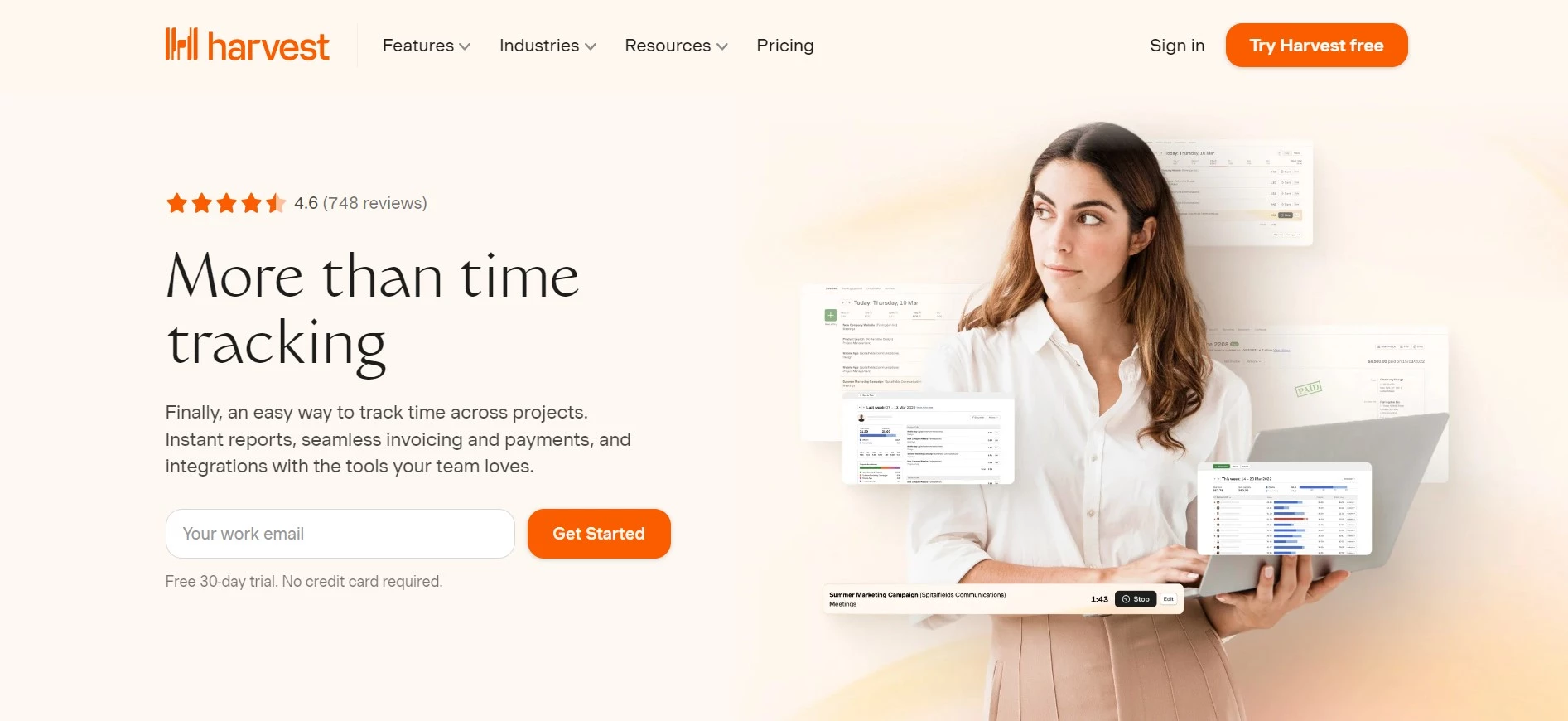
Harvest’s free plan is built for one person: 1 seat, 2 projects, time tracking, invoicing, expense tracking and the Mac and iOS apps, according to Harvest’s pricing page.
Price: Teams is $9 per seat a month billed annually ($108 a year) or $11 monthly. Enterprise, which adds profitability reports and timesheet approvals, is $14 annual or $17.50 monthly. The trial runs 30 days with no card.
Best for: a solo designer or developer with one or two retainer clients. Not ideal for: teams on a tight budget, because Harvest’s paid seats cost more than Clockify’s or TimeCamp’s.
The catch: on paid plans, extra invoices, projects, clients and tasks are billed on usage beyond what the base rate covers. Read the help-center note before you scale up.
TimeCamp: free for unlimited users
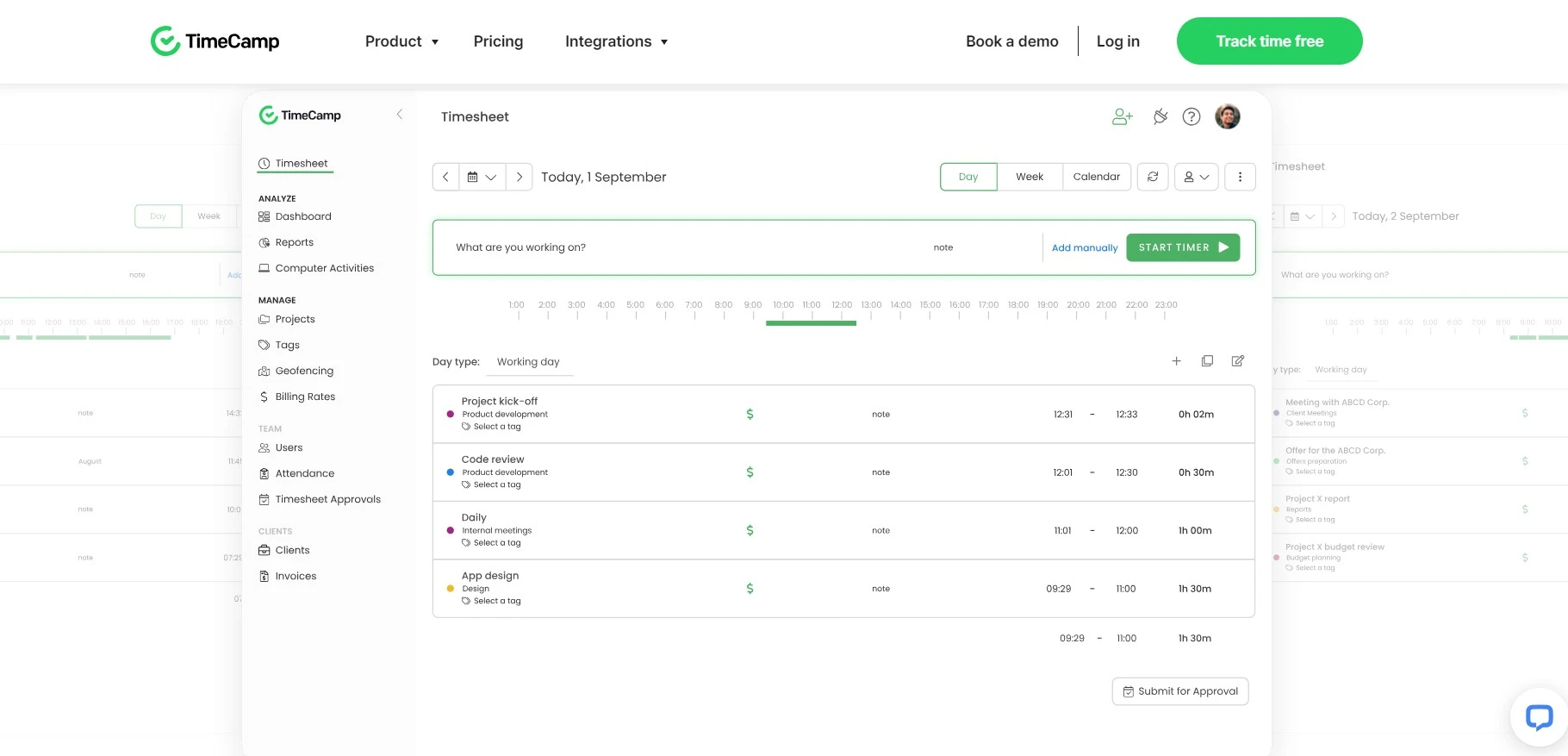
TimeCamp is the only app here whose free plan has unlimited users and unlimited projects, with timesheets and web, desktop and mobile apps, per TimeCamp’s pricing page.
Price: Starter is $3.99 per user a month annually ($5.49 monthly) and adds invoicing, attendance and time off. Premium is $6.99 ($9.99 monthly) with budgets and app tracking. Screenshots and timesheet approvals sit in the $9.99 tier ($13.99 monthly).
Best for: teams of 10 or more who want everyone tracking time for free. Not ideal for: teams that want predictable AI costs. TimeCamp bills its AI Time Tracker by usage, at about $6 per user a month.
The catch: TimeCamp’s FAQ says it does not grant refunds. Non-profits, schools and students can ask for an extra 30% off.
Paymo: best when you need tasks and invoices with your timer
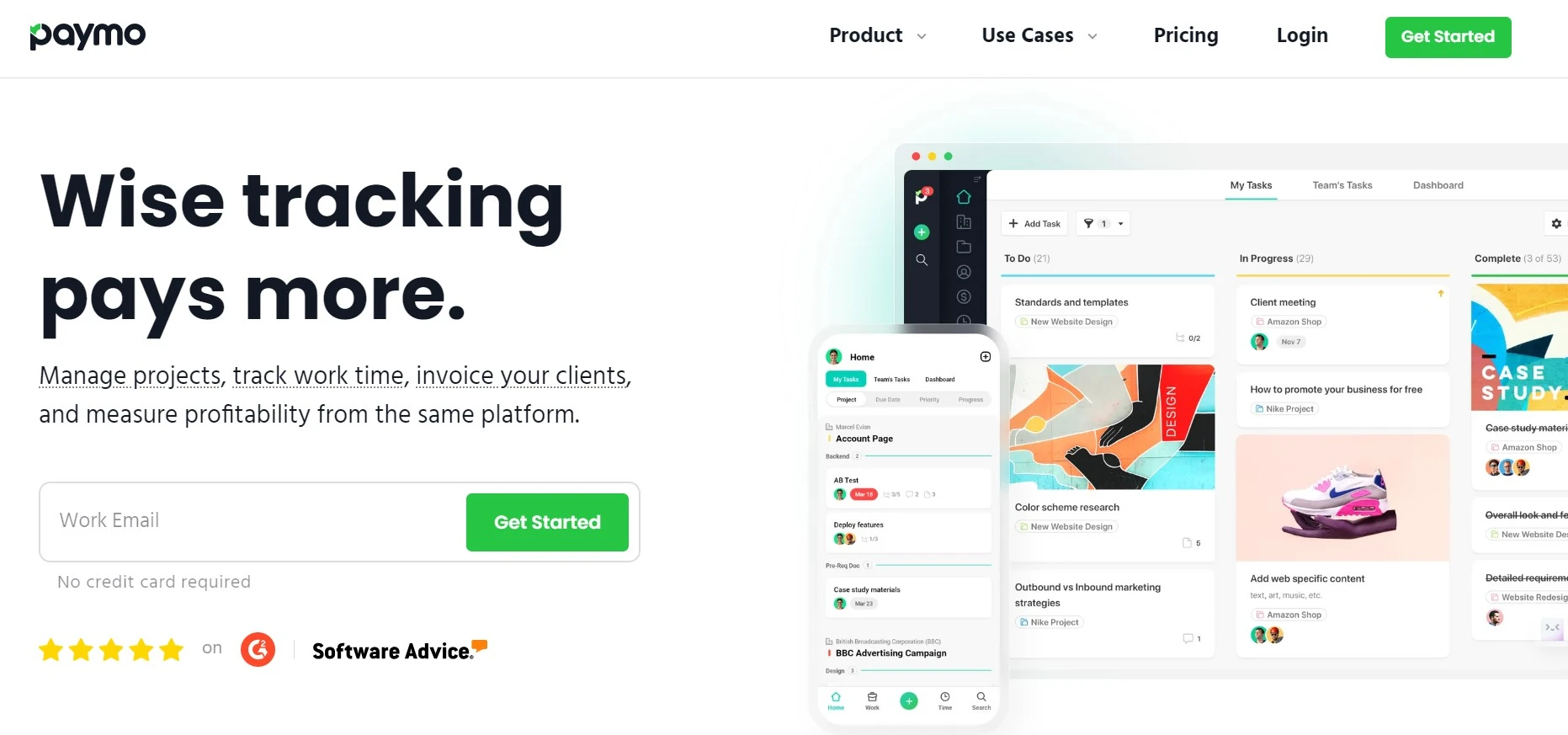
Paymo is closer to a small project management app with a timer built in. The free plan covers 1 user, 1 client, 2 projects, unlimited time tracking and unlimited invoices, per Paymo’s pricing page.
Price: Solo is listed at $5.90 a month for three months, then $9.90. Plus is $10.90 per user, then $15.90, and Pro is $16.90, then $23.90. Annual billing saves up to 40%. The trial lasts 15 days.
Best for: freelancers who want tasks, Kanban boards and invoices next to their hours. Not ideal for: teams on a budget, since Solo is single-user and team plans cost more than Clockify or TimeCamp.
The catch: the introductory price ends after three months. Budget for the full price, not the first invoice.
If you need deeper planning than Paymo’s Gantt view, our guide to project management software for IT teams covers tools built for that job.
Everhour: best for teams that live in Asana, Jira or ClickUp
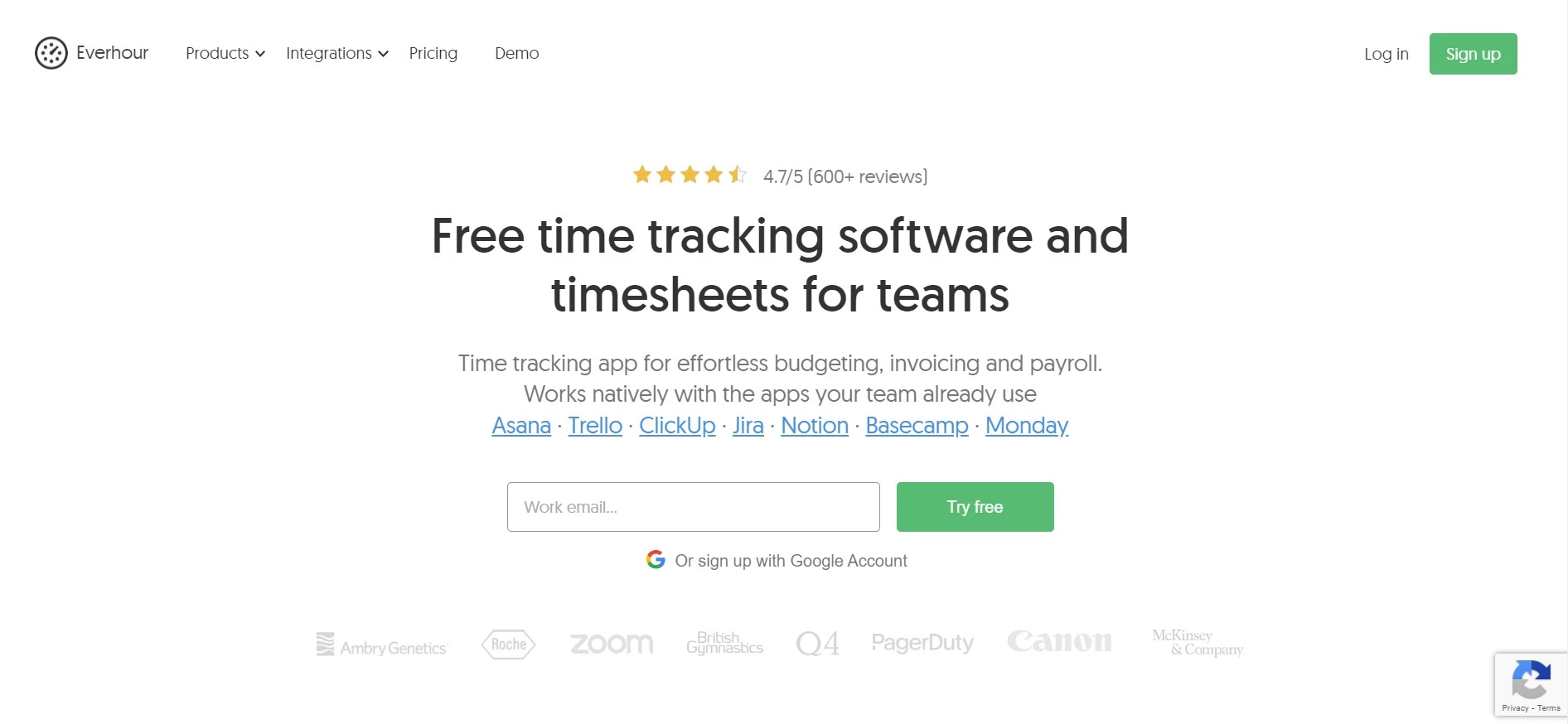
Everhour puts a timer inside the project tools your team already uses. Our 2023 screenshot of its homepage lists Asana, Trello, ClickUp, Jira, Notion, Basecamp and Monday.
Price: free for up to 5 seats with limited features. Team is $8.50 per seat a month billed yearly, with a 5-seat minimum, and includes every feature, per Everhour’s pricing page. The trial lasts 14 days with no card.
Best for: agencies that plan work in Asana or Jira and want hours logged against those tasks. Not ideal for: a team of two, because the 5-seat minimum means at least $510 a year.
The catch: the free plan has no integrations. If you connect one during the trial, you need a paid plan to keep it. Pairing Everhour with Notion? Our Notion review explains how far its own task features go.
Which apps suit remote teams that need proof of work?
These four record activity levels, apps and websites, and in most cases screenshots. None has a free plan, but all four offer a 14-day trial.
Fair to monitoring tools: screenshots and activity levels help when you pay contractors by the hour and need records for a client. Tell your team what is tracked before you install anything, and switch off what you don’t need.
WebWork: the cheapest way to get screenshots and activity levels
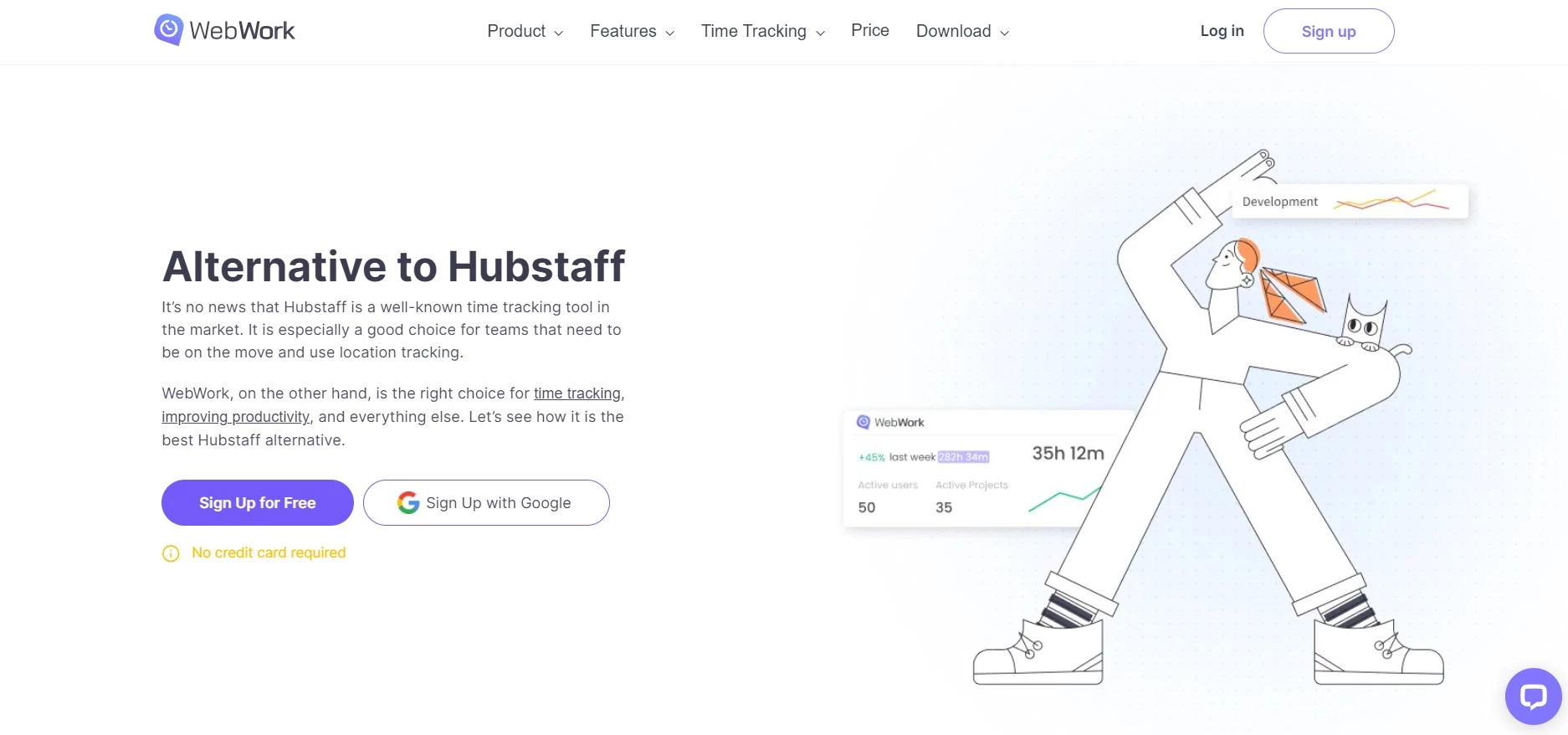
WebWork includes screenshots, activity levels, app and website usage, attendance, invoices and an AI assistant on its cheapest plan, per WebWork’s pricing page.
Price: Pro is $3.99 per user a month on annual billing or $4.99 monthly. Plus, with payroll, expenses and timesheet approvals, is $6.39. Premium, with SSO and HIPAA compliance, is $7.19. The 14-day trial needs no card.
Best for: small remote teams that want monitoring features at Clockify-level prices. Not ideal for: teams with many tools, since Pro allows one integration at a time.
The catch: Pro keeps screenshots for 3 months and chat history for 30 days. Plus and Premium keep screenshots for a year.
Hubstaff: best for remote teams that pay people through the tracker
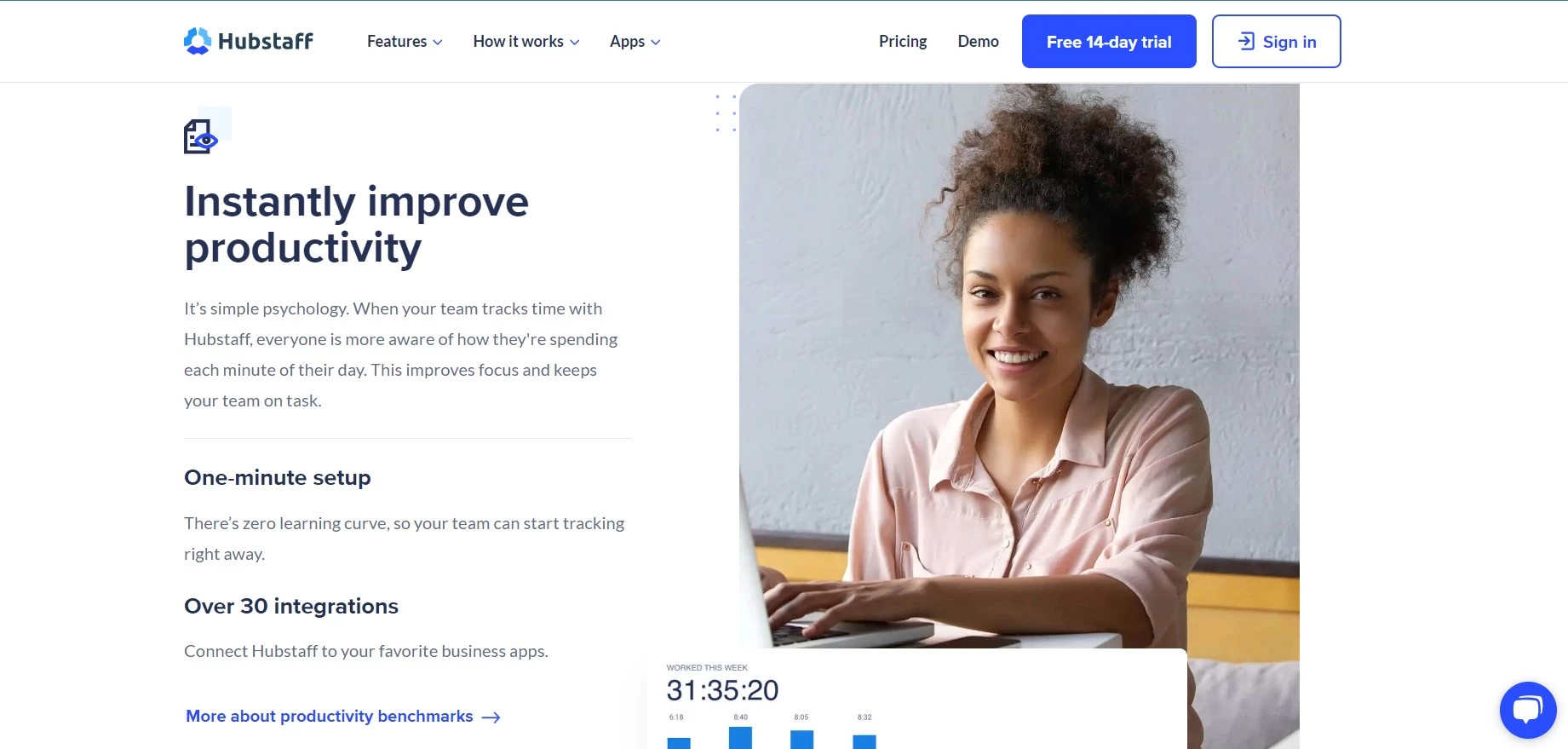
Hubstaff tracks time and activity levels and links them to invoices and team payments. It offers a 14-day trial with no card and a 30-day money-back guarantee, per Hubstaff’s pricing page.
Price: Starter is listed at $4.99 per seat a month, Grow at $7.50 and Team at $10, all on annual billing. Enterprise is quoted by sales. We couldn’t see monthly-billing prices on the page, so check them at checkout.
Best for: remote teams with hourly contractors who need payroll from approved hours. Not ideal for: anyone who wants a free plan. Hubstaff’s FAQ says the free option is the trial.
The catch: you pay for every seat, including your own, even if you don’t track time. Viewers who only read reports can use the free Project Viewer role.
Time Doctor: best for managers who want detailed reports
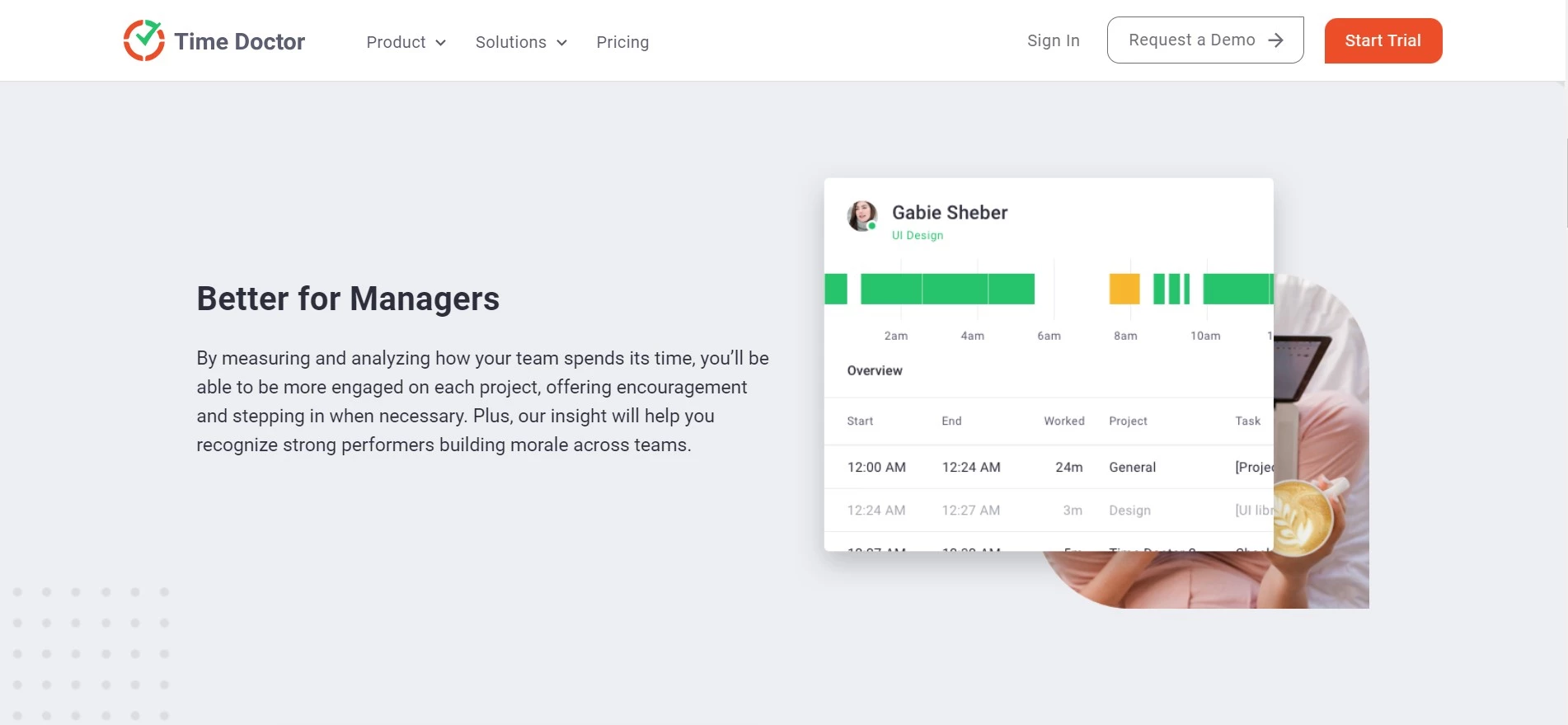
Time Doctor focuses on reports for managers: timelines, web and app usage, attendance and productivity ratings. The 14-day trial gives you every Premium feature, per Time Doctor’s pricing page.
Price: Basic is $6.67 per user a month on annual billing or $8 monthly. Standard is $11.67 or $14, and Premium is $16.70 or $20. Annual billing gives you two months free.
Best for: managers of 20 or more remote staff who read reports weekly. Not ideal for: small teams, because attendance, payroll and web and app usage start on Standard at $11.67.
The catch: Basic keeps only 3 months of tracking history, against 6 months on Standard and 2 years on Premium.
DeskTime: best for automatic tracking on office computers
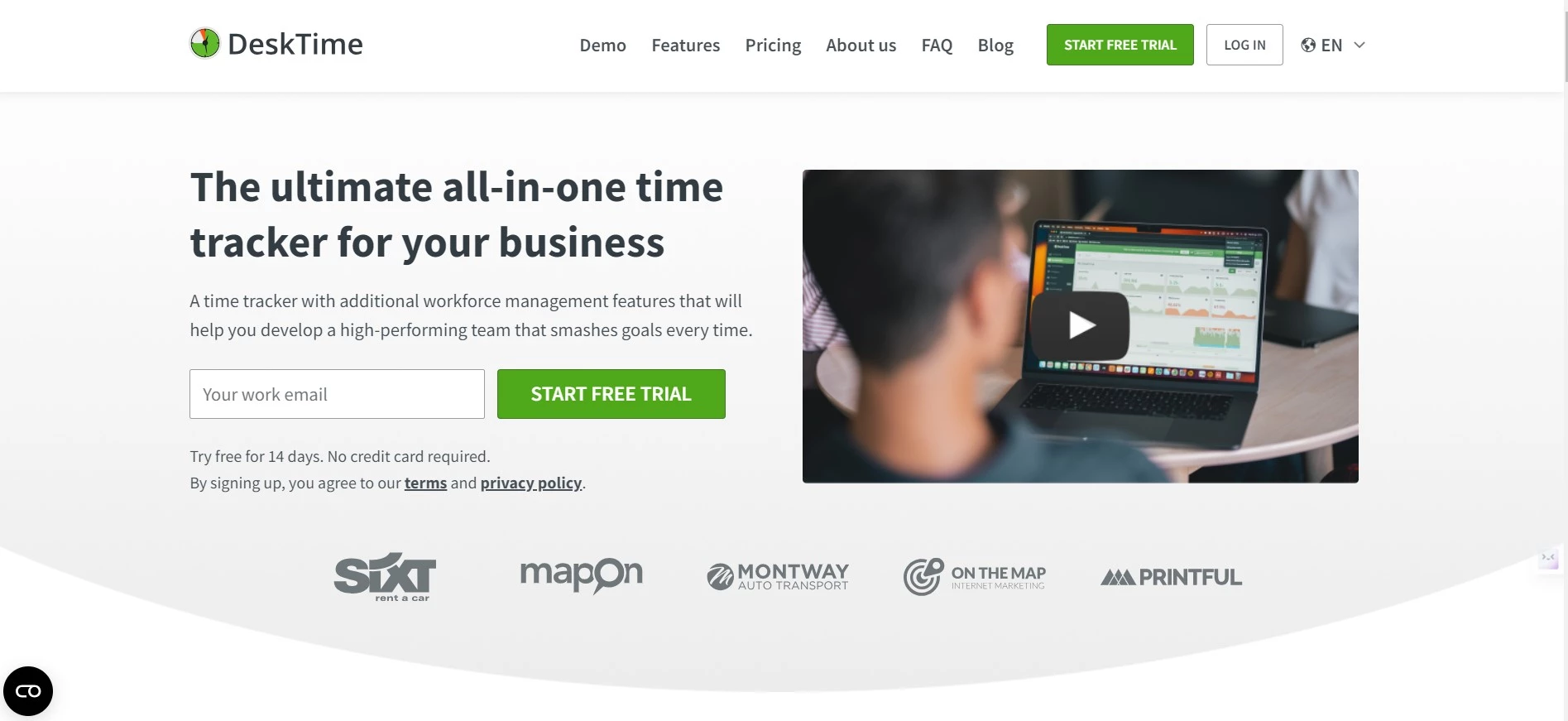
DeskTime tracks time automatically through its desktop app and rates the apps and websites you use for productivity. It has a 14-day trial and no free plan, per DeskTime’s pricing page.
Price: Pro is $6.42 per user a month billed annually and Premium, which adds screenshots and shift scheduling, is $9.17. Enterprise is custom for 200+ users. When we loaded the page from India, the same plans showed $4.58 and $6.42.
Best for: office teams on Windows or Mac who want tracking without timers. Not ideal for: freelancers who bill per task, since its strength is daily totals, not invoices.
The catch: DeskTime uses regional pricing, so the price you see depends on where you sign up. Check it on your own connection before you budget.
What do most time tracking lists get wrong?
Before you trust a “from $X” price: nearly every headline price on this page is the annual rate. On monthly billing, Toggl Track Premium jumps from $16 to $24 a seat and TimeCamp Starter from $3.99 to $5.49.
Seat rules matter more than the sticker price. Everhour bills a minimum of 5 seats, and WebWork and Hubstaff both count the workspace owner as a paid seat.
Refunds are rarer than you might expect. Clockify and TimeCamp say they don’t refund, and Everhour won’t refund unused months on annual plans. Hubstaff is the exception, with a 30-day money-back guarantee.
Older lists also keep products that changed category. Workvivo, which used to appear in roundups like this one, now sells an employee intranet and communications platform.
How do you choose a time tracking app?
Answer these four questions and the list gets short fast.
- Do you need monitoring or just timers? If you only need hours per project, pick Clockify, Toggl Track or Harvest. If you need screenshots, look at WebWork, Hubstaff, Time Doctor or DeskTime Premium.
- How many people will track time? Up to 3, any free plan works. Up to 5, Clockify or Everhour. More than 5 without paying, TimeCamp.
- Do you send invoices from it? Harvest, Paymo and Clockify Standard handle invoicing. Pair invoicing with a light CRM like the one in our Capsule CRM review if you track leads too.
- Where does your work already live? Everhour plugs into Asana and Jira. If your team plans in whiteboards, our Boardmix review shows how far that tool goes on its own.
Teams that present timelines to clients can turn tracked hours into a Gantt chart with the tool in our Office Timeline review. If you want tasks, updates and automation in one place, see our WorkZappy review.
Freelancers who keep project notes next to their hours can read our Craft Docs review. Before you invite contractors into any tracker, share logins safely with a manager like the one in our 1Password review.
Time tracking app FAQs
What is the best free time tracking app?
Clockify is the best free time tracking app for most small teams. It allows up to 5 users with unlimited tracking, timesheets, a calendar view and idle detection. If you need more than five people on a free plan, TimeCamp’s free plan has no user limit.
Is Toggl Track still free?
Yes. Toggl Track’s free plan is free forever for up to 3 users and includes manual and real-time timers, calendar integrations and simple task planning. Paid plans start at $9 per user a month on annual billing, and there is a 30-day trial.
Which time tracking apps take screenshots?
WebWork, Hubstaff, Time Doctor and DeskTime Premium all capture screenshots, and TimeCamp includes them in its higher paid tier. Toggl Track says it never takes screenshots or logs keystrokes, so pick it if your team objects to monitoring.
Do I have to pay for my own seat?
Usually, yes. WebWork and Hubstaff both say the workspace owner counts as a paid seat, and Clockify counts every active or invited user. Hubstaff and WebWork let report-only viewers join for free as Project Viewers.
Can I get a refund on a time tracking app?
It depends on the app. Hubstaff offers a 30-day money-back guarantee on paid plans. Clockify and TimeCamp say they don’t give refunds, and Everhour won’t refund unused months on annual billing, so use the free trial first.
Which time tracker is best for freelancers who invoice clients?
Harvest is the strongest pick for a solo freelancer. Its free plan includes time tracking, invoicing and expenses for 1 seat and 2 projects. Paymo’s free plan also has unlimited invoices but caps you at 1 client and 2 projects.
Is Clockify or Toggl Track cheaper for a team?
Clockify is cheaper. Its free plan covers 5 users against Toggl Track’s 3, and paid seats start at $3.99 a month on annual billing against Toggl’s $9. Toggl Track adds stronger planning views and a no-screenshot policy for the extra money.
Why did Workvivo drop off this list?
Workvivo is no longer a time tracking tool. Its site now describes Workvivo HQ, an employee communication and intranet platform built on Zoom. We removed it in the November 2026 update and added Toggl Track in its place.
Which time tracking app should you pick?
Start with Clockify if you are a freelancer or a team of up to five. It is free, covers the basics well, and paid seats start at $3.99 on annual billing.
Pick Harvest if invoicing is the point, Toggl Track if your team won’t accept screenshots, and TimeCamp for a free plan for a larger team. For remote contractors, WebWork gives you screenshots for the least money.