

Among business card maker tools, Canva is the best pick for most people: the free plan includes business card templates and a print ordering option, and Pro costs US$144 a year if you want the premium templates.
The catch is the file you hand to the printer. A card that looks fine on screen can come back with white edges or a cut-off phone number if the tool can’t export a print PDF with bleed.
We went through the pricing pages, plan limits and business card pages of 8 tools (7 made the list), checked November 2026. This is a research-based comparison, not a hands-on print test.
One pick gives up to 10 people a paid account for less than one Canva Business seat.
The best business card makers at a glance
- Best overall: Canva. Free business card templates, print ordering, and Pro at US$144 a year.
- Best free plan for Adobe users: Adobe Express. 345,000+ templates on the free plan and a 30-day Premium trial.
- Best for small teams on a budget: VistaCreate. Pro is $10 a month billed annually for up to 10 seats.
- Best for print-ready PDFs: Visme. Its card maker exports a PDF with bleed marks.
- Best if you just want cards in your hand: Vistaprint. 50 standard cards for $10 in the US, with free templates.
- Best for fast template edits: Placeit. Unlimited templates from $7.47 a month billed yearly.
How we checked: We opened each tool’s own pricing page and business card page on 12 November 2026.
We noted the free plan, the cheapest paid plan on annual and monthly billing, seat rules and export formats. Prices are in USD before tax unless noted.
The screenshots are homepages captured for the 2023 version of this post, so the sites look different today.
We dropped Designs.ai (explained below) and added Vistaprint, because many readers want printed cards, not just a design file. How we review software
Some links on this page are affiliate links. If you buy through them, we may earn a commission at no extra cost to you. It never changes our scores. How we make money.
How do the business card maker tools compare on price?
Here is the cheapest paid plan for each tool. Watch the billing basis: some prices are per person, one covers a whole team, and Vistaprint charges per print order.
| Tool | Free plan | Paid from | Best for |
|---|---|---|---|
| Canva | Yes | US$144/yr (Pro, 1 person) | Most people, design + print |
| Adobe Express | Yes, no card | Premium, billed monthly (regional price) | Adobe Fonts and Stock users |
| VistaCreate | Yes (Starter, 1 seat) | $10/mo billed annually, up to 10 seats | Small teams |
| Visme | Yes, limited templates | $12.25/mo billed $147/yr (Starter) | Print PDFs with bleed |
| Venngage | Yes, 5 designs | $10/mo yearly, $19 monthly (Premium) | People already making infographics |
| Placeit | Free account | $7.47/mo billed yearly (Unlimited) | Quick template edits |
| Vistaprint | No subscription, pay per order | $10 for 50 standard cards (US) | Ordering printed cards |
For a three-person team, Canva Business costs US$750 a year (US$250 per person). VistaCreate Pro covers the same three people, and seven more, for $10 a month on annual billing.
Which business card makers are best for most people?
These three cover almost everyone who needs a clean card without hiring a designer. All have a free plan, so start there and only pay when you hit a limit.
Canva: the best all-round business card maker
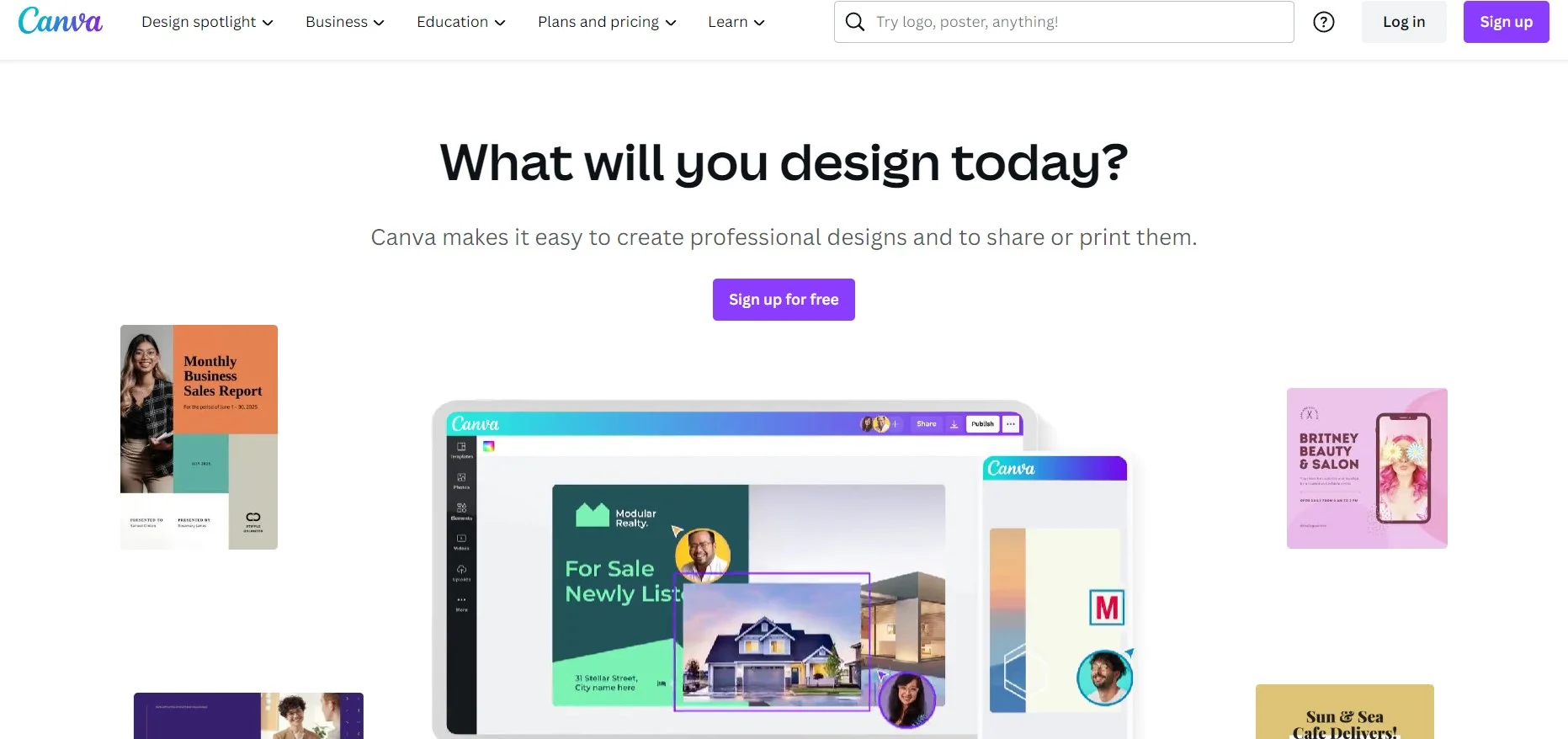
Canva has a dedicated business card maker with ready-made templates you can sort by style or industry. You can download the file or order prints from inside the editor.
Price: free to start. The Canva pricing page lists Pro at US$144 a year for one person and Business at US$250 a year per person. Business adds a 10% discount on print orders where Canva Print is offered.
Best for: solo founders and freelancers who want a good card this afternoon. Not ideal for: teams of three or more on a tight budget, since Business is billed per person.
The catch: many of the nicest templates and elements are Pro-only, so filter for free ones before you fall for a design. More detail in our Canva review.
Adobe Express: the best free plan if you already use Adobe
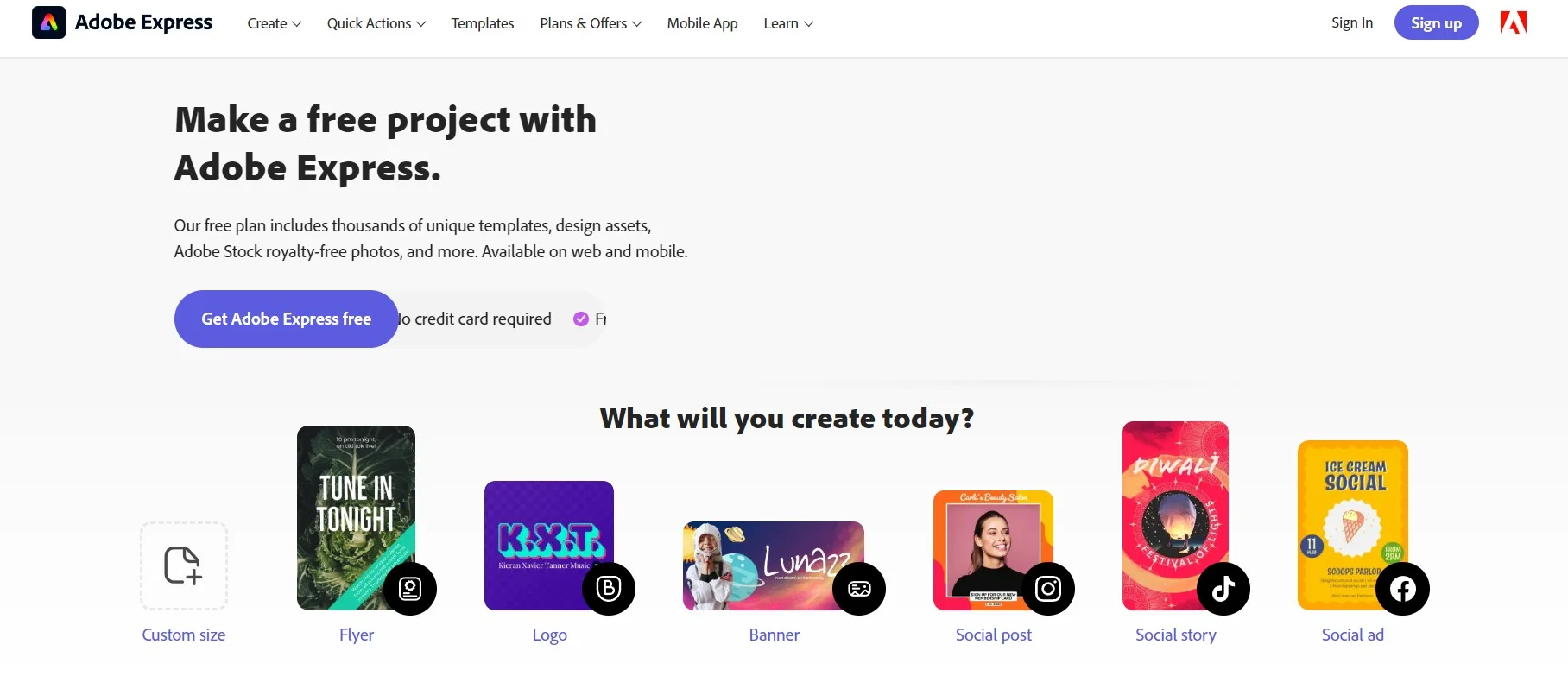
Adobe Express is Adobe’s browser and mobile design app. Its pricing page says the free plan includes 345,000+ templates, 1M+ Adobe Stock assets, 5,000+ fonts and 5GB of storage, with no credit card.
Price: Premium is billed monthly with no annual commitment and starts with a 30-day free trial. The price is set by region; the US page wouldn’t load from our location, so we haven’t quoted a dollar figure.
Best for: people who already pay for Photoshop or Illustrator, or want the full Adobe Fonts library on a card. Not ideal for: anyone who wants a fixed yearly price.
The catch: brand kits and the full font collection sit on Premium. Our Adobe Express guide covers what the free plan can do.
VistaCreate: the cheapest paid plan for a team
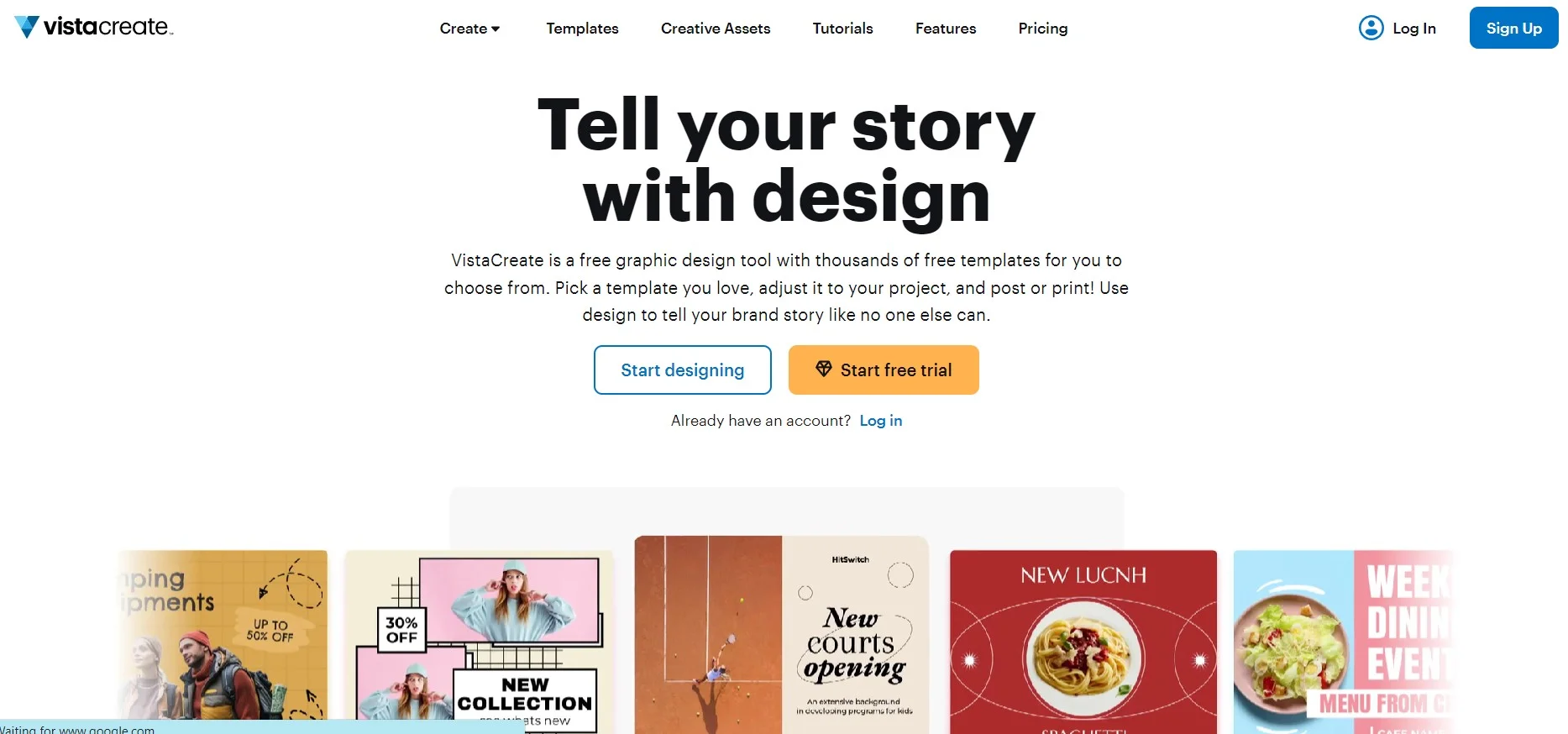
VistaCreate is the design app from the company behind VistaPrint. Its plans page lists the free Starter plan with 100K templates, one brand kit and 10GB of storage for one person.
Price: Pro is $10 a month on annual billing for up to 10 seats, with a 14-day free trial. That adds 200K+ templates, unlimited brand kits, a one-click resizer and HD downloads.
Best for: small businesses where two to ten people need on-brand cards. Not ideal for: designers who want fine typographic control.
The catch: the monthly-billing price isn’t shown upfront, so check it at checkout if you don’t want to pay for a year.
Which tools suit print-ready or brand-heavy designs?
Visme and Venngage are general visual design apps with business card templates. They make sense if you already make reports or presentations in them.
Visme: best for print-ready PDFs with bleed
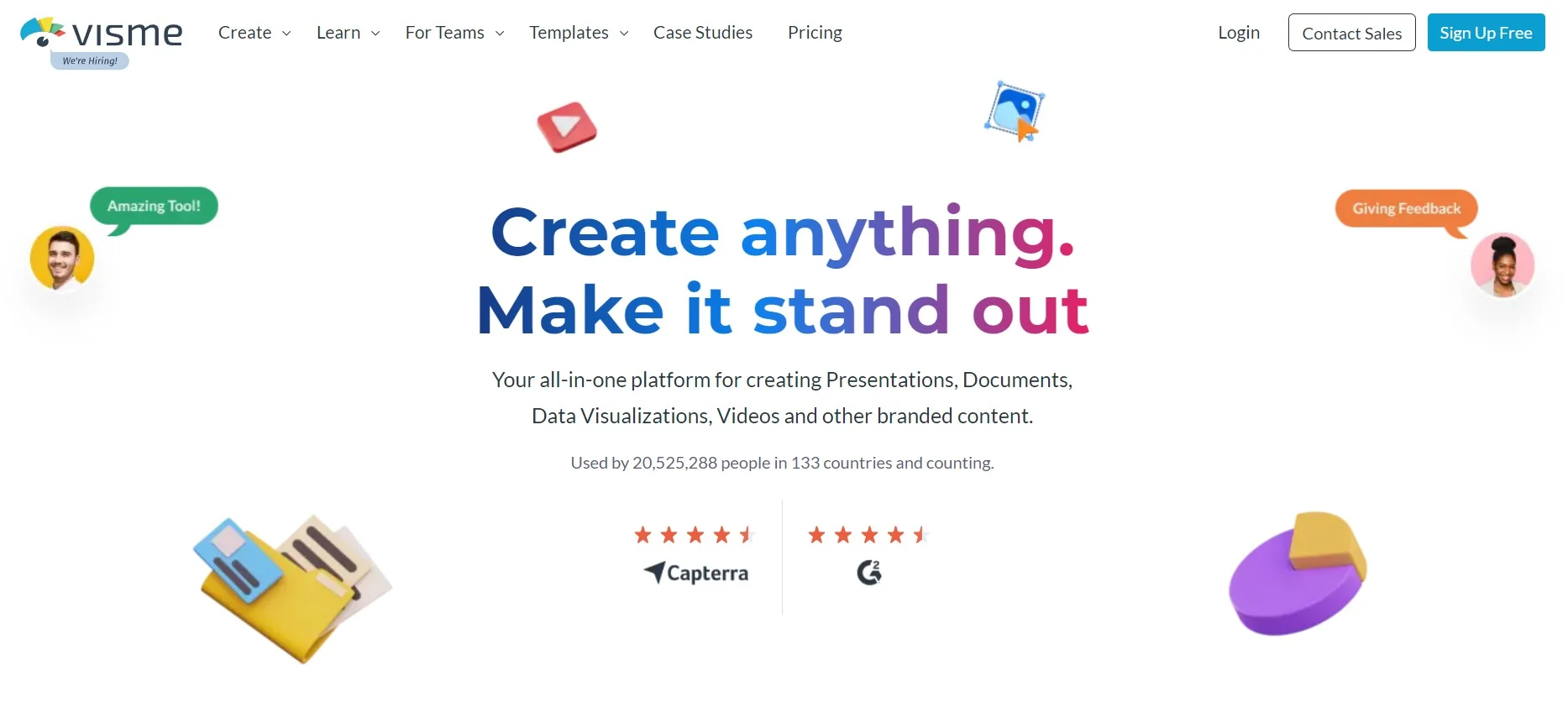
Visme’s business card maker offers over two dozen card templates, one- or two-sided and vertical or horizontal layouts. It downloads a PDF with bleed marks you can send straight to a printer.
Price: per the Visme pricing page, Basic is free, Starter is $12.25 a month billed $147 a year, and Business is $24.75 a month billed $297 a year. JPG, PNG and PDF downloads are listed on Starter.
Best for: people who care most about a clean handoff to a print shop. Not ideal for: anyone who wants hundreds of card templates to browse.
The catch: the free plan limits templates and download options, so plan on Starter if the card is going to print.
Venngage: fine if you already pay for it
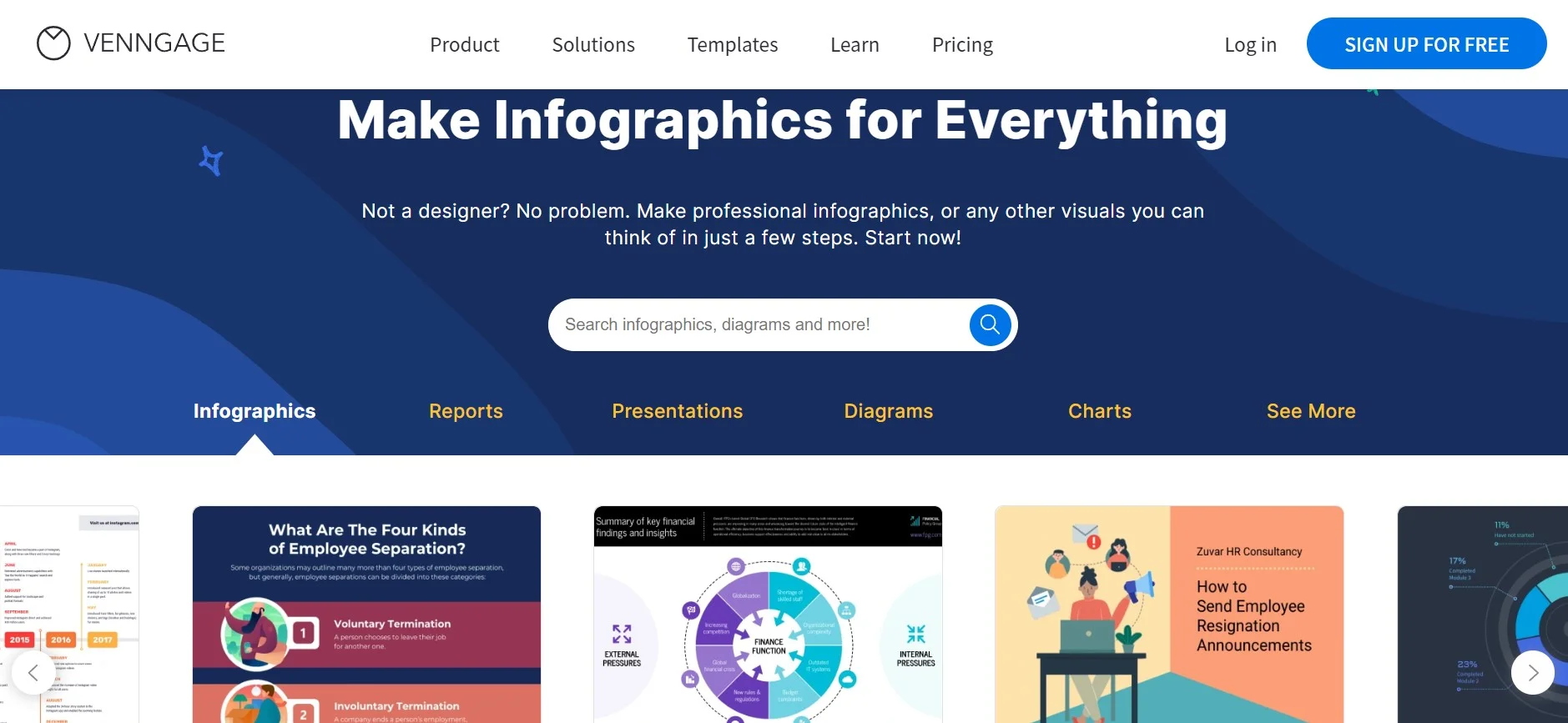
Venngage is known for infographics, but it has a business card template library sorted by profession, from real estate to tattoo artists. A QR code generator is included on every plan.
Price: the Venngage pricing page lists Premium at $10 a month billed yearly ($19 monthly) and Business at $24 per user a month billed yearly ($49 monthly). The free plan allows 5 designs and 6 image uploads.
Best for: teams already on Venngage Business for reports. Not ideal for: anyone buying it just for cards.
The catch: PDF export is a Business feature. Premium gives you PNG and high-res PNG, which many print shops will take but don’t prefer.
Where can you get a quick template or printed cards?
Placeit: best for fast template edits
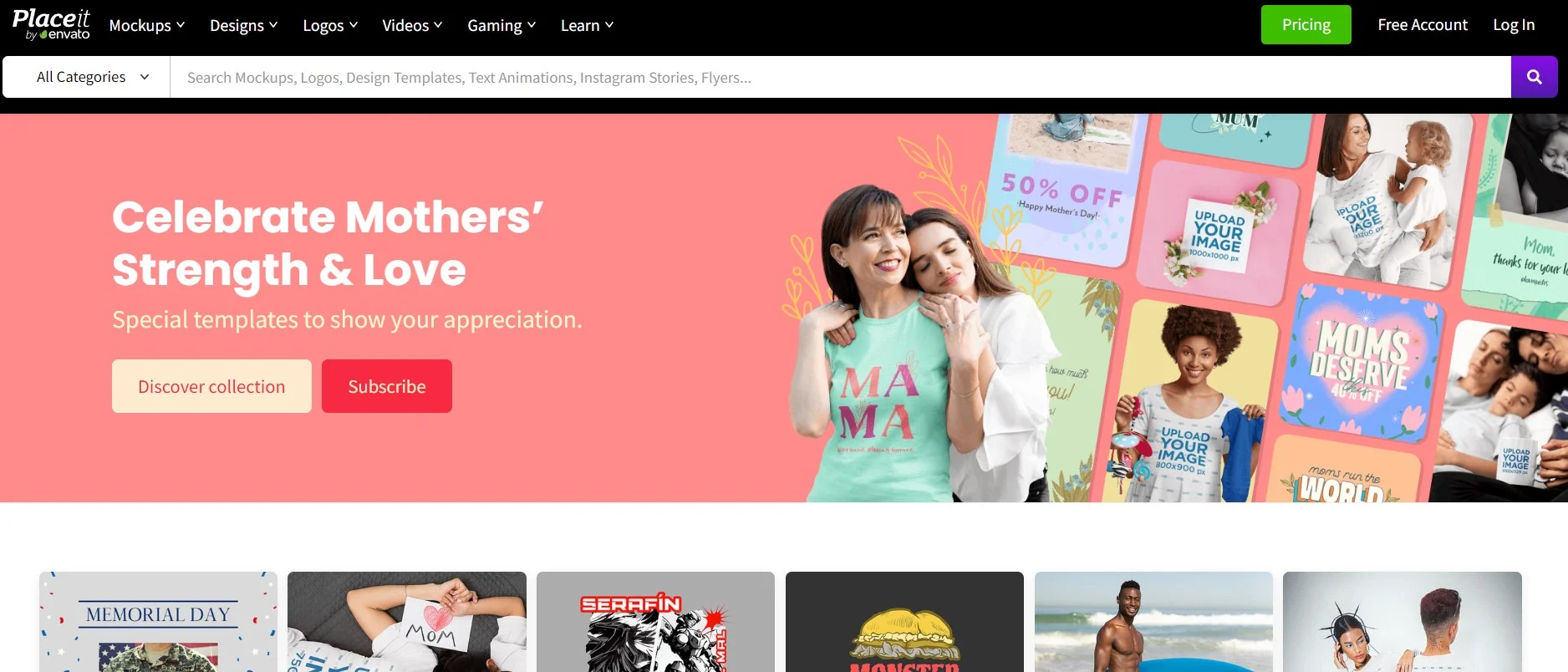
Placeit is a template library for mockups, logos, videos and designs, including a large set of business card templates. You pick a template, swap in your details in the browser and download.
Price: the Placeit pricing page lists Unlimited from $7.47 a month, billed yearly in USD, with commercial use. If you download any template, there’s a one-month minimum commitment.
Best for: sellers who also need product shots, since Placeit is one of the better mockup generator tools. Not ideal for: building a layout from scratch.
The catch: editing is template-bound. You change text, colors and images, not the structure.
Vistaprint: best if you want printed cards, not a file
Vistaprint is a printer first. Its business cards page lets you upload your own design or start from a template, and it sends a free sample kit if you want to feel the paper first.
Price (US): 50 standard cards for $10. Premium papers start at $18.99 for 100 and deluxe cards, such as plastic or painted edge, at $27.99 for 100.
Best for: anyone who needs a box of cards by next week. Not ideal for: readers outside its delivery regions, or anyone who wants a reusable design file.
The catch: the $10 deal is for 50 standard cards. Shapes like circles and ovals start at $39.99 for 50.
Dropped since the last update: Designs.ai. Its old Designmaker address now redirects to an AI image tool, and the site has become an AI agent workspace with credit-based plans.
We couldn’t find a business card template flow, so it no longer fits this list.
What most business card lists get wrong
They compare template counts and ignore the print file. Three things decide whether the card comes back right:
- Bleed: the background has to run past the trim line. Visme exports bleed marks; elsewhere, check the download options before you pay.
- File type: printers prefer PDF. Venngage only offers PDF on its Business plan.
- Size: a standard US card is 3.5 by 2 inches. Other countries use other sizes, so set the size before you design, not after.
Pick colors that print well, too. Our list of color palette sites for designers helps you find a pairing with enough contrast for small text.
How do you choose the right business card maker?
- Do you have a logo yet? If not, start with online logo design software or read our Looka review and Logome review.
- Is your logo a sharp vector file? A blurry PNG looks worse on paper. These vector graphics tools can redraw it.
- Does the card have a photo? Clean up the headshot first with one of these background remover tools.
- How many people need cards? One person: Canva Free or Pro. Two to ten: VistaCreate Pro.
- Do you want full design control? Template tools have limits. Our guide to Figma alternatives covers free canvas editors.
Business card maker FAQs
Is there a completely free business card maker?
Yes. Canva, Adobe Express and VistaCreate all have free plans with business card templates, and Adobe says its free plan needs no credit card. The limits are premium templates, brand kits and some download options. Visme and Venngage also have free plans, but they limit downloads more tightly.
What file should I send to a printer?
Send a PDF with bleed, set to the printer’s card size. Most print shops publish their own specs, so check them before you design. Visme exports a PDF with bleed marks. Venngage limits PDF export to its Business plan, and Vistaprint lets you design right in its own editor instead.
Can I design in Canva and print somewhere else?
Yes. Canva lets you download your business card design as well as order prints from the editor. Download the file and send it to any local or online printer. Check their bleed and size specs first so nothing important sits too close to the edge.
Is Canva Pro worth it just for business cards?
Usually not. The free plan has plenty of business card templates, and one card design rarely needs Pro’s premium assets. Pro, at US$144 a year, makes sense if you also make social posts, presentations or brand kits every week, since you get more than cards.
Which business card maker is best for a small team?
VistaCreate Pro is the cheapest paid option for a team: $10 a month on annual billing for up to 10 seats. Canva Business costs US$250 per person a year, so it only pays off if the team uses its collaboration and brand approval tools for more than cards.
Should I put a QR code on my business card?
A QR code is useful if it points to something better than your phone number, like a portfolio or booking page. Venngage includes a QR code generator on every plan, and Vistaprint sells QR code business cards. Test the code at actual print size before you order.
How many business cards should I order?
Start small. Vistaprint’s smallest standard order is 50 cards for $10 in the US, which is enough to test the paper, colors and layout. Order bigger batches once the design is final, since a new job title or phone number makes old cards useless.
What happened to Designs.ai?
Designs.ai is still online, but it no longer offers the business card maker this post used to cover. Its old Designmaker address redirects to an AI image tool, and its plans are now credit-based AI agent subscriptions starting at $9.90 a month billed annually.
Which business card maker should you pick?
For most people, it’s Canva: design on the free plan, then download or order prints. Pay for Pro only if you need it for more than one card.
Pick VistaCreate Pro if several people need cards, Visme if a clean print PDF matters most, and Vistaprint if you simply want cards in a box. Whichever you choose, check the bleed before you hit print.

[…] a brand? Make the mark with online logo design software, then print it with our business card maker picks. For rooms and furniture layouts, use dedicated interior design software […]
[…] the artwork is done, mockup generator tools show it on real products, and our business card maker roundup helps you print it. For floor plans and room layouts, interior design software with CAD tools is […]